How to add and update sideloaded Android apps with Obtainium
How to add and update sideloaded Android apps with Obtainium
https://www.androidauthority.com/obtainium-how-to-add-update-android-apps-3677522/
Publish Date: 2026-06-21 06:40:00
Source Domain: www.androidauthority.com
Andy Walker / Android Authority
You can find many of these apps on alternative app stores or code repositories like GitHub. Some of the apps are also available on the developer’s own websites. While downloading and installing such apps on your Android phone isn’t hard, keeping them updated is a chore. If you’re like me and have many non-Play Store apps installed on your Android phone, you’d know what I’m talking about.
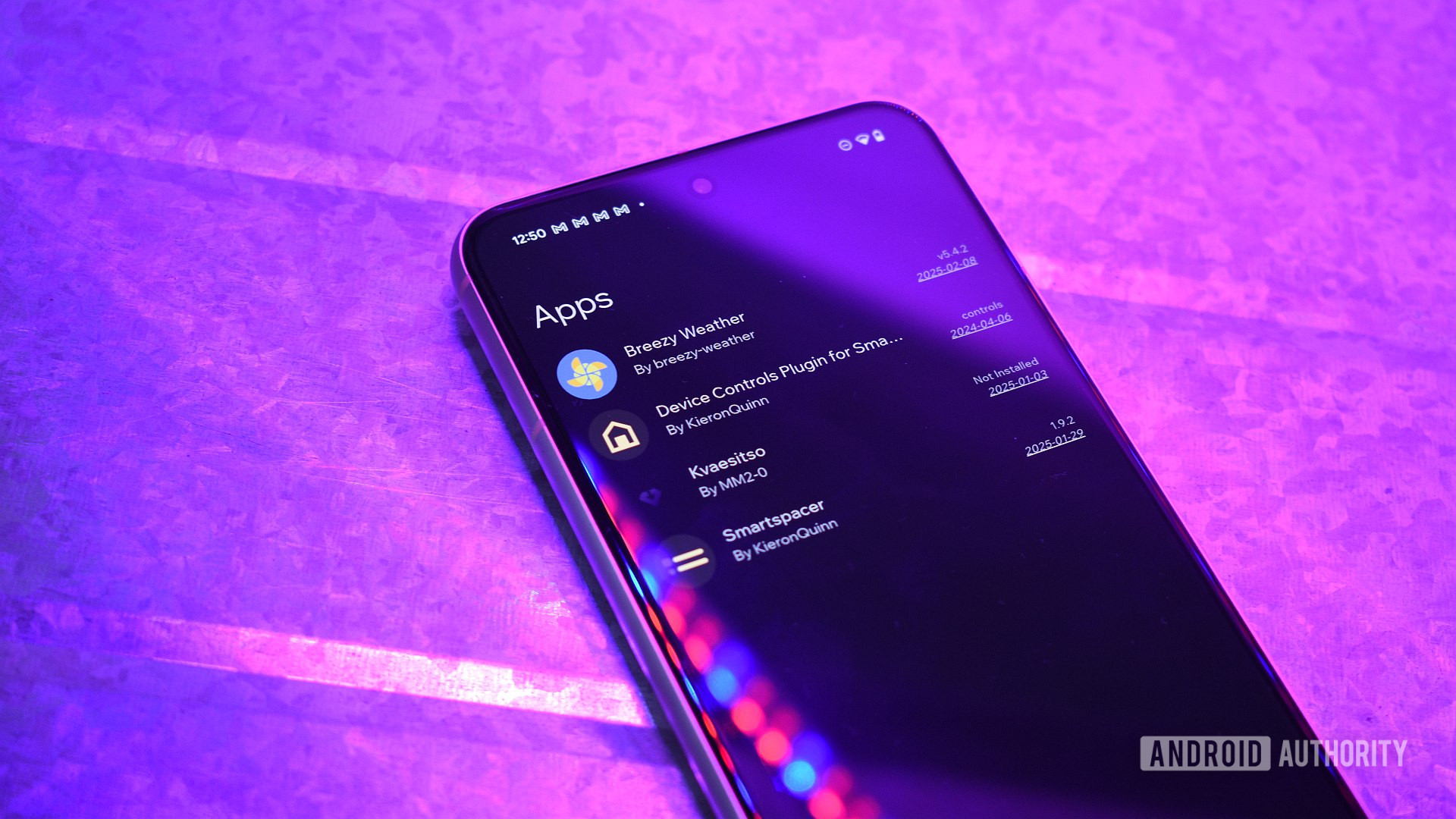
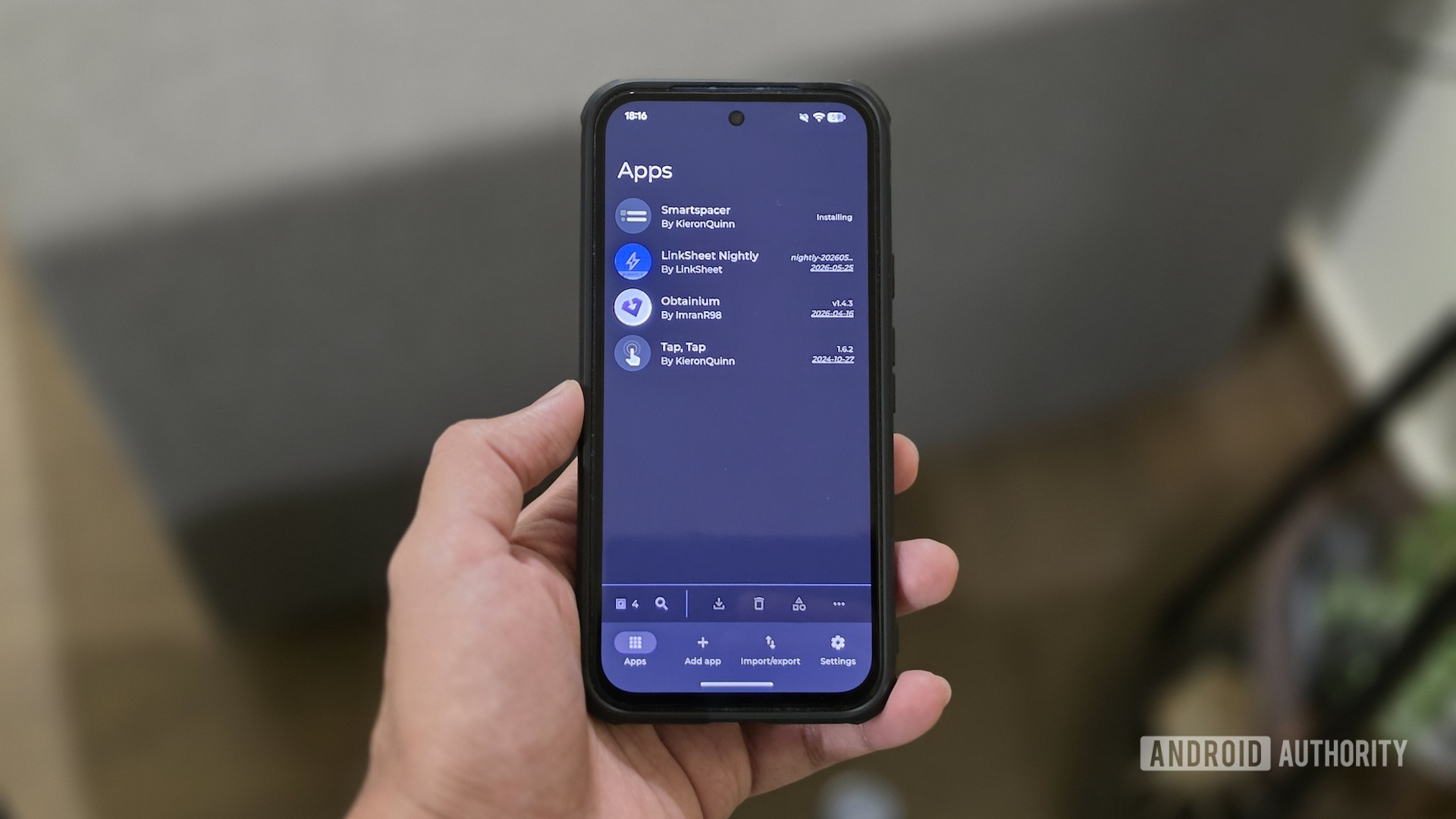
This is where Obtainium comes in. Obtainium is a free and open-source sideload manager that simplifies updating non-Play Store apps on Android. I’ve been using the Obtainium app on my Android phones for a while, and it has made my life so much easier.
What’s your preferred way of updating sideloaded apps on your Android phone?
0 votes
Manual (re-download)
NaN%
APKUpdater
NaN%
Obtainium
NaN%
I don’t have any sideloaded apps
NaN%
Obtainium makes updating sideloaded apps on Android effortless
Yash Wate / Android Authority
Depending on where you sideloaded an app on your Android phone from, you have a few ways to update it. If the app is from an alternative app store like F-Droid, you can update it in the same way you’d update an app downloaded from the Play Store. However, if you downloaded it from code repositories such as GitHub and GitLab, mirror sites such as IzzyOnDroid, or the developer’s website, the workflow is quite tedious.
First, you need to check for a new version of the app, which typically involves visiting the source (usually a web page), navigating multiple menus, and looking for an updated APK file. Then, if a new one’s available, you need to download the APK and install it. What’s annoying about this approach, though, is that you need to do it for every single non-Play Store app installed on your phone. Not to mention, you need to regularly check your sideloaded apps for new updates, which is a task in itself.
Obtainium takes most of the steps out of this process. All it requires is a one-time setup that involves adding…