How Many Monitors Can You Connect To A MacBook Pro?
How Many Monitors Can You Connect To A MacBook Pro?
https://www.bgr.com/2211698/how-many-monitors-can-you-connect-to-macbook-pro/
Publish Date: 2026-07-14 11:17:00
Source Domain: www.bgr.com
José Adorno/Static Media
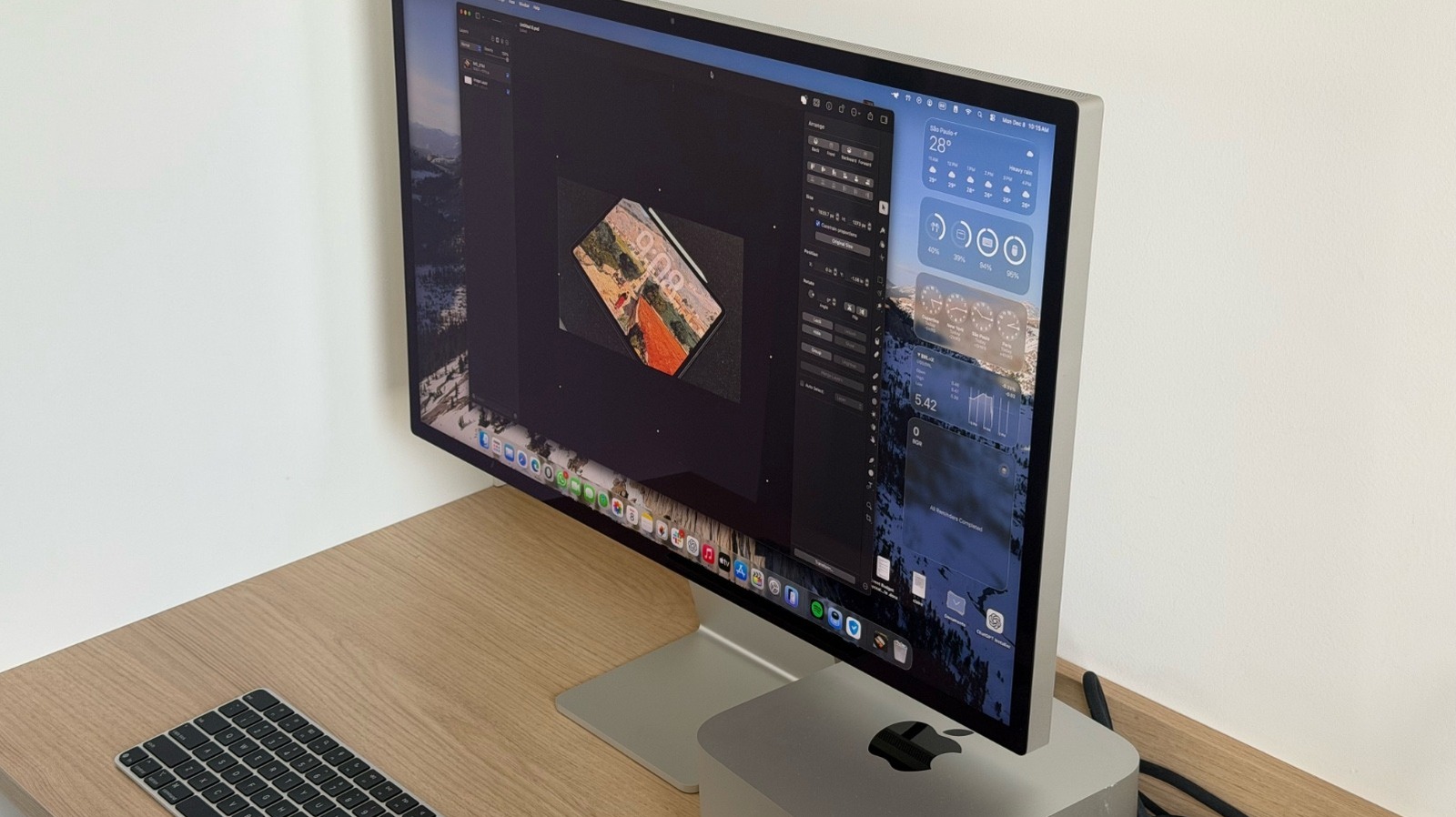
The MacBook Pro offers one of the best displays in the laptop market. It’s sharp, crisp, bright, and color-accurate. However, that doesn’t mean the 14-inch or 16-inch options available on current models are enough to satisfy all customers. This is why Apple, like many other computer manufacturers, offers support for multiple external displays. While you can check how many displays an Intel Mac can support on the Apple website, we’re taking into account Apple silicon models, ranging from the M1 MacBook Pro released in late 2020 to the M5 Max MacBook Pro released in early 2026. That said, the answer could vary from one 6K display to supporting up to four monitors with that resolution at once, depending on your Mac.
Still, depending on the resolution, you might be limited in the number of displays you can connect. For example, the M5 Max MacBook Pro can connect to one display up to native 8K resolution at 60 Hz, 5K at 120 Hz, or 4K at 240 Hz over Thunderbolt or HDMI. However, if you want to connect four external displays, Apple limits them to 6K at 60 Hz or 4K at 144 Hz over Thunderbolt or HDMI. For the M5 Pro, Apple limits it to up to three external displays at 6K at 60 Hz. You can check exactly which model you have and how many external monitors you can connect here.
What are the best monitors for the MacBook Pro?
…
Source