How To Get The Best Audio Out Of Your MacBook Pro
How To Get The Best Audio Out Of Your MacBook Pro
https://www.bgr.com/2206377/how-to-get-best-audio-out-of-macbook-pro/
Publish Date: 2026-07-06 15:47:00
Source Domain: www.bgr.com
Golfcphoto/Getty Images
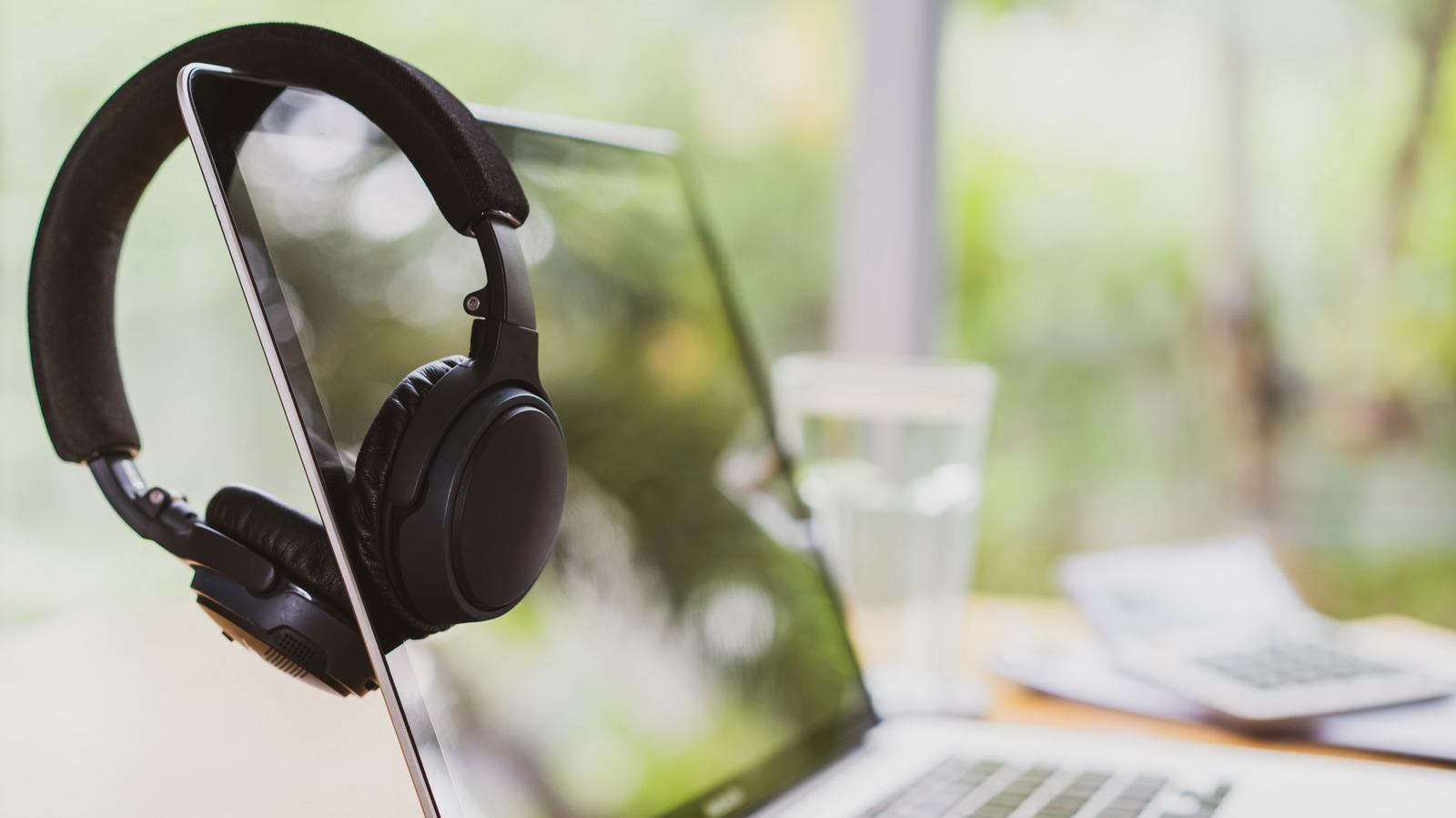
Getting the best possible audio from a device doesn’t have to be a goal only for audiophiles. For example, the M5 MacBook Pro sports six high-fidelity speakers with force-canceling woofers, and that’s not even including external speaker or headphone options. There can be some disadvantages to buying a MacBook, but audio options typically won’t be one of them. However, those looking to get the most out of their MacBook need to know a couple of things.
A MacBook Pro user likely knows that the F11 and F12 keys can lower or raise the volume on your system, but there are additional settings that are also worthy of your attention. In addition to setting the audio output on your MacBook, Apple has included options to balance the audio or mute it entirely. Some third-party tools may also help tweak certain settings, but Apple includes this tool in its Music app.
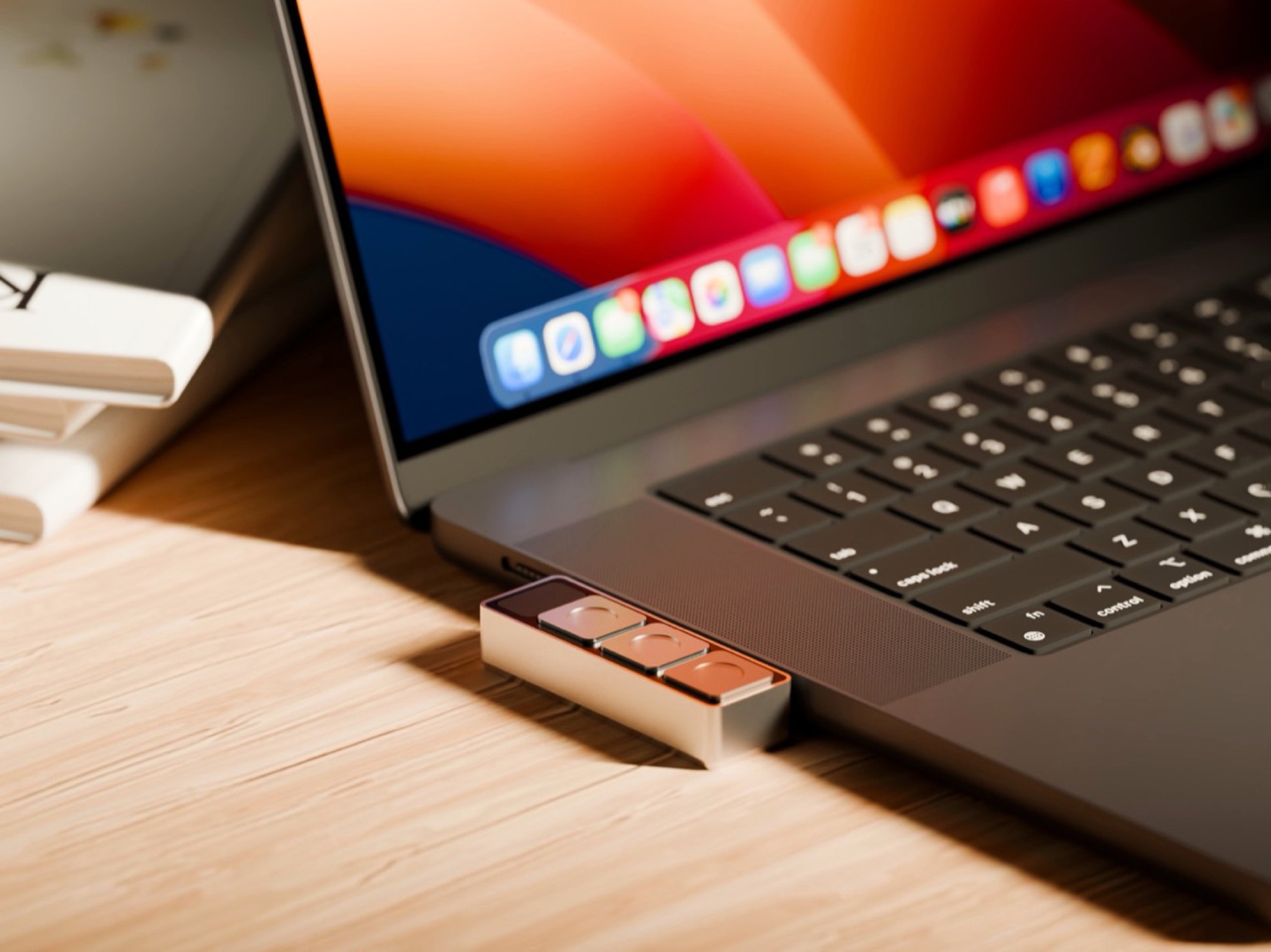
If you’re really looking to boost the audio on your device, it may be time to consider some higher-end options. For example, a portable digital-to-analog converter (DAC) can be a great way to level up a device via its USB-C port, serving as a good introduction to high-resolution audio. Of course, how you want something to sound is ultimately up to you, so check out these MacBook Pro audio options to see if any of them can make your sound a little sweeter.
How to adjust audio on a MacBook Pro
…
Source