OpenClaw’s official app is finally here, but it’s off to a rough start
OpenClaw’s official app is finally here, but it’s off to a rough start
https://www.androidauthority.com/openclaw-android-ios-app-launch-3682683/
Publish Date: 2026-06-29 23:54:00
Source Domain: www.androidauthority.com
Adamya Sharma / Android Authority
TL;DR
- OpenClaw has released official companion apps for Android and iOS.
- The Android app lets you chat with your AI assistant, use voice mode, approve actions, and enable automations through your OpenClaw Gateway.
- While users are excited about the launch, many early adopters are criticizing the app’s design, pairing process, and overall polish.
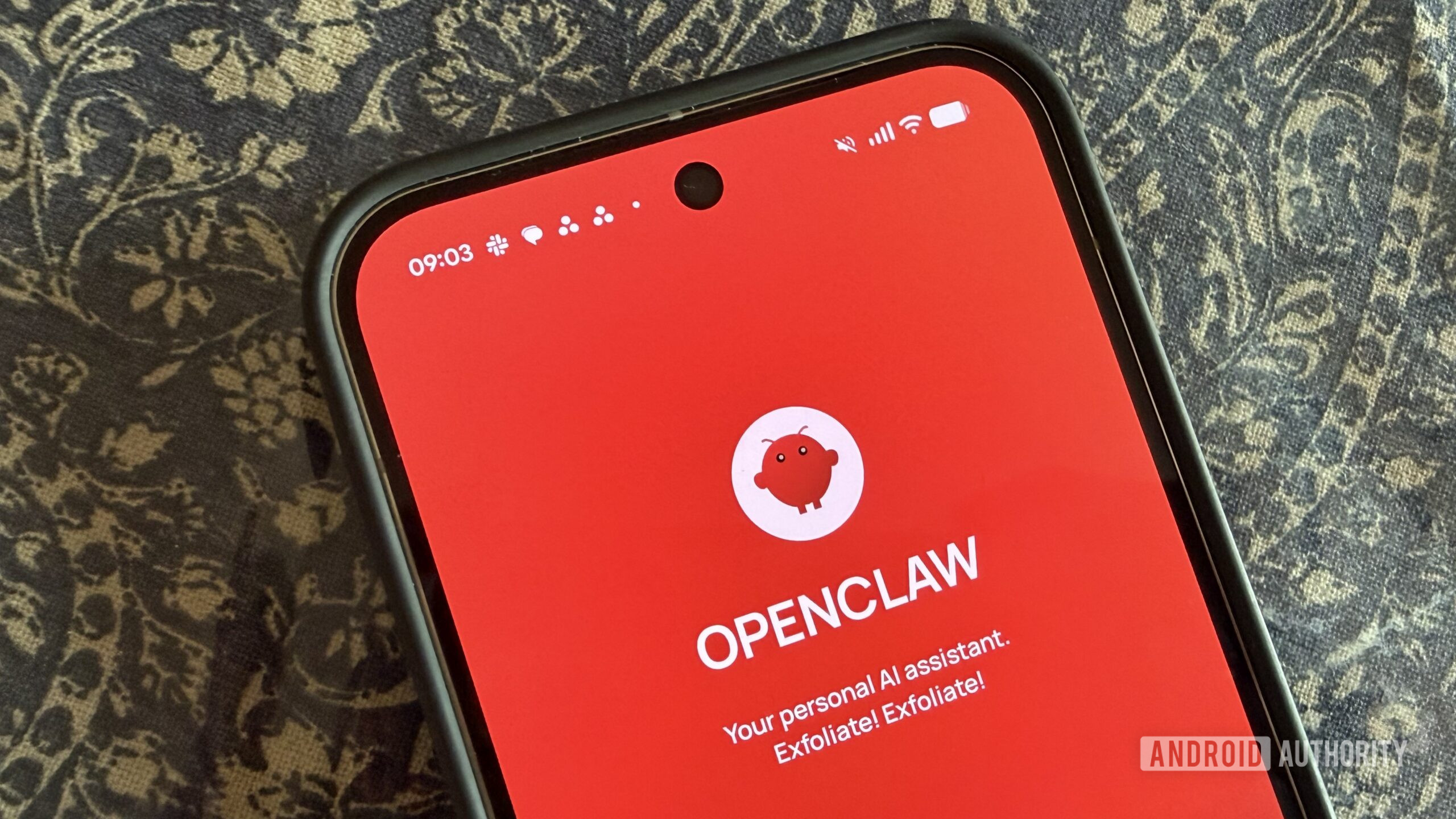
After months of anticipation, OpenClaw has officially launched its Android and iOS apps, giving users a native way to interact with the AI assistant from their phones. Unfortunately, the debut hasn’t exactly gone according to plan, and many early users are criticizing everything from the app’s interface to its setup process.
If you haven’t heard of OpenClaw before, it’s an open-source AI assistant that runs on your local machine or a cloud server. Rather than connecting to a hosted chatbot, the Android app pairs with your own OpenClaw Gateway, allowing your phone to act as a companion for your AI assistant.
According to the Play Store listing, the app lets you pair with your private OpenClaw Gateway using either a QR code or a setup code. Once connected, you can chat with your assistant from your phone, use a real-time Talk mode with push-to-talk support, review and approve actions requested by your Gateway, and receive push notifications and status updates for connected workflows.
The app can also access your Android phone’s features, such as the camera, screen, location, and notifications, if you choose to grant those permissions. OpenClaw says it’s “local-first,” meaning users remain in control of their Gateway, encryption keys, configuration, and permissions, while device access is managed through Android’s standard permission system.
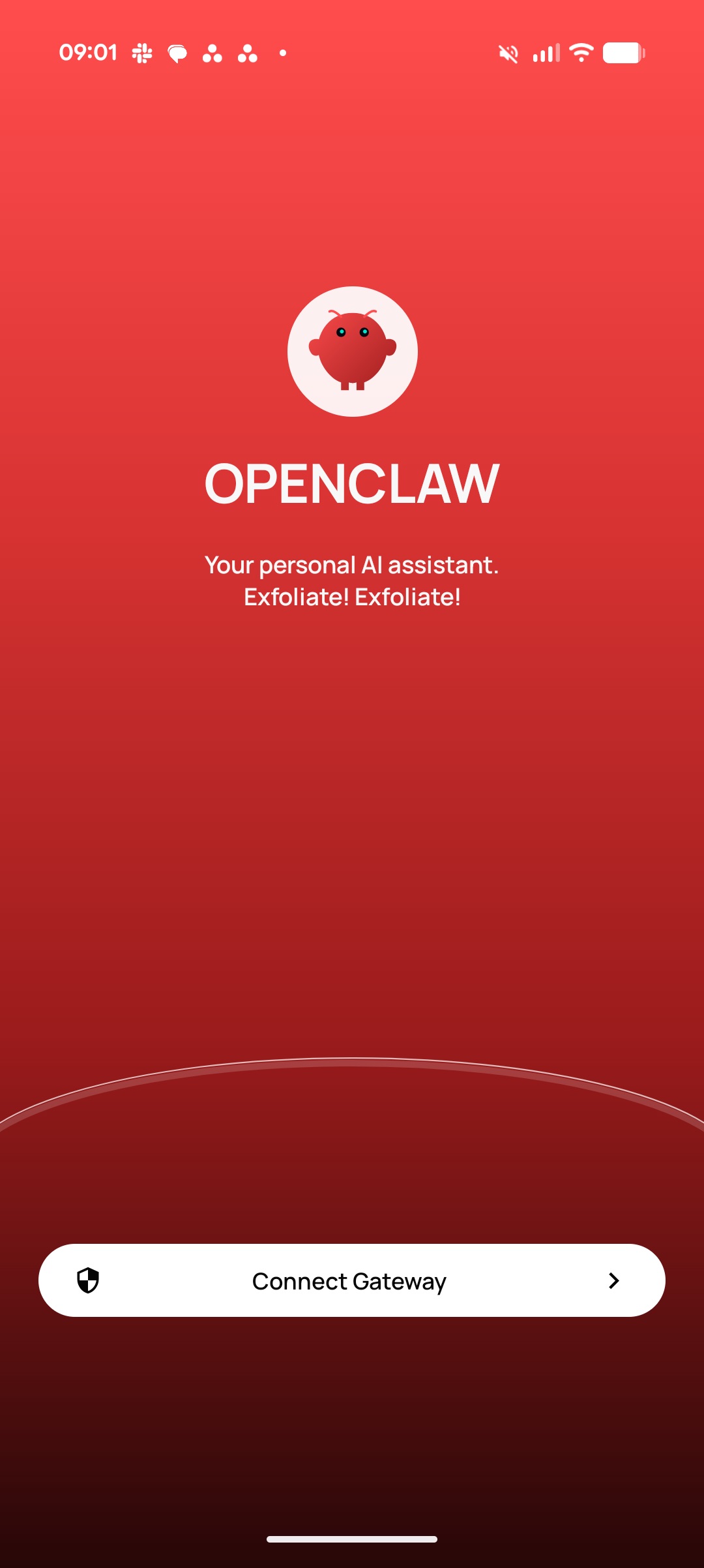
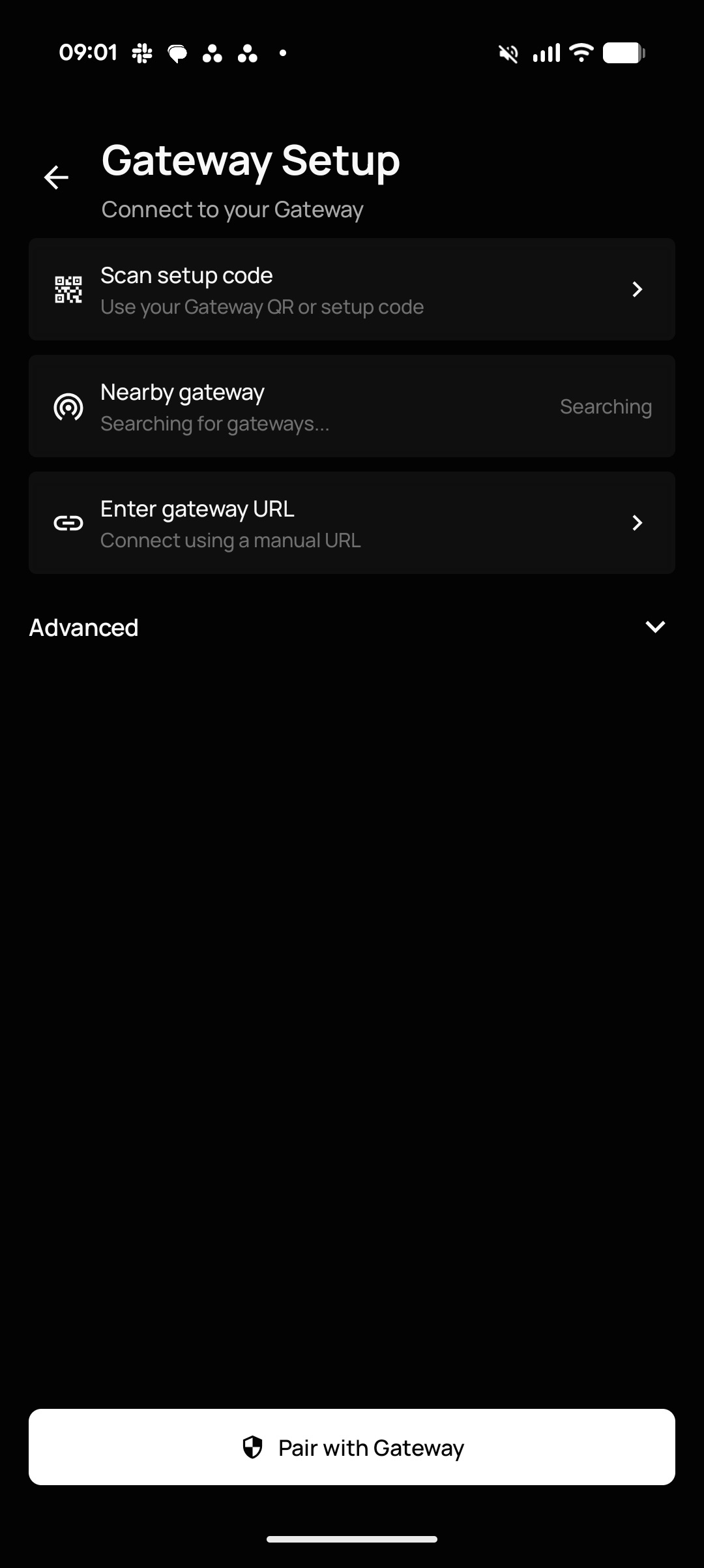
Getting started with the OpenClaw app is fairly straightforward. You have to set up your OpenClaw Gateway, pair the Android app with it, and then begin using chat, Talk mode, approvals, and automations from your phone.
However,…