Your Samsung Galaxy has a hidden multitasking trick that beats Android 17’s new App Bubbles
Your Samsung Galaxy has a hidden multitasking trick that beats Android 17’s new App Bubbles
Publish Date: 2026-06-29 17:00:00
Source Domain: www.howtogeek.com
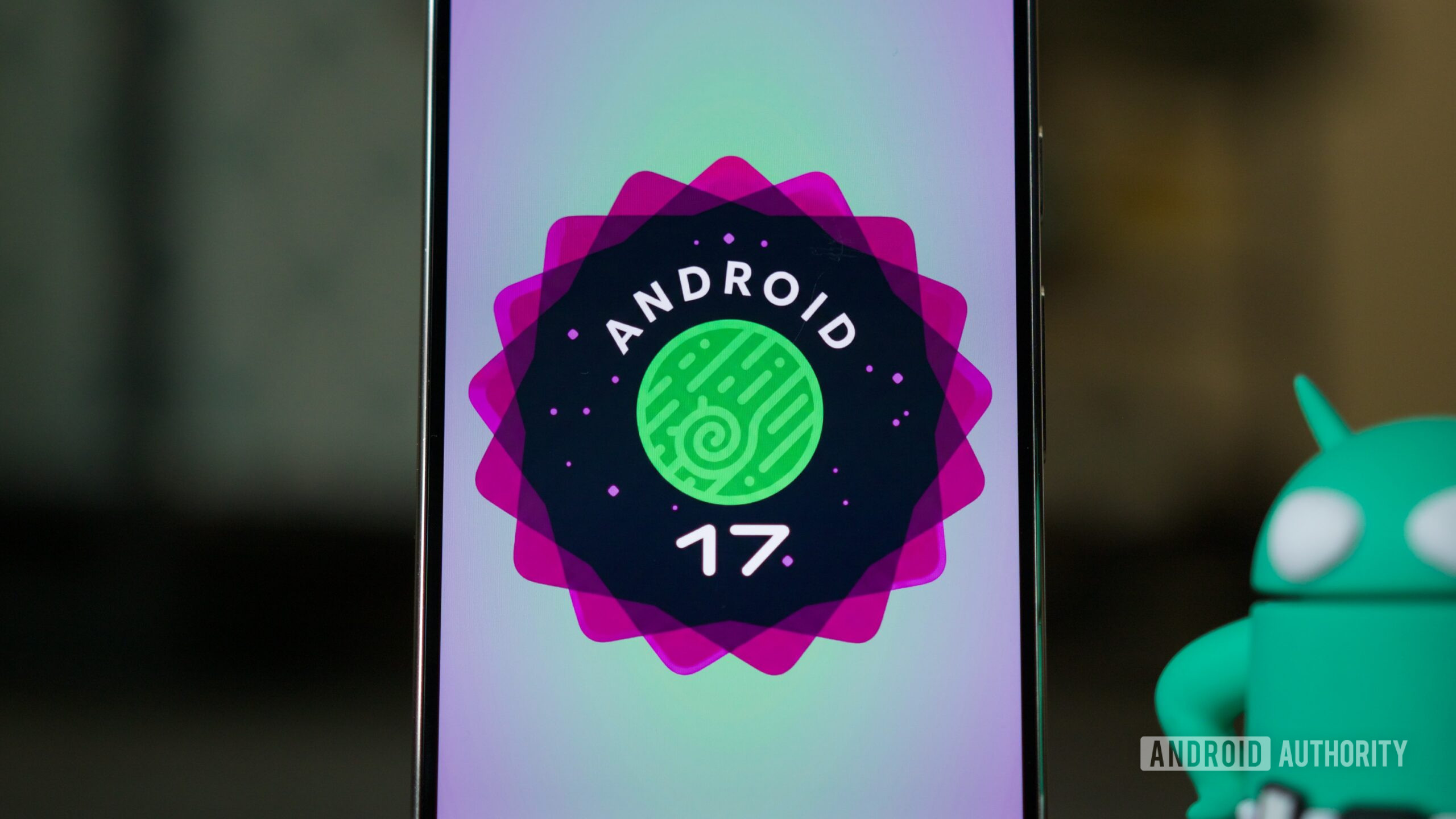
The biggest user-facing feature in Android 17 is App Bubbles. It’s a brand new way to multitask—well, it’s brand new if you’re a Pixel owner. Samsung has beaten Google to countless ideas over the years, and App Bubbles is just the latest.
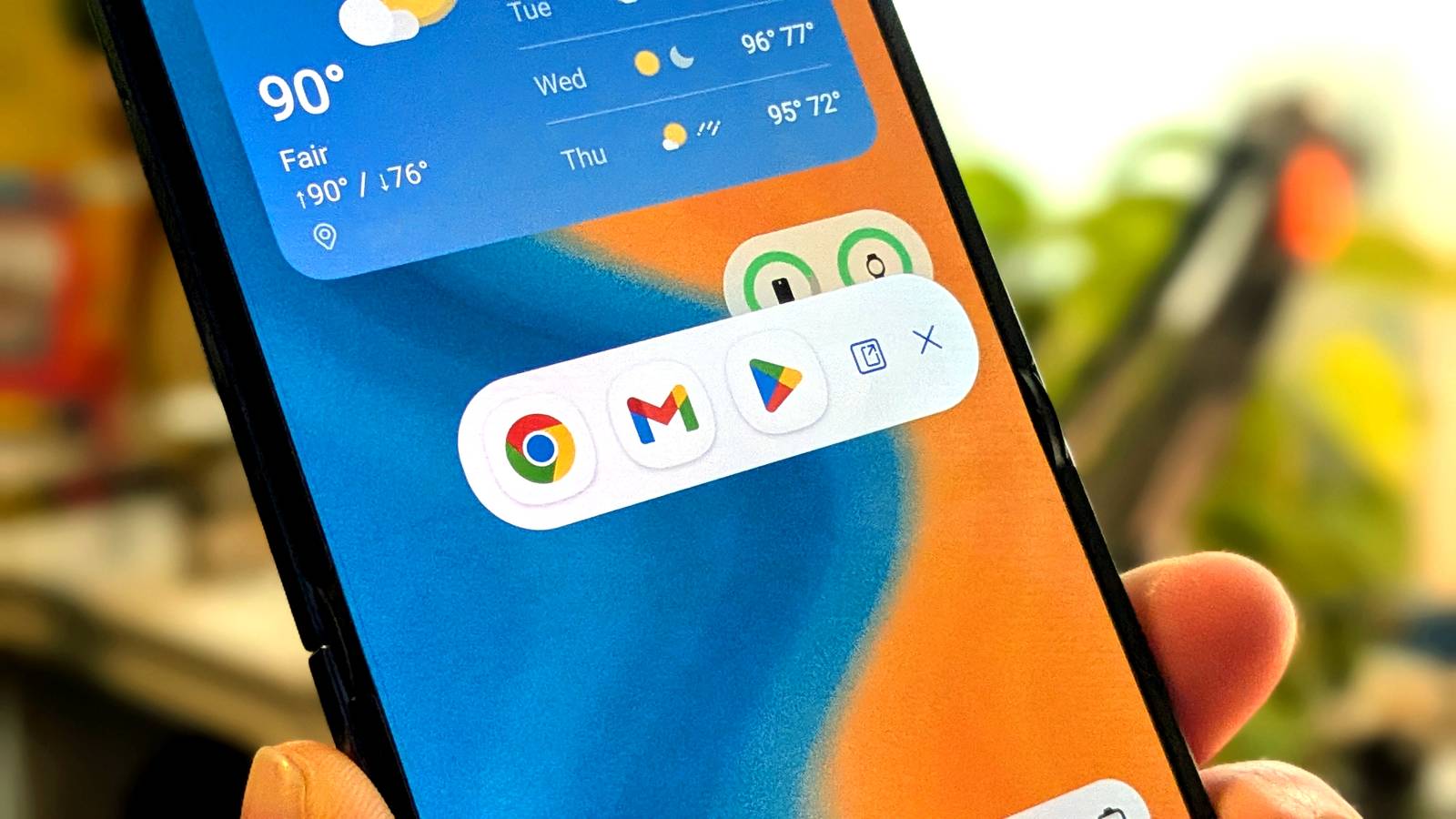
Unfortunately, while Galaxy phones have tons of excellent features, Samsung isn’t the best at making owners aware of them. “Pop-Up View” is essentially Samsung’s version of the new App Bubbles feature in Android 17. It’s enabled by default and just waiting to be used, but there are some tricks and extras you should know about.
Samsung thought of it over a decade ago
Pop-up view has been around for a while
Credit: Joe Fedewa / How-To Geek
App Bubbles in Android 17 is getting all the attention right now, but Samsung released a similar idea over a decade ago. The Galaxy S3 and S4 in the early 2010s included the beginnings of the concept, but the implementation we have today arrived with the Galaxy S7 series in 2017.
Over the years, pop-up view has slowly evolved and improved. Features that were only available through Good Lock modules have made their way to the main settings. It’s easy to launch with gestures, and much more customizable than App Bubbles.
Samsung offers multiple methods for putting apps into pop-up view. Unlike Google’s implementation on Pixel phones, you don’t have to use the stock launcher in order to use it, either….