What you need to know about privacy and data protection on the Samsung Galaxy S26
What you need to know about privacy and data protection on the Samsung Galaxy S26
Publish Date: 2026-06-24 09:18:00
Source Domain: www.tomsguide.com
Smartphones hold more personal data than ever, but most of us don’t actively think about privacy until something feels off. Whether it’s a spam message you almost tapped or a suspicious call, those moments remind you how exposed your everyday data can be.
With the Samsung Galaxy S26 Ultra, privacy features are built into the experience instead of feeling like add-ons. From keeping on-screen content visible only to you to protecting data across apps and filtering unwanted calls, the phone focuses on practical, everyday security.
Here’s a closer look at how these features work and how they help protect your sensitive information without making things complicated.
TLDR:
- Privacy Display1 limits visibility so others can’t easily see what’s on your screen.
- Samsung Knox2 protects data across apps, files, and system processes in the background.
- Call Screening3 reduces unwanted calls by identifying and filtering spam.
- Galaxy S26 Ultra’s security features don’t require constant toggling or management.
Are there any features on the Galaxy S26 Ultra that protect your screen in public?
(Image credit: Samsung)
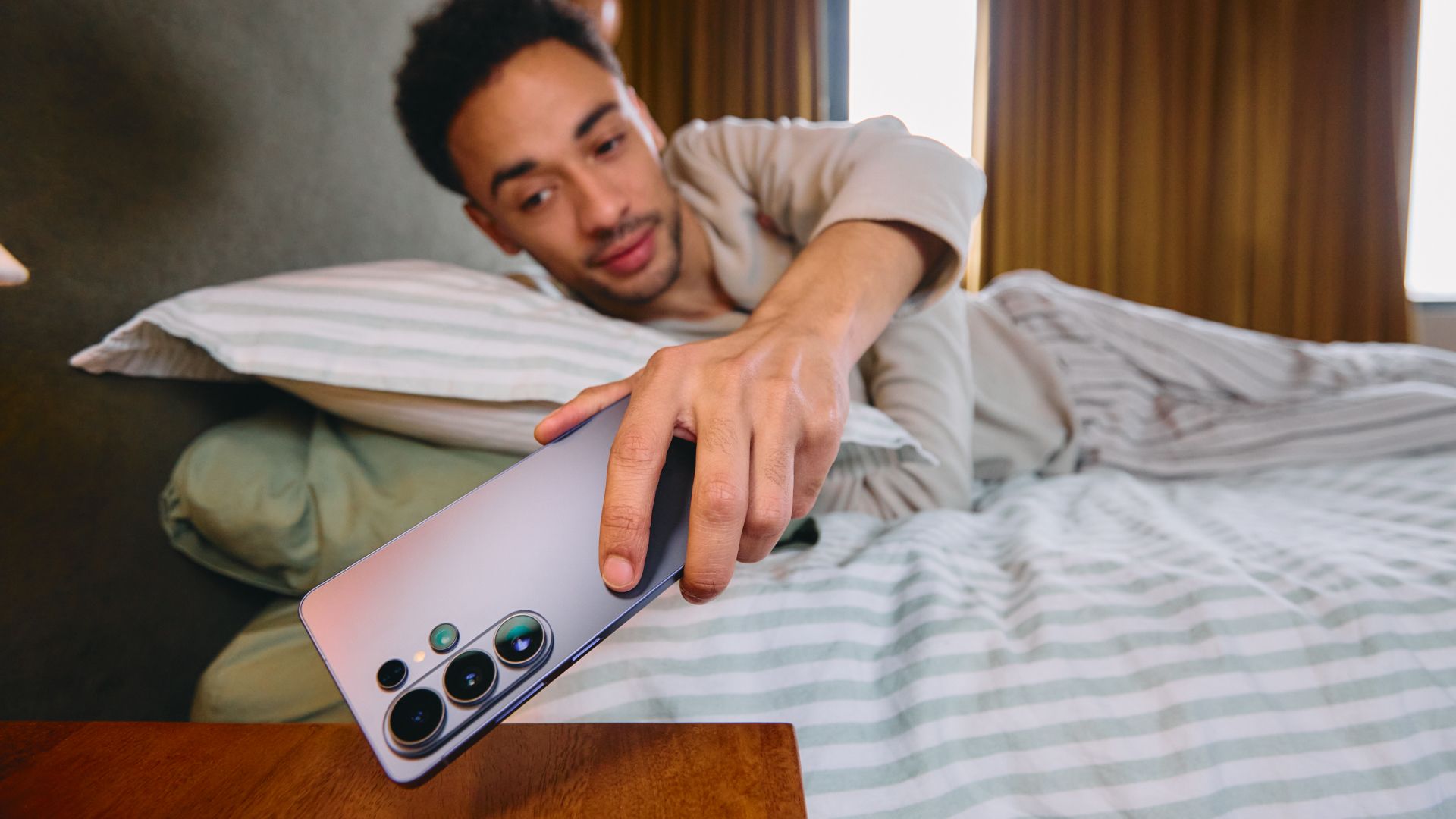
This is probably one of the most noticeable privacy features on the Galaxy S26 Ultra. The phone comes with a built-in Privacy Display1 that limits how much of your screen is visible from side angles. When it’s enabled, the display looks completely normal to you, but appears dim or unreadable to the person next to you.
What makes it more useful than a typical privacy screen protector is that it’s built into the display itself and can be customized. You can enable it for the entire screen, or just for specific apps and moments, like when you’re entering passwords or checking notifications.
In real-world use, this means you can check messages, emails, or even banking apps in public places like a train or a café without worrying about someone peeking at your screen, while still being able to use your phone normally the rest of the time.