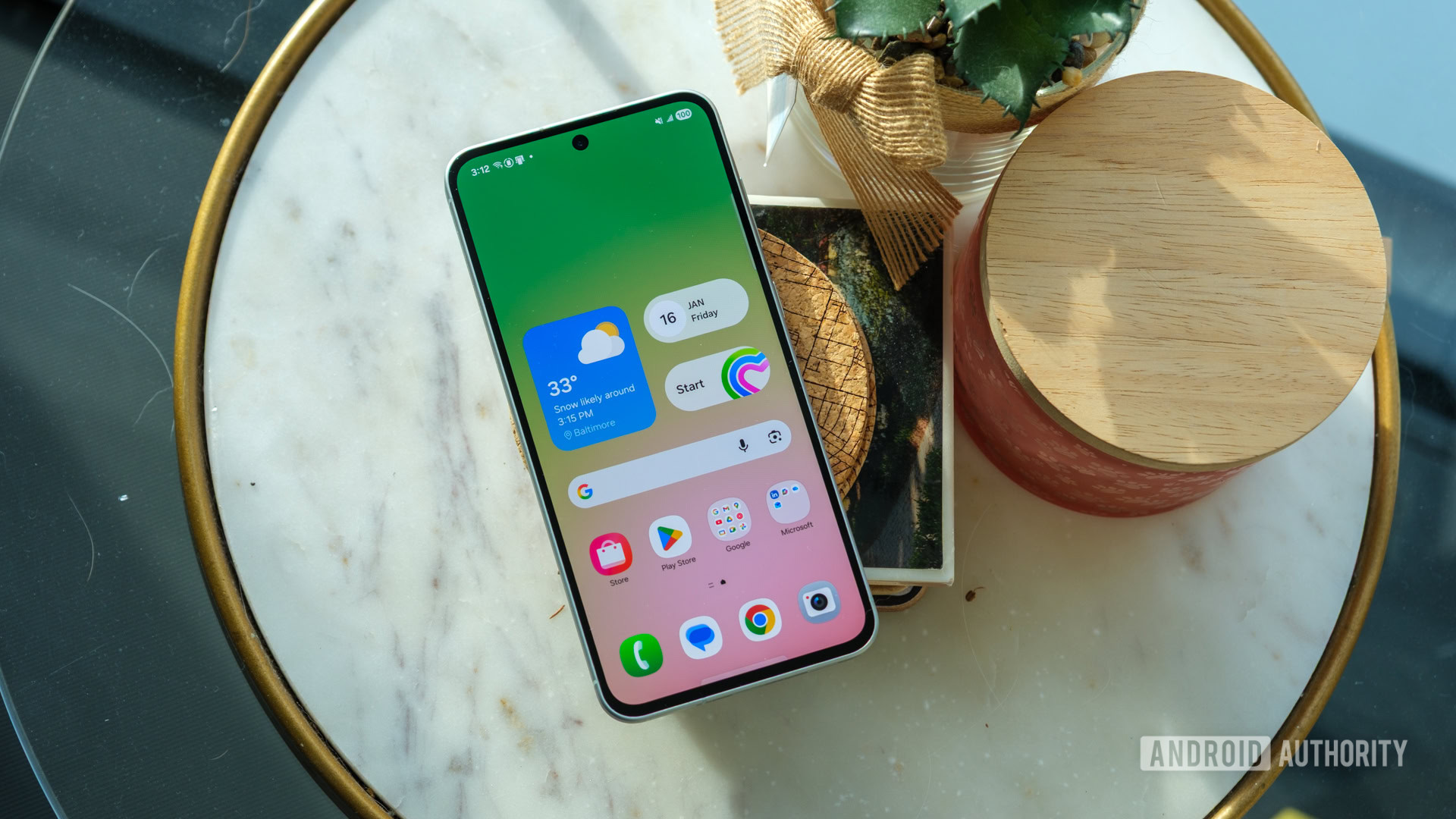
Can an Android tablet replace a desktop screen? I spent a week working with one
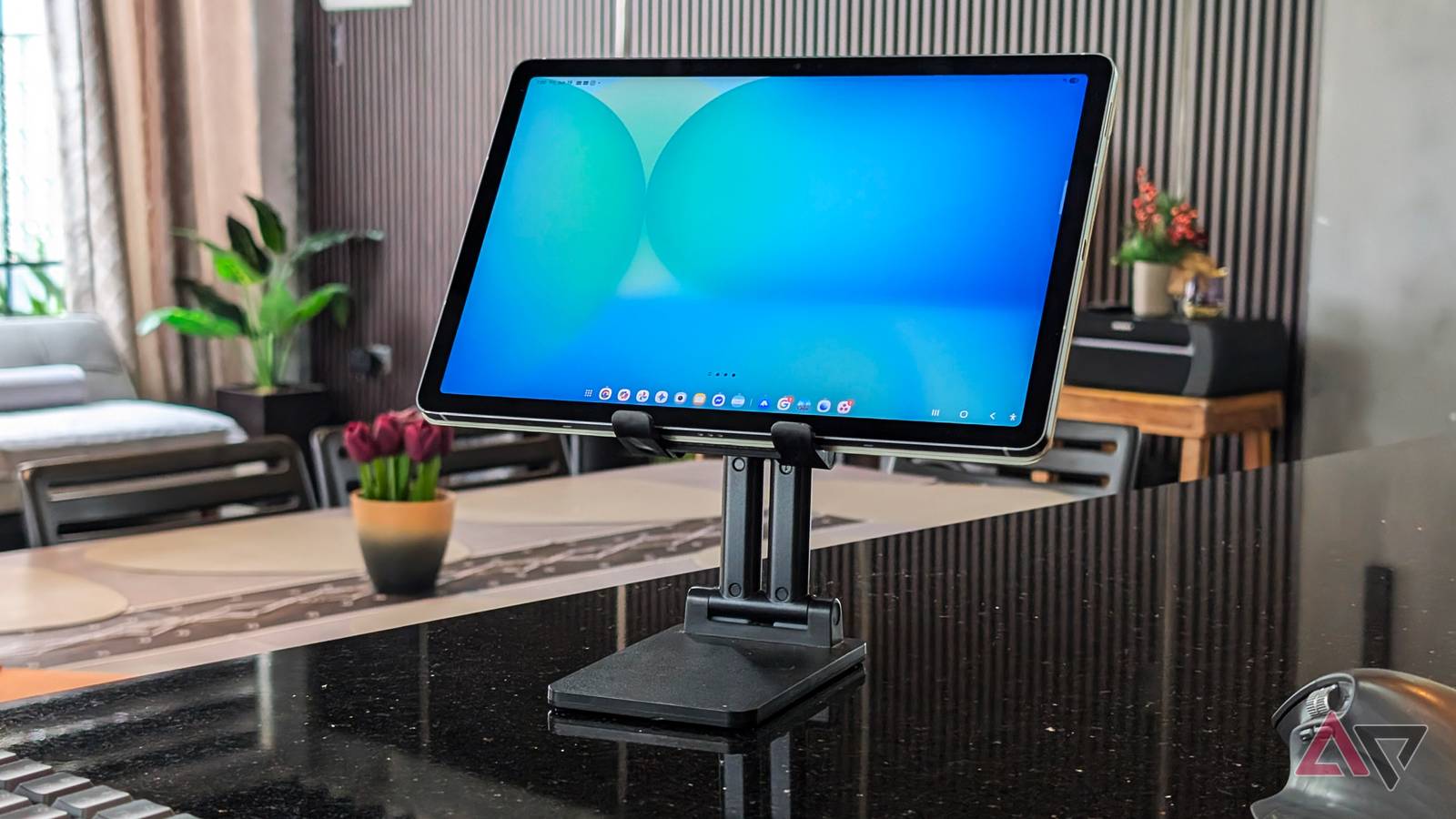
Can an Android tablet replace a desktop screen? I spent a week working with one
https://www.androidpolice.com/android-tablet-replace-desktop-screen-i-spent-working-one/
Publish Date: 2026-06-23 06:00:00
Source Domain: www.androidpolice.com
Before I bought my Samsung Galaxy Tab S10 FE, my tablet history was basically nonexistent.
My last slab was an ancient Galaxy Tab S2 from a decade ago. It lasted a few months before I realized it wasn’t adding any real value to my routine.
I already had a capable laptop and an oversized Xiaomi phone at the time.
Back then, my biggest gripe was that Android tablets were just oversized smartphones. They lacked the practical features needed to improve my daily productivity — especially in software.
Sure, slabs and large-screen devices give you more screen real estate, better stylus support, and decent speakers. But for me, that wasn’t enough to justify buying one.
That changed last year when I needed a larger screen for streaming my favorite series and anime and handling some documents while on the go.
I bought the Galaxy Tab S10 FE fully expecting it to remain as it is for that purpose. But I was wrong.
The turning point was discovering the built-in Samsung DeX mode (the on-device version, not the wireless option) and realizing how reliable the entire system felt.
After briefly testing it to manage my daily workflow, I realized Samsung had built a surprisingly capable desktop-like environment that rivals Windows.
Usually, I’d only use it for a day or two a week. But recently, I decided to use it as my primary machine for an entire week, and it didn’t disappoint.
Related