I stopped my phone from constantly opening Gemini by tweaking this specific setting

I stopped my phone from constantly opening Gemini by tweaking this specific setting
https://www.androidpolice.com/stop-phone-from-opening-gemini-setting/
Publish Date: 2026-06-19 12:15:00
Source Domain: www.androidpolice.com
I’m probably showing my age here, but I still think the power button should primarily be for power controls.
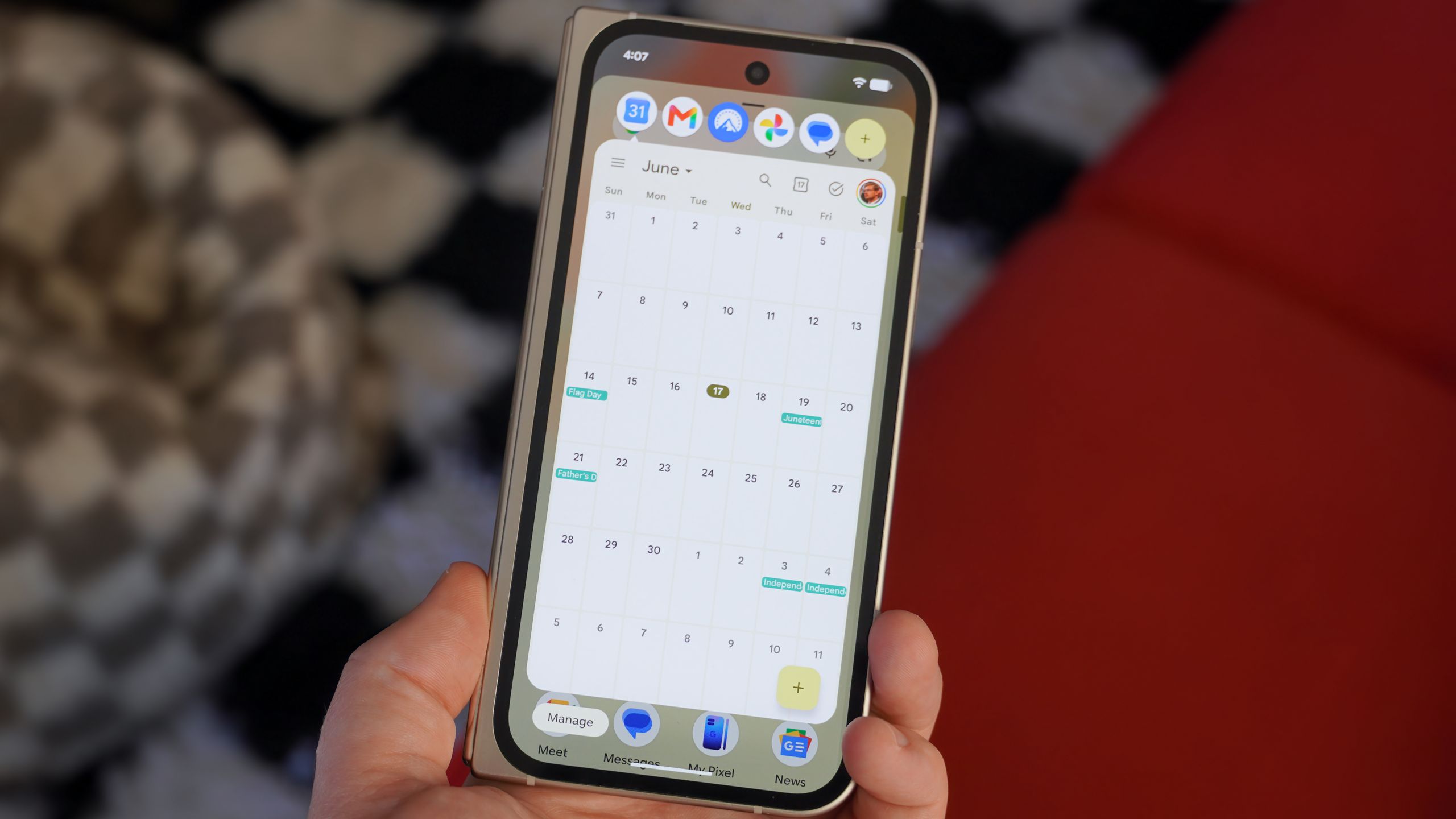
Over the past few years, Android phones have slowly turned the power button (which I still stubbornly call the lock button) into a shortcut for voice assistants and, more recently, Gemini.
The idea sounds reasonable on paper. Hold the button, ask a question, get an answer.
In practice, though, I’ve found myself accidentally launching Gemini far more often than I’ve intentionally used it. I’ll restart my phone or turn it off, only to have Gemini suddenly pop up asking how it could help.
The issue hasn’t been a big enough annoyance to make me stop using Gemini altogether, but it happened often enough that I eventually went looking for a fix.
Fixing the problem only took a few seconds after I found the setting that was responsible.
Related
5 simple ways to supercharge your Android with Google Gemini
The Google Assistant killer?