I replaced my computer with the Galaxy S26 and DeX, and it was great
I replaced my computer with the Galaxy S26 and DeX, and it was great
https://www.androidauthority.com/replacing-computer-with-galaxy-26-samsung-dex-3669138/
Publish Date: 2026-05-30 09:04:00
Source Domain: www.androidauthority.com
Mishaal Rahman / Android Authority
I’ve always liked the idea of Samsung DeX more than the thought of actually using it. Turning a phone into a desktop computer sounds incredibly cool, but to me, it always felt like one of those features designed to impress people during demos rather than something you could actually count on every day.
So naturally, I decided to do the dumb thing and use Samsung DeX as my only computer for a week. I ditched my laptop and worked with nothing but my Galaxy S26, a monitor, and a handful of accessories. I expected frustration and maybe a little regret, too. Instead, I ended up having way more fun than I anticipated.
Could you replace your laptop with Samsung DeX for a week?
2 votes
Yes, easily
100%
Maybe for basic work
0%
Only as a backup
0%
Absolutely not
0%
Samsung DeX is good enough for most things I need
Pankil Shah / Android Authority
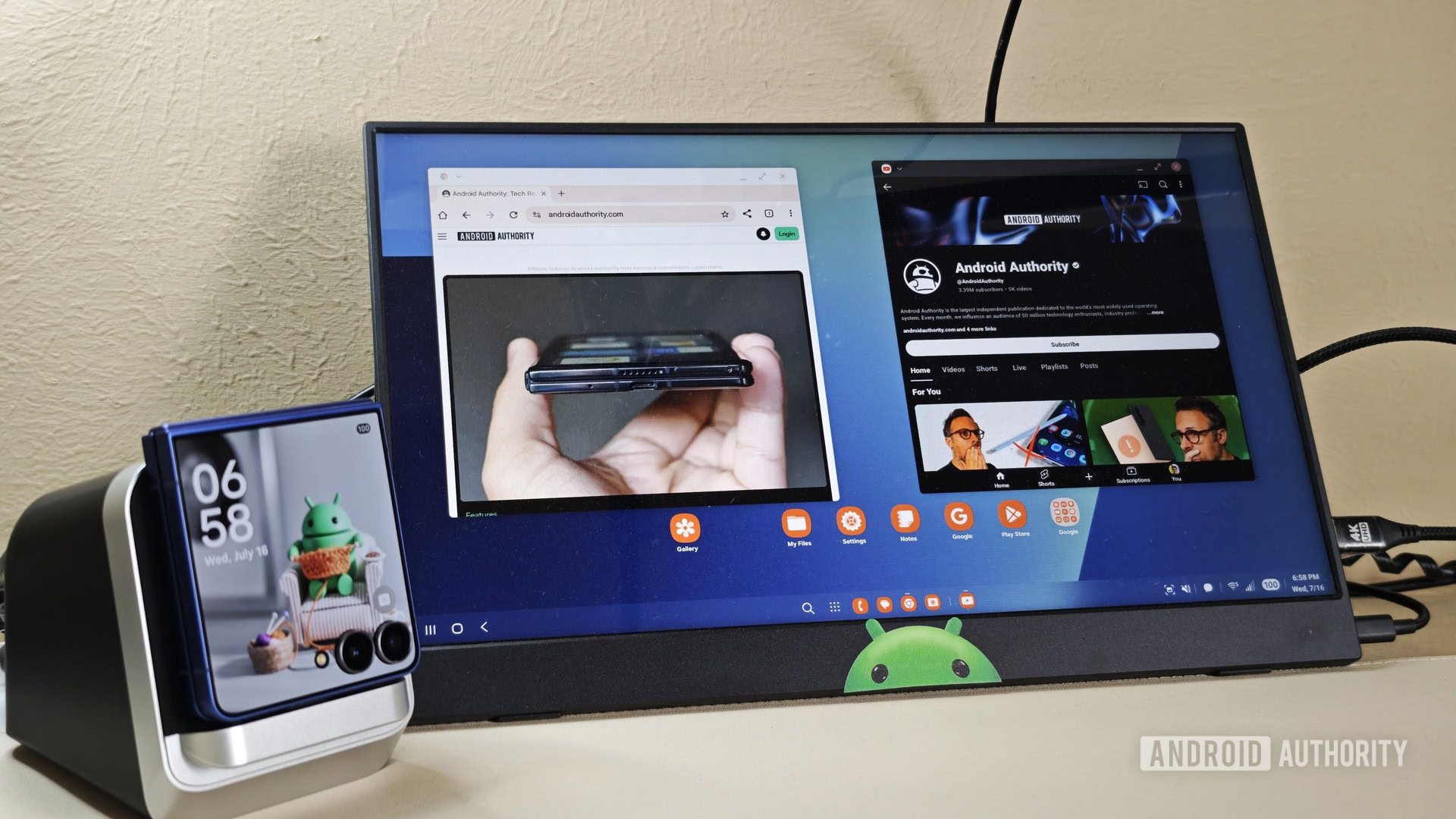
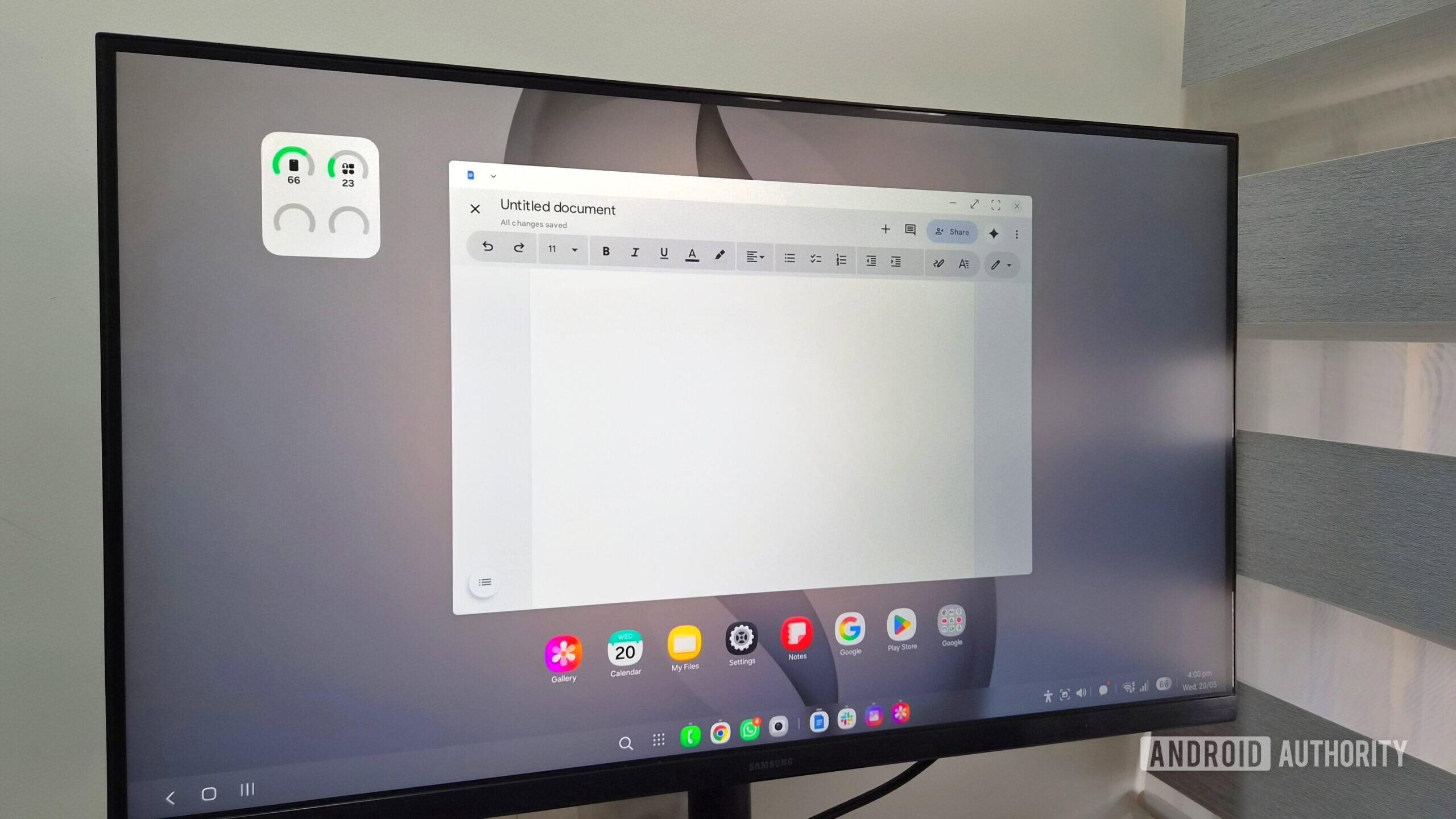
Having spent a week with Samsung DeX, I can tell you that the experience isn’t all that different from using a regular PC. There’s a taskbar for switching between apps and managing quick settings, a launcher menu for opening apps, and a desktop that can be customized with widgets. DeX also supports window snapping, so you can snap apps to the left or right side of the screen — something I do all the time on my Windows laptop while multitasking.
What I liked most about DeX, though, is that I don’t have to deal with the usual syncing headaches that come with switching between devices. Since it’s essentially the same phone powering everything, all my apps, files, photos, accounts, and even browser tabs are already there when I switch to work mode.
The only thing I consistently missed while using Samsung DeX was my browser extensions.
Being a writer, most of my work happens inside a browser, so I rarely feel limited with Samsung DeX. Writing, researching, editing documents, managing tabs, and even hopping between Slack and email all worked quite well. At times, I almost forgot I was using my phone…