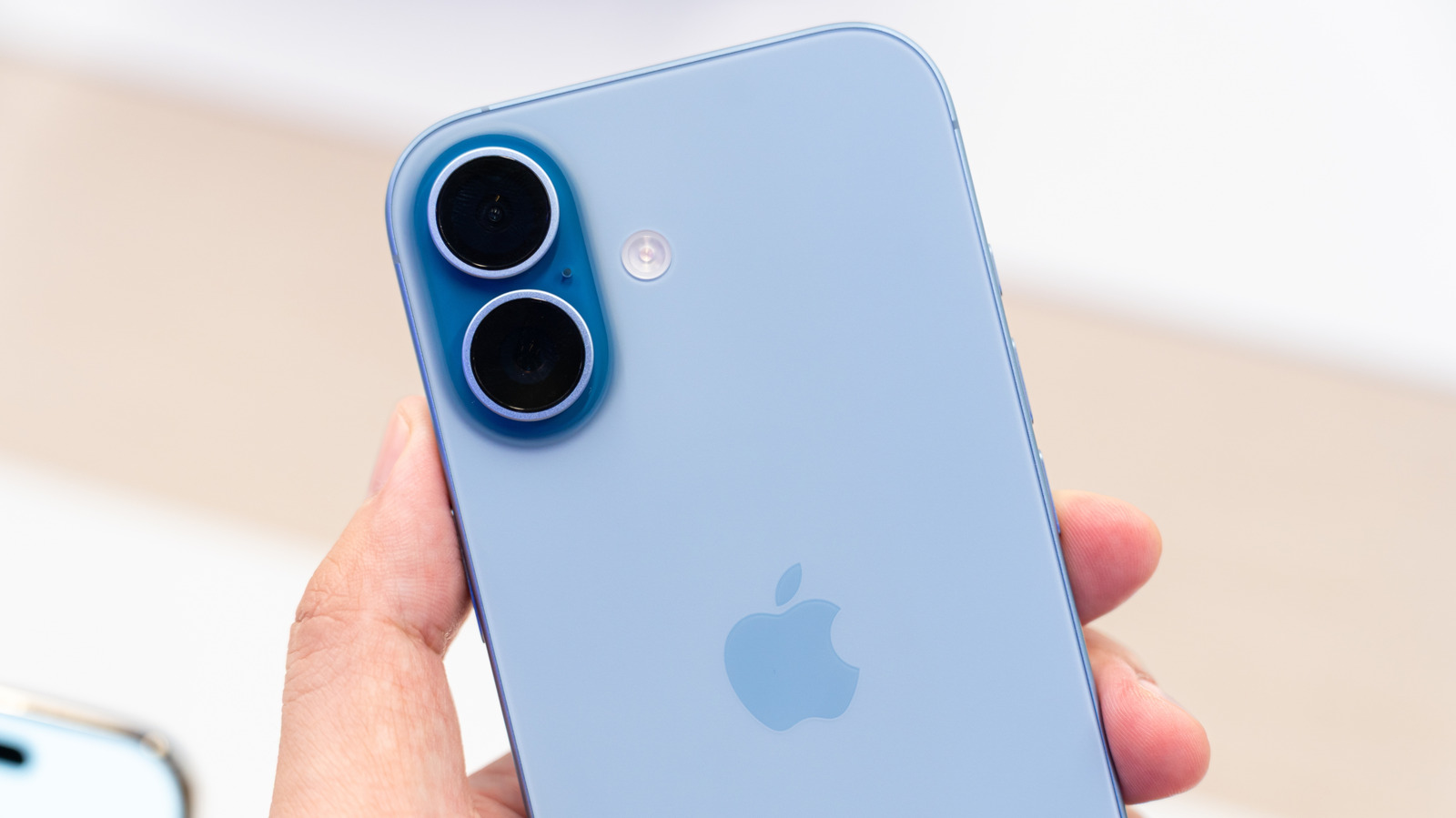
iPhone Travel Mode: How to Use Abroad Without Roaming

iPhone Travel Mode: How to Use Abroad Without Roaming
https://www.ilounge.com/articles/iphone-travel-mode-use-abroad-without-roaming
Publish Date: 2026-05-22 11:42:00
Source Domain: www.ilounge.com
You land in Rome after a transatlantic flight. You pull out your iPhone, tap on Google Maps, and within twenty seconds it has already started using cellular data through a local Italian carrier. By the time you reach your hotel, your home carrier has billed you $15 in roaming charges. Three days in, you have spent more on data than on your dinner the night before.
This scenario is entirely avoidable. iOS does not have a dedicated button labeled “Travel Mode”, but a few well-chosen settings combined with a smart data strategy turn any iPhone into a travel-ready device. The result. You stay fully connected with iMessage, WhatsApp, Maps, and your usual apps, without a single euro spent on roaming. Here is the complete playbook used by experienced travelers in 2026.
Why default iPhone settings turn into a roaming trap abroad
The first thing to understand is that an iPhone arrives from the factory with Data Roaming enabled by default on your primary carrier. The moment your device detects a foreign network, it connects automatically. Apps update in the background. Email refreshes. iCloud syncs photos. WhatsApp downloads media. All of this happens silently and bills meter by meter.
Three statistics put the cost into perspective. Streaming a single Netflix episode abroad on cellular can cost over $50 on standard carrier rates. Background app refresh alone has been shown to consume up to 200 MB per day on a heavy iPhone user setup. And Verizon, AT&T or T-Mobile international day passes typically charge $10 to $15 per day even if you barely use your phone.
The good news is that Apple has built solid tools into iOS to control all of this. The bad news is that these tools are scattered across multiple settings menus. The trick is knowing exactly where to look.
The four strategies for using your iPhone abroad
Before we go into the step-by-step settings, here is a quick comparison of the four main strategies. Choose the one that fits your trip type and…