Android Auto 17.0 Is Rolling Out To Users – Here’s How You Can Get It Early
Android Auto 17.0 Is Rolling Out To Users – Here’s How You Can Get It Early
https://www.slashgear.com/2179177/android-auto-17-beta-installation-explained/
Publish Date: 2026-05-22 11:45:00
Source Domain: www.slashgear.com
Reyanaska/Shutterstock
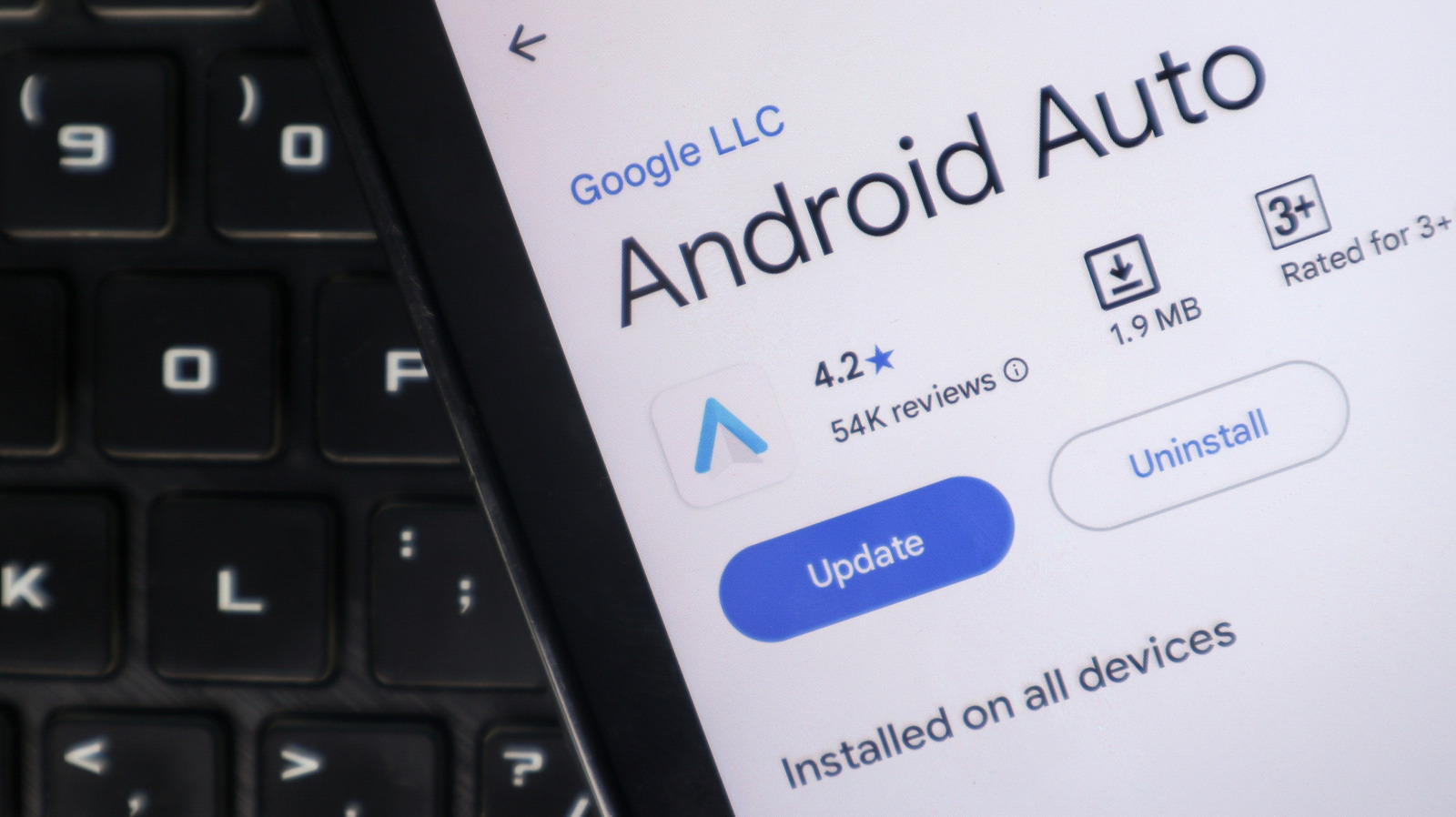
Google hasn’t officially launched Android Auto 17.0 to the general public just yet, but the company has started letting beta testers get in on it a little early. If you’re not a beta tester but still want to check it out, you can manually install the software using the Android Auto 17.0 beta file.
Just as a note, though: Google typically pushes stable Android Auto releases within a matter of days if no widespread bugs or performance issues are discovered during beta testing. That means the general public probably won’t have to wait all that long before the update comes out. You’ve heard it before, but it bears repeating: Beta versions can contain glitches, compatibility issues, unfinished features, and other factors that can impact use. Users who rely heavily on their Android Auto software might want to wait for the stable build, which is one of the features coming to Android 17 later in 2026.
To download the update manually, you’ll have to head to Android’s Developer site and download the Android Debug Bridge (ADB) tools if you don’t already have them. From that same site, you’ll also download the appropriate OTA images for 17.0. Then, boot your Google Pixel into Recovery Mode, select the ADB sideload option, and connect your Pixel to the computer. You can then sideload the update using ADB. If you don’t want to deal with this in the future, you can also opt in to become a tester for future drops through Google Play.
…
Source