The Mac mini’s ridiculously-placed power button just became irrelevant thanks to this new macOS 26.5 feature — here’s how to activate it
Publish Date: 2026-05-12 07:35:00
Source Domain: www.tomsguide.com
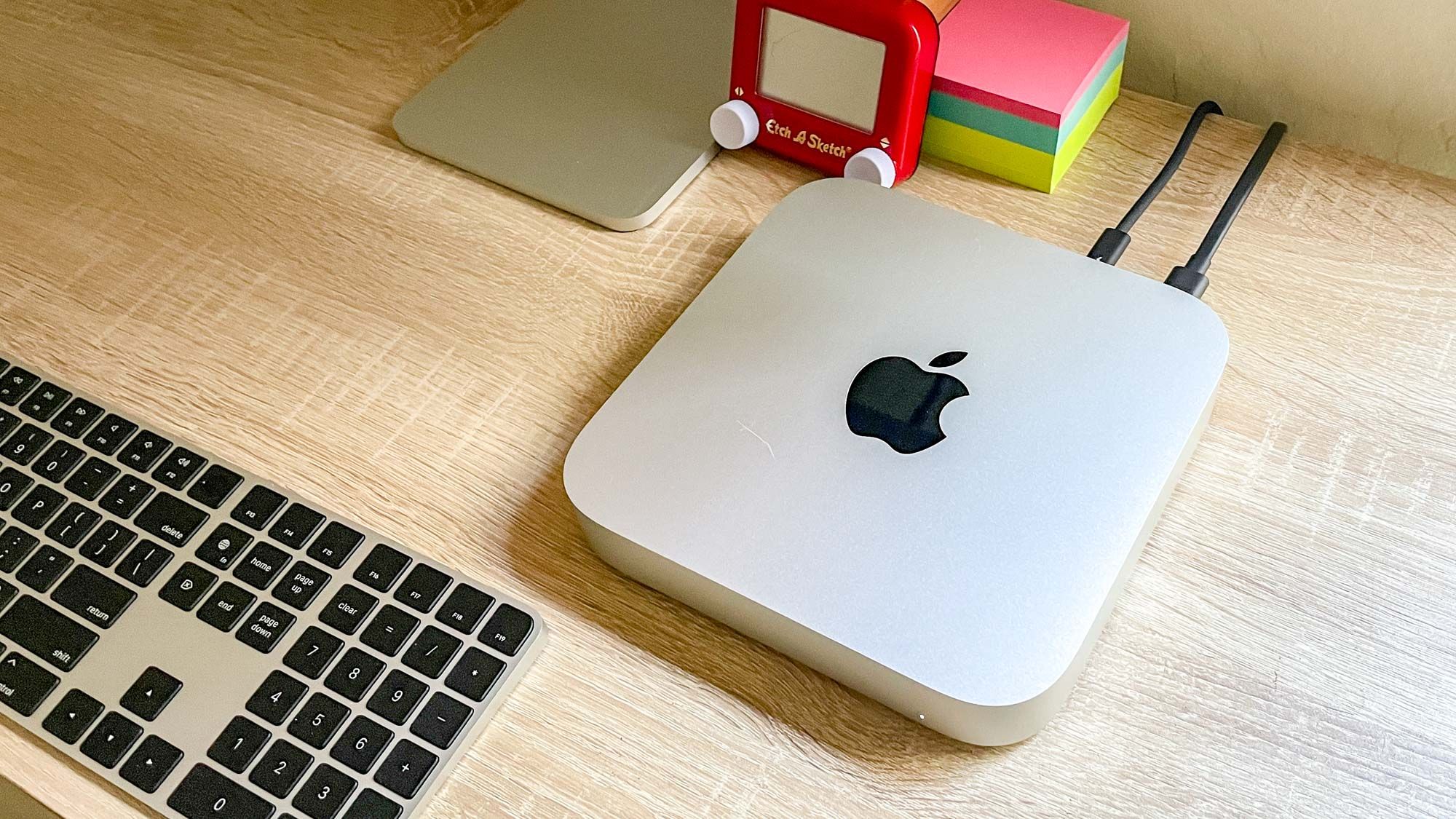
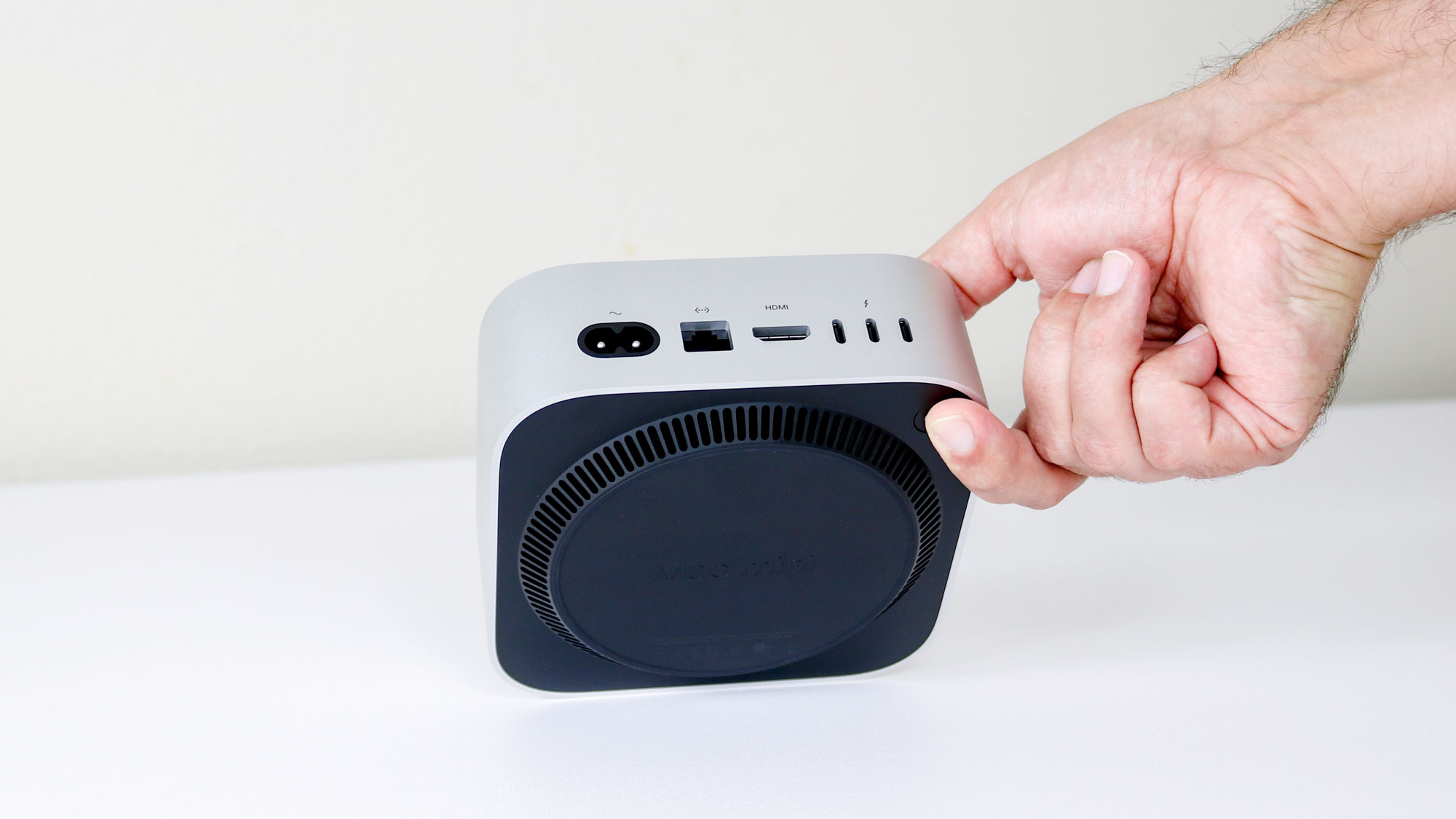
The Mac mini is a great computer, and we love it here at Tom’s Guide, but that doesn’t mean we won’t criticise Apple’s design choices. In fact, in my colleague Anthony’s review of the Mac mini M4, he said that, “if only Apple hadn’t put the power button on the bottom of the device, this would be a near perfect upgrade over the Mac mini M2.”
Well, there’s some good news to share today because with the release of macOS 26.5 Tahoe, Apple has finally delivered a software solution to this hardware headache.
Latest Videos From
You may like
(Image credit: Tom’s Guide)
Despite Apple categorizing this as an accessibility feature, I’d argue the addition of switch support is a big quality-of-life upgrade for all users. Especially if you like to tinker with your desk setup. For example, you could mount a compatible third-party switch to the side of your keyboard and have it always within reach.
Apple itself seems to quietly acknowledge the design misstep, noting this new feature is particularly helpful, “when you don’t have easy access to the computer’s power button.”
How to enable Power Control
(Image credit: Apple)
If you’ve updated to macOS 26.5, you can find these new options by navigating to System Settings Energy. From there, a new Power Control menu allows you to pair your external…