I used one Linux command to see exactly what my apps were doing to my system
I used one Linux command to see exactly what my apps were doing to my system
https://www.makeuseof.com/used-one-linux-command-to-see-what-apps-were-doing-to-system/
Publish Date: 2026-05-01 12:00:00
Source Domain: www.makeuseof.com
My laptop’s fan ran a bit harder than usual for a few days. It was consistent even when only my browser and text editor were open, and nothing visible seemed to trigger it. Using htop showed normal CPU and memory usage, but I knew something was off.
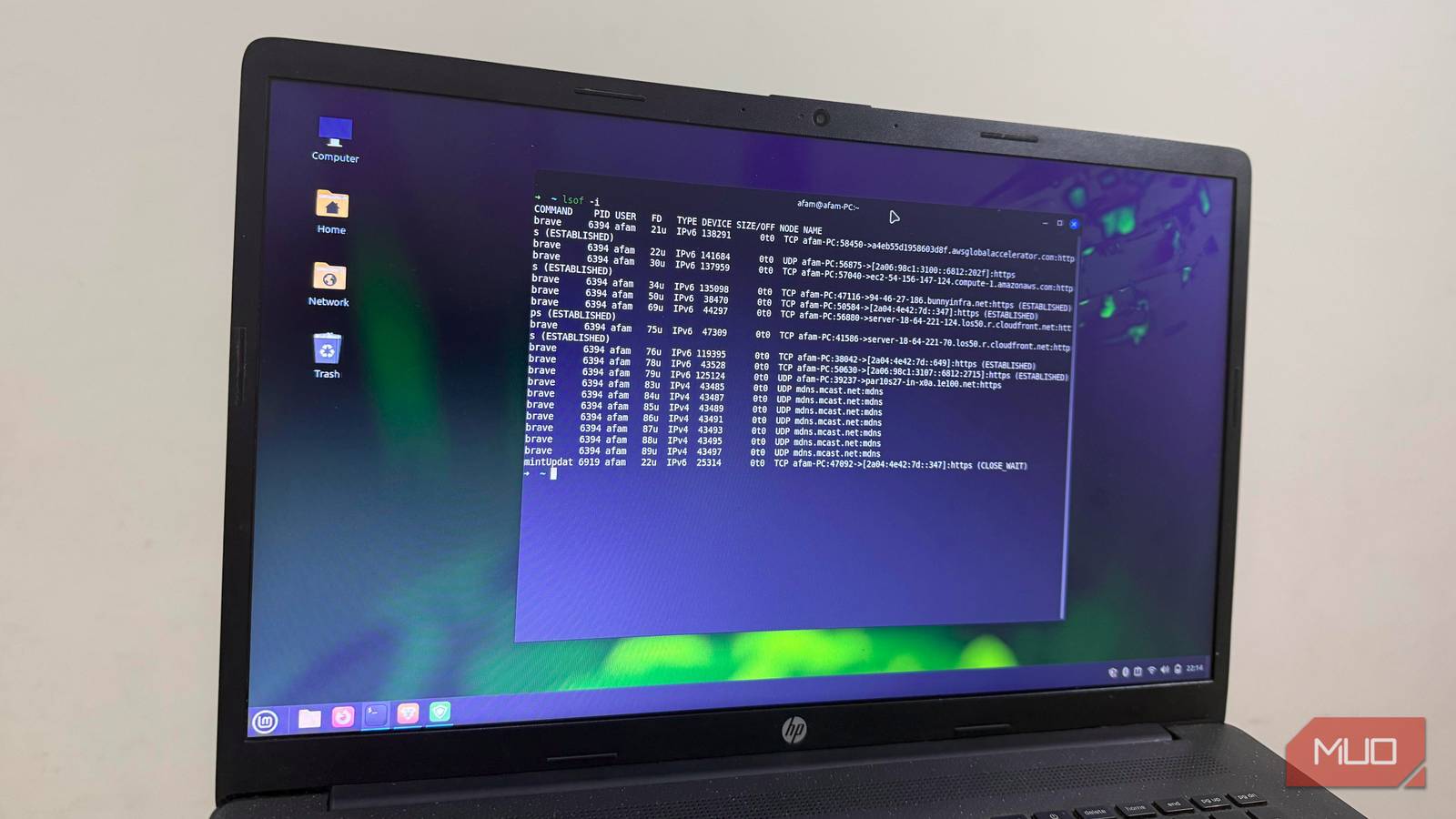
I needed to see what the task manager wasn’t showing, so I used the lsof command. This command produced a live map of all open files and resources on the computer. The results were stunning and changed the way I think of the software I run.
What lsof is
And why “list open files” is the most misleading name in Linux
Afam Onyimadu / MUO
On Linux, files aren’t just documents in folders; they can be inter-process pipes, device nodes, or network sockets. This makes lsof’s list of open files a live map of everything the Linux system is touching. The tool is far more powerful than its name suggests.
Your standard Linux installation already includes this tool; it may be absent on minimal installations of Ubuntu, Fedora, or Debian, but can be installed by running a single command:
- Debian/Ubuntu: sudo apt install lsof
- Fedora/RHEL: sudo dnf install lsof
Running lsof produces an intimidating output, but you have to focus on these four columns to make any…