This Free Android App Uses Sound to Fight Motion Sickness
This Free Android App Uses Sound to Fight Motion Sickness
https://www.techlicious.com/blog/motion-sickness-app-samsung-hearapy/
Publish Date: 2026-04-06 23:22:00
Source Domain: www.techlicious.com
Ever tried using your phone in a moving vehicle, only to feel lightheaded and nauseated? That’s motion sickness kicking in. While over-the-counter medications can help alleviate motion sickness, what if you could hear your way out of it?
Samsung’s new app, Hearapy, does exactly that. It plays specialized sound frequencies through earphones to treat the problem at its source, in our inner ear, and neutralize its effects. Hearapy is completely free to use and available for all Android devices, including non-Samsung phones.
How does Hearapy work?
Motion sickness is a sensory conflict problem. When you look at your phone’s screen in a moving car, your inner ear (the vestibular system) senses the movement and reports it to your brain, but your eyes (the visual system) signal that you’re stationary. This mixed reporting confuses the brain, causing the familiar motion sickness symptoms of nausea and dizziness.
Samsung’s Hearapy app is based on a peer-reviewed study from Nagoya University that found exposure to a 100Hz tone for a minute helped reduce these motion sickness symptoms. The app works by playing a 100 Hz bass sine wave through earphones at 80-85dB. This stimulates the vestibular system and overrides the mixed signals, resetting the balance system and preventing the brain from triggering its stress response. Samsung claims that listening to the tone for 60 seconds provides roughly two hours of relief.
How to use Hearapy
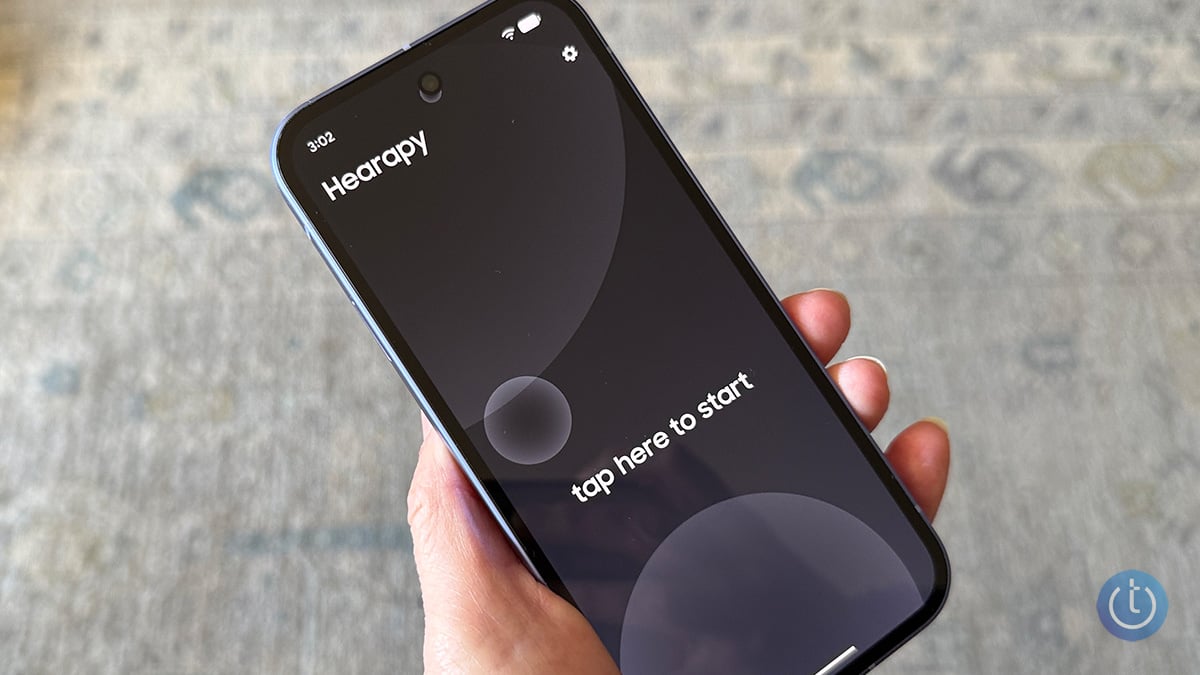
Using the Hearapy app is easy. Download Hearapy from the Google Play Store. It works with any Android phone, not just Samsung Galaxy phones. Connect your earbuds to your phone. Hit the “tap here to start” text on the screen, and the tone will start playing.
It’s important to listen to the tone at a high volume. However, there’s no way to measure the output; Samsung says to “set the volume loud but still comfortable.” When testing the app, I could feel a slight vibration in my ear with the volume turned most…


