Your Android TV is hiding hundreds of apps the Play Store won’t show you — here’s how it get them
Your Android TV is hiding hundreds of apps the Play Store won’t show you — here’s how it get them
https://www.makeuseof.com/sideloading-apps-on-android-google-tv/
Publish Date: 2026-04-04 11:30:00
Source Domain: www.makeuseof.com
The Google Play Store on your Android TV offers hundreds of apps for all kinds of uses. And most of the time, those apps are enough. But that’s not the end of the story. Android TV is all about flexibility, which means you can also go beyond what’s available on the Play Store and install apps that aren’t listed.
This is referred to as sideloading. It might sound technical, but it’s actually quite easy to do. It’s a simple trick that can dramatically expand what you can do on your Android TV.
Sideloading apps on Android TV changes the game
Go beyond the Play Store
Image Credit: Pankil ShahCredit: Pankil Shah/MakeUseOf
Sideloading is the ability to install apps manually, and it opens a door that most users don’t even realize exists. The obvious benefit here is that you can install niche apps that aren’t listed on the Play Store. This could be a lesser-known streaming service, a launcher, or a specialized media player.
But that’s not all. Sometimes, even if an app is listed on the Play Store, it may not be available for your specific region or model. In such cases, sideloading becomes a practical workaround.
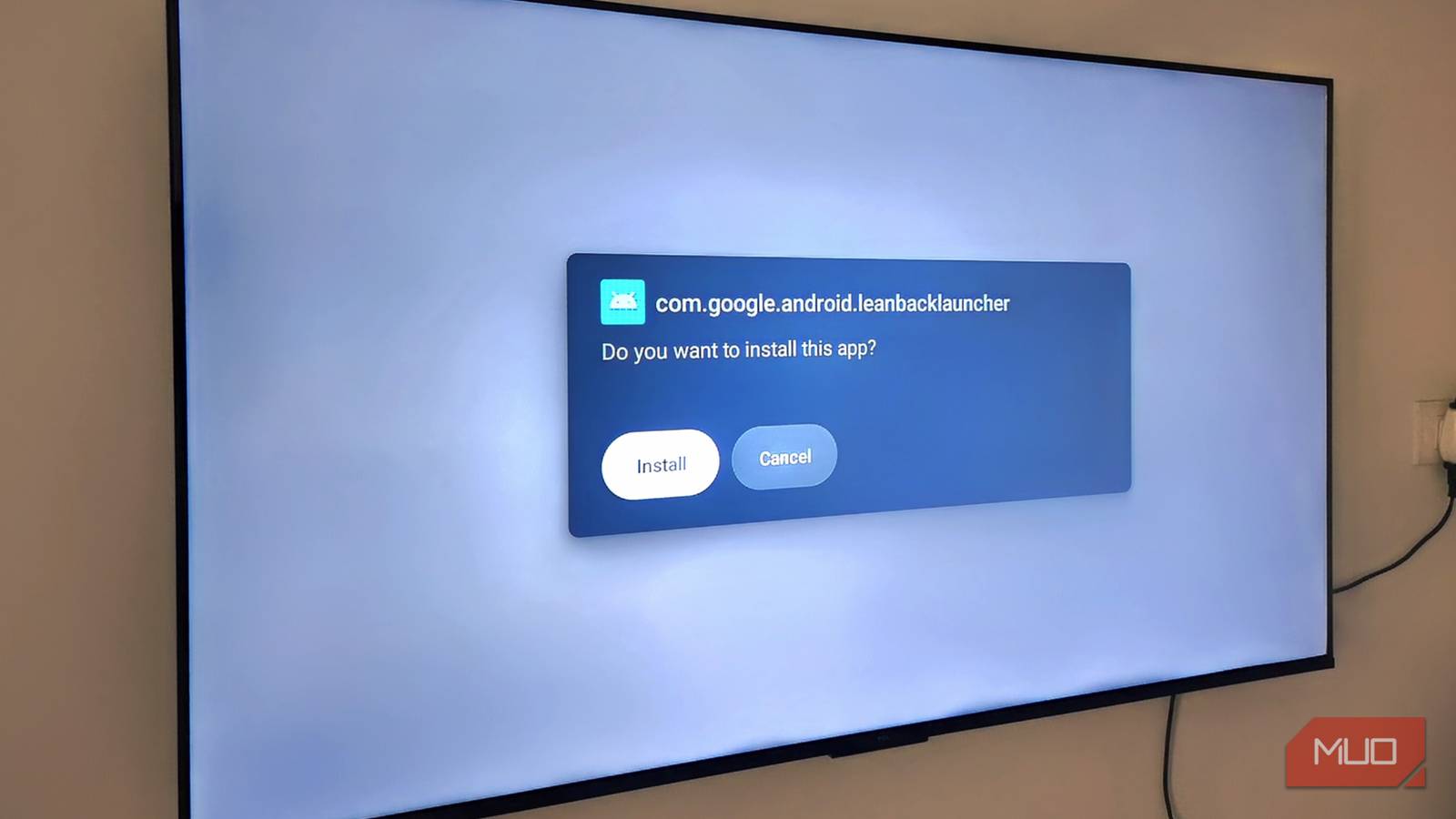
Sideloading is essentially a two-part process. First, you need to get the APK file of the app you want to install. Once you have that, you simply need to install it manually using a file manager. After that, the app appears on your TV’s home screen, and you…


