This app turns GitHub into a store on Android and Windows 11
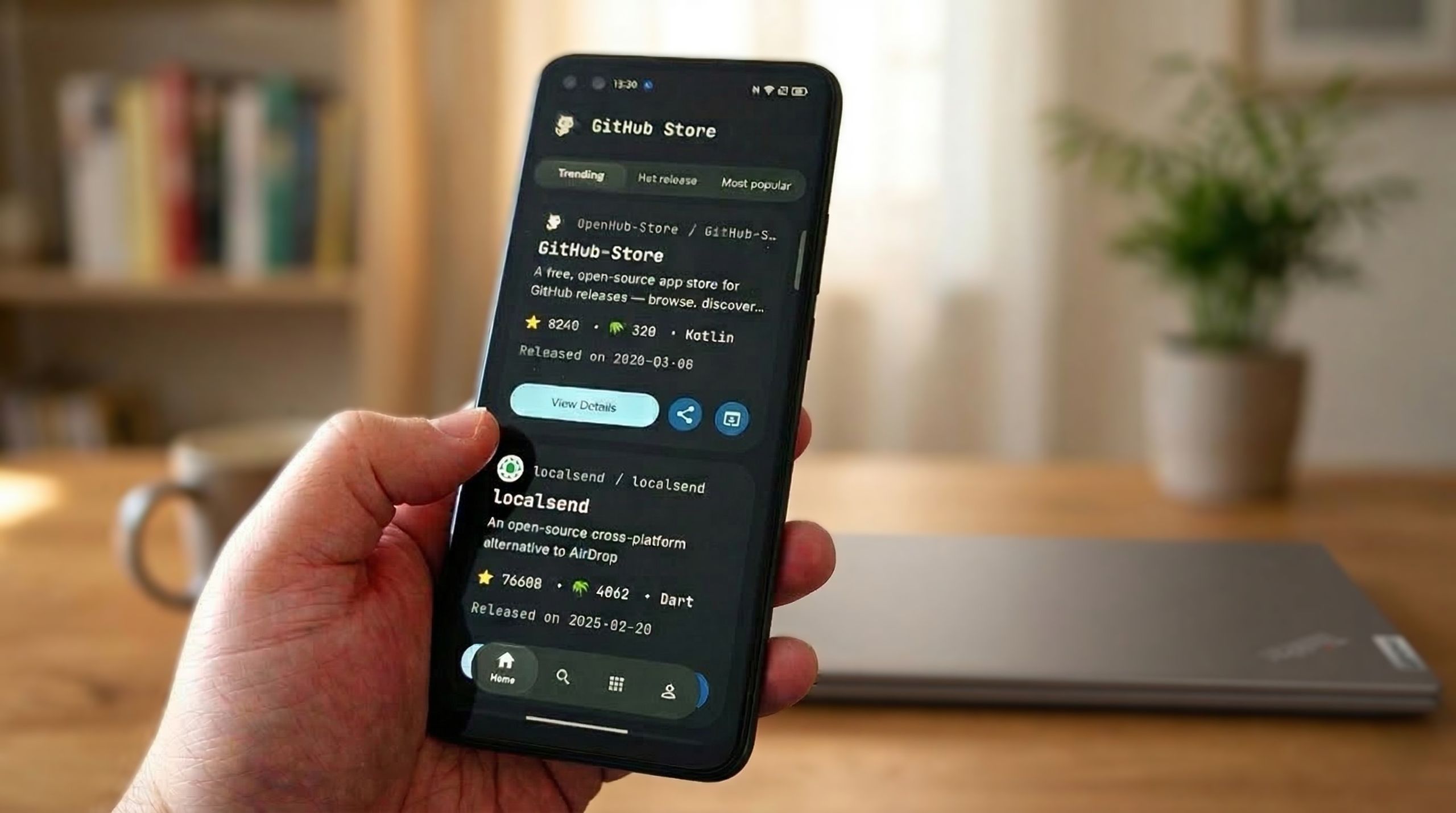
This app turns GitHub into a store on Android and Windows 11
Publish Date: 2026-03-17 12:41:00
Source Domain: www.windowscentral.com
I spend a lot of time on GitHub. Not so much making things, because I’m a duffer when it comes to coding. But I love poking around and finding interesting open-source software that those much cleverer than I have made.
I like open-source software so much because it always feels like it was made by people who actually care about what they’re making and the people using it. GitHub, of course nowadays owned by Microsoft, is a great place to find it. But it can be a bit overwhelming when there’s so much.
GitHub Store is a simple idea that makes so much sense on mobile
GitHub Store is a nicely designed app, easy to use, and has great discoverability. (Image credit: Windows Central)
For as much time as I spend on GitHub I rarely use the official mobile app. It’s not that it’s bad, more that most of what I’m looking at is more relevant to Windows and Linux desktops.
Having found GitHub Store (which, as you’d expect, is available on GitHub) I can already see that I’m going to be finding much more for my Android phone.
It’s laid out exactly as you’d expect any app store to be. The front page has tabs for trending projects, hot releases, and most popular to get you started. You don’t have to log in with your GitHub account, but you’ll be rate limited unless you do.
But for mobile apps made available on GitHub, this app is superb. You can search by platform, so if you’re looking for something on Windows, you can still do that, but you can also exclude desktop and just look for mobile-compatible repos.
Otherwise, you can download and install the apps just the same as you would from any other source on Android, with additional options.
Downloading from GitHub directly means you don’t get auto-updates as you would on the Play Store, but you…


