Why does the MacBook Air M5 keyboard look different? Blame your iPhone
Why does the MacBook Air M5 keyboard look different? Blame your iPhone
Publish Date: 2026-03-11 15:40:00
Source Domain: www.techradar.com
- Apple’s MacBook Air M5 is largely the same
- Eagle-eyed reviewers noticed a small but important keyboard difference that removes some words
- Alignment with the iPhone and the global market are the reasons
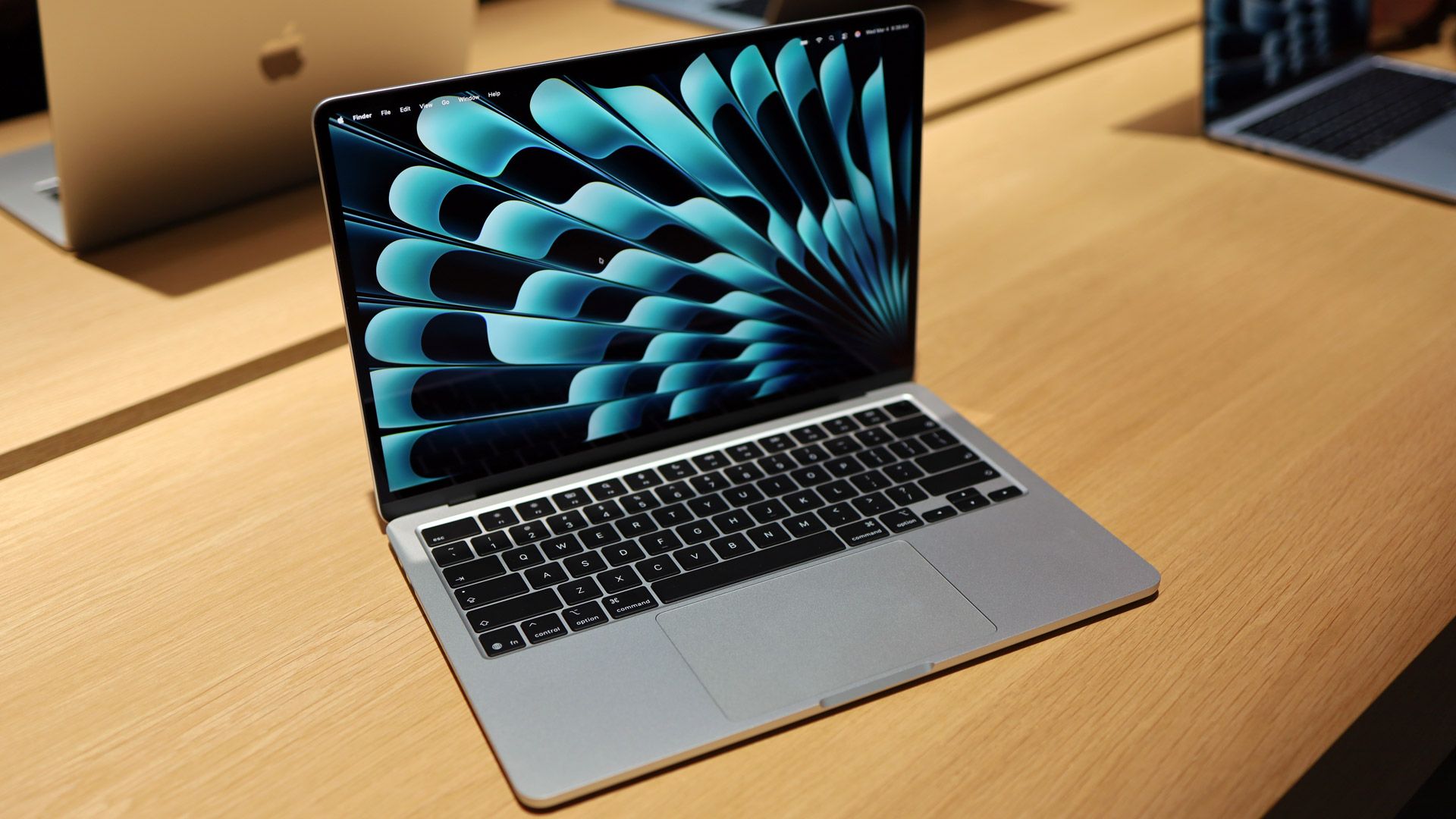
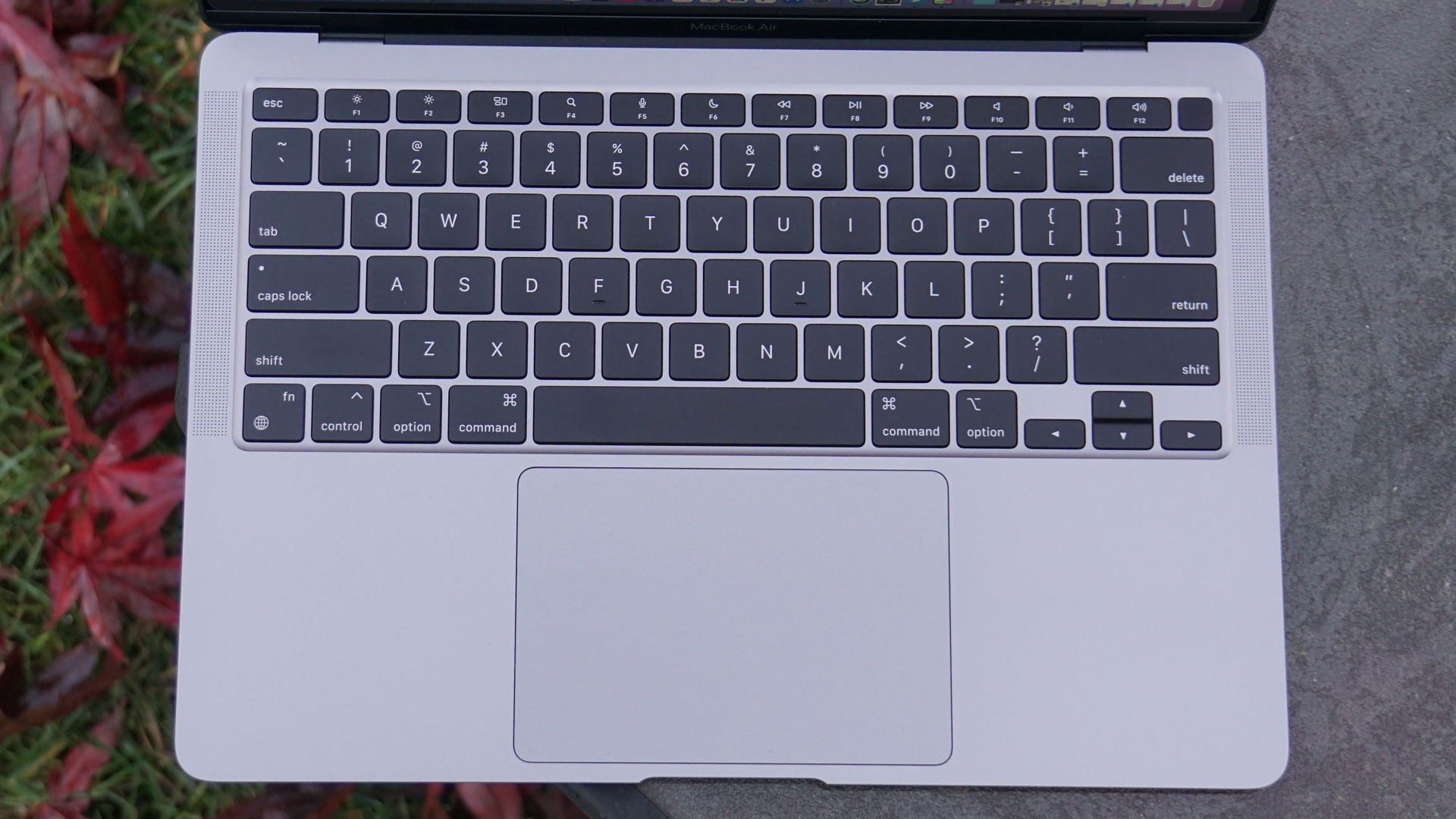
It’s a change so subtle and crafty that you might not notice it at first. In fact, most reviewers missed this design switcheroo on the new Apple MacBook Air M5. It’s on the keyboard where a handful of keys no longer have words, just images or glyphs.
How and why this happened is a subject of some debate, but Apple’s reasoning is fairly obvious.
First of all, turns out that MacBook keyboards can look different depending on where in the world you buy them. Even between the US and UK, there have been differences. Now, though, there is some alignment.
Article continues below
You may like
On the new MacBook Air M5, these keys have changed:
- Cap Lock
- Shift
- Delete
- Return
They are all now represented with glyphs; the words are gone. In the UK, this is just how it’s been on some previous MacBook Airs, like the first one to feature Apple Silicon, the M1 (though not apparently consistently).
To be clear, there was no situation where, on the previous MacBook Air, we had words and images, and so in this new laptop, we get just the glyphs.
Aesthetically, it’s a cleaner look, and it shouldn’t present any confusion, especially for touch typists who aren’t looking at the keyboard anyway.
Glyph lineage
Image 1 of 4
(Image credit: Lance Ulanoff / Future)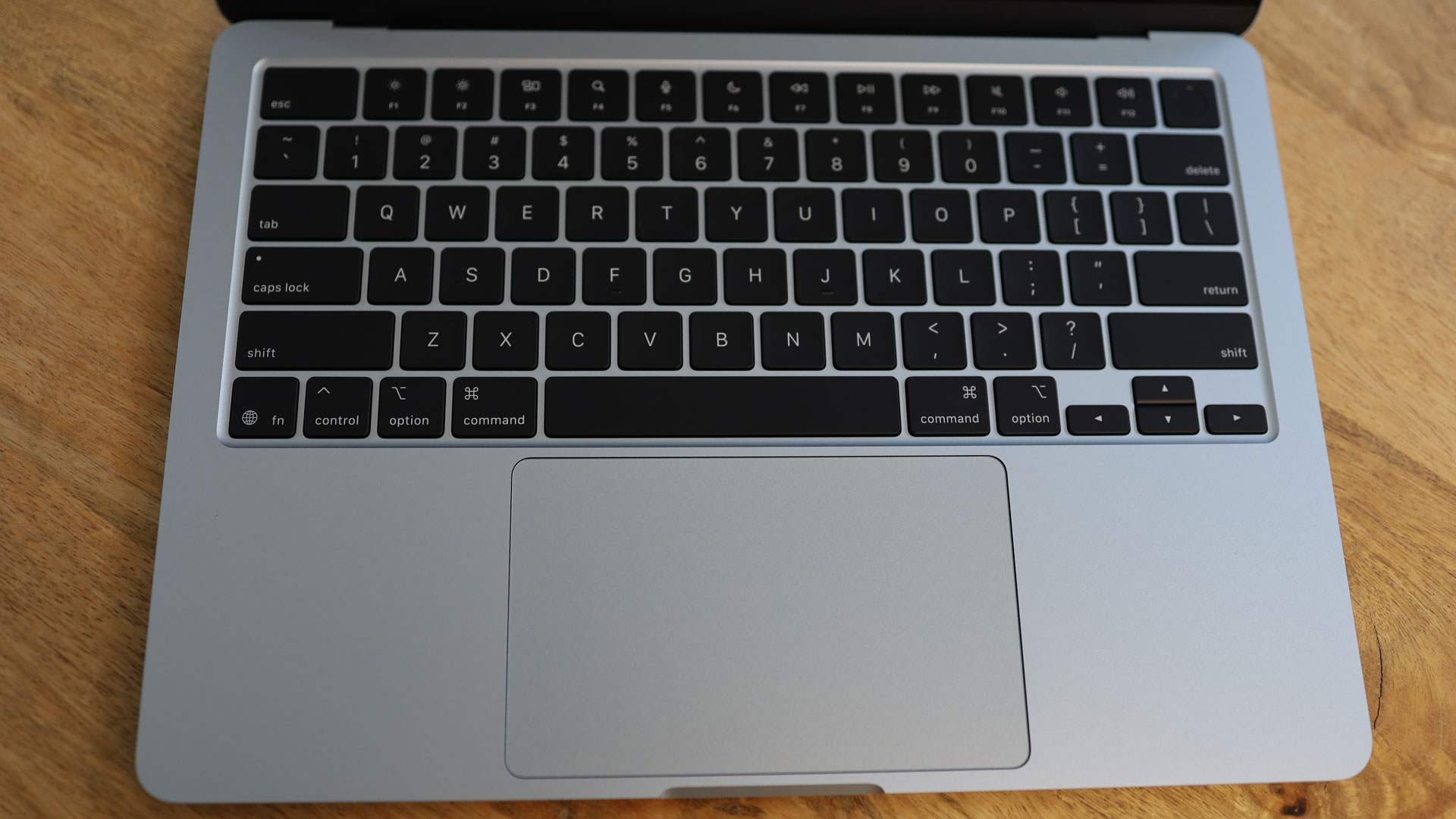 (Image credit: Lance Ulanoff / Future)
 (Image credit: Lance Ulanoff / Future)
 (Image credit: Lance Ulanoff / Future)
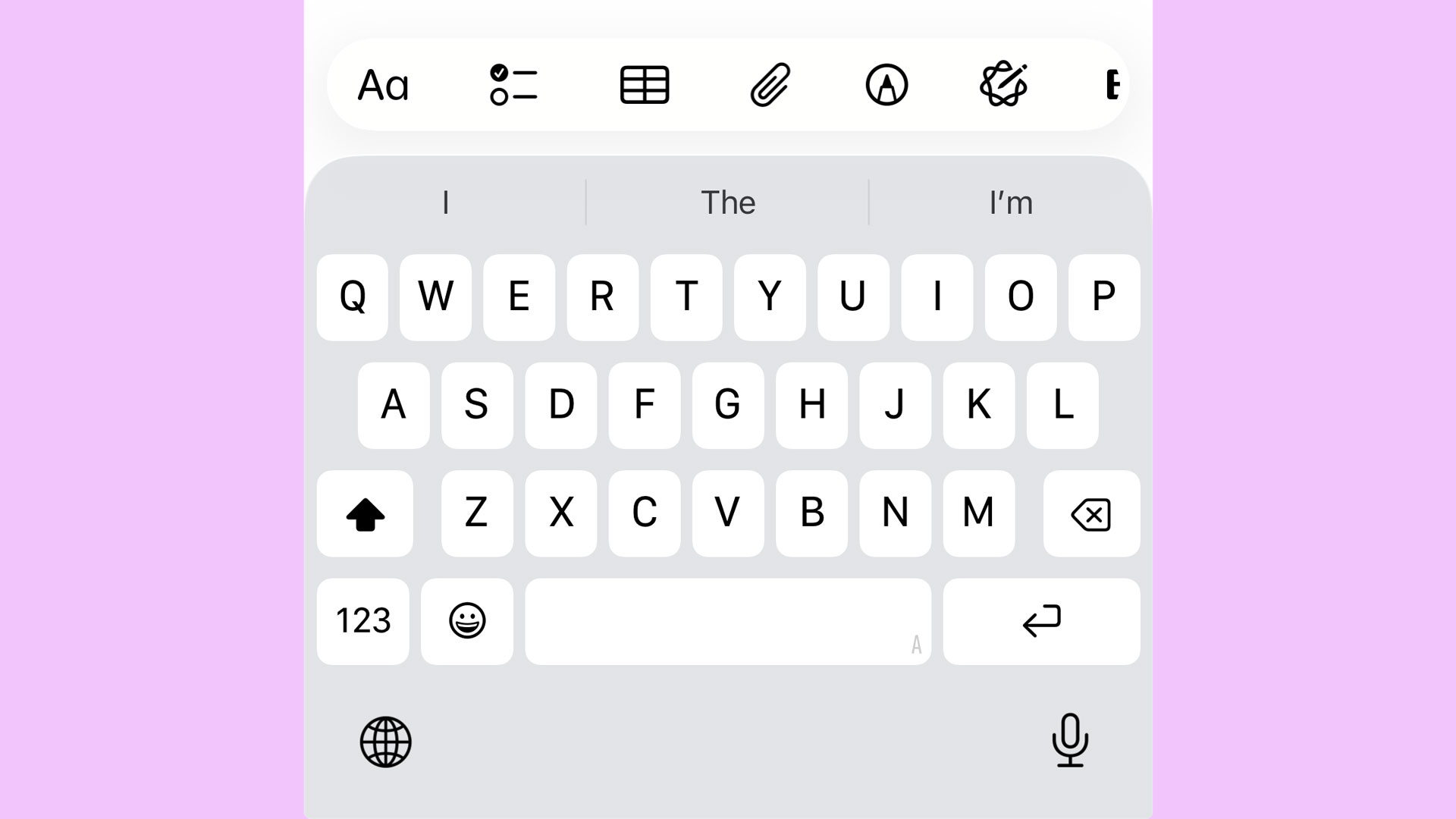
If you are a hunt-and-peck sort of typist, you’ll probably navigate this change fine, as well. After all, these Glyphs should look quite familiar. Apple based them all on the virtual keyboard of iOS.
Look at Delete on your iPhone’s keyboard. It’s the same. Double-tap on the upper case key and, yes, you’ll instantly recognize…