This overlooked Gboard feature makes copy-pasting so much easier on Android
This overlooked Gboard feature makes copy-pasting so much easier on Android
https://www.howtogeek.com/overlooked-gboard-feature-makes-copy-pasting-so-much-easier-on-android/
Publish Date: 2026-03-08 12:30:00
Source Domain: www.howtogeek.com
Android phones have a lot in common with computers. They have a file system, support for keyboards and mice, advanced multitasking, and even a full-fledged desktop mode. One thing Android doesn’t have, however, is a native clipboard. Thankfully, Gboard can fix that.
It’s honestly a bit strange that there isn’t a native, system-level clipboard on Android. There are some nifty third-party apps that attempt to fill that hole, but that’s probably overkill for most people’s needs. A much simpler solution is to use the keyboard app you already have installed.
How to find the Gboard clipboard
One of many icons you should know
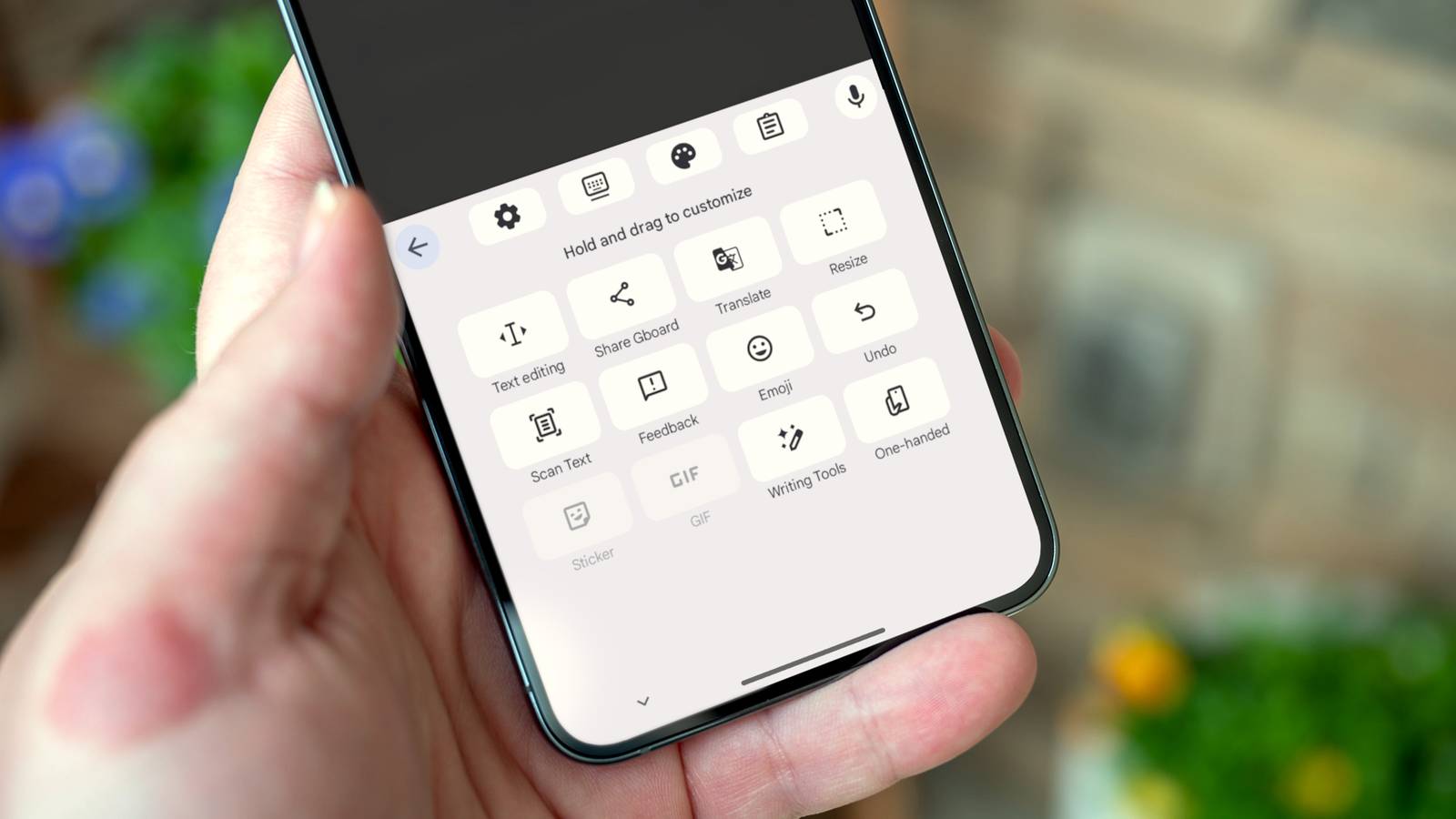
Gboard on Android has a bunch of icons in the “suggestion strip” (a.k.a. toolbar) above the keyboard. When you start typing, this is where suggested words and emoji appear, but the icons show up first. Here’s every toolbar icon and what it does:
- Grid: Tapping this opens the overflow menu for tools that don’t fit on the toolbar. You can drag and drop icons to customize it.
- Gear: Gboard settings.
- Keyboard with line underneath: Puts the keyboard in a floating, movable mode.
- …


