Don’t ditch iCloud when switching to Android — here’s how you can keep using it
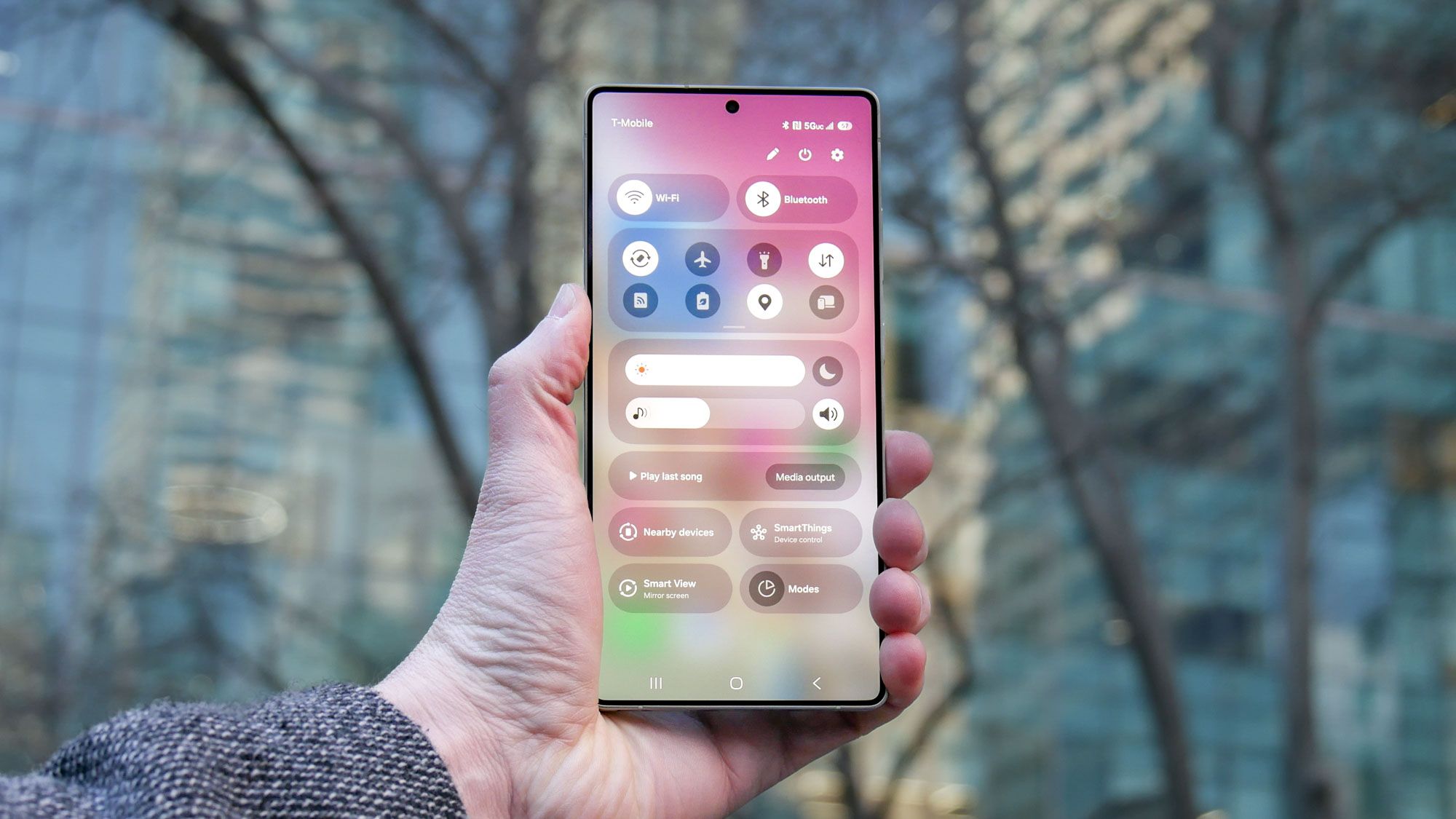
Don’t ditch iCloud when switching to Android — here’s how you can keep using it
Publish Date: 2026-02-24 03:30:00
Source Domain: www.tomsguide.com
If you’ve decided to switch from an iPhone to one of the best Android phones or if you tend to use both an iOS and Android device, you don’t necessarily need to ditch iCloud. You can continue to use iCloud services via Android and access your important data. You can also access key features such as Find My, view your iCloud emails and continue to use some apps.
Here we take a look at how you can achieve all of this. It’s not going to give you the same, smooth, seamless experience you’d get through the Apple ecosystem, but it works and, as we will explore, it’ll make your life and workflow a little easier.
1. Launch the website
Open a web browser on your Android device and you can go to iCloud.com. Tap the Sign In button then enter your Apple ID and select Continue with Password.
After you enter your password and press the arrow, you may be asked to enter a verification code or verify access to your account using a Security Key. You can, however, tap Trust to get around this for subsequent visits.
Only do so if you’re the sole user of that Android device, to prevent unwanted future access.
2. Find your way around
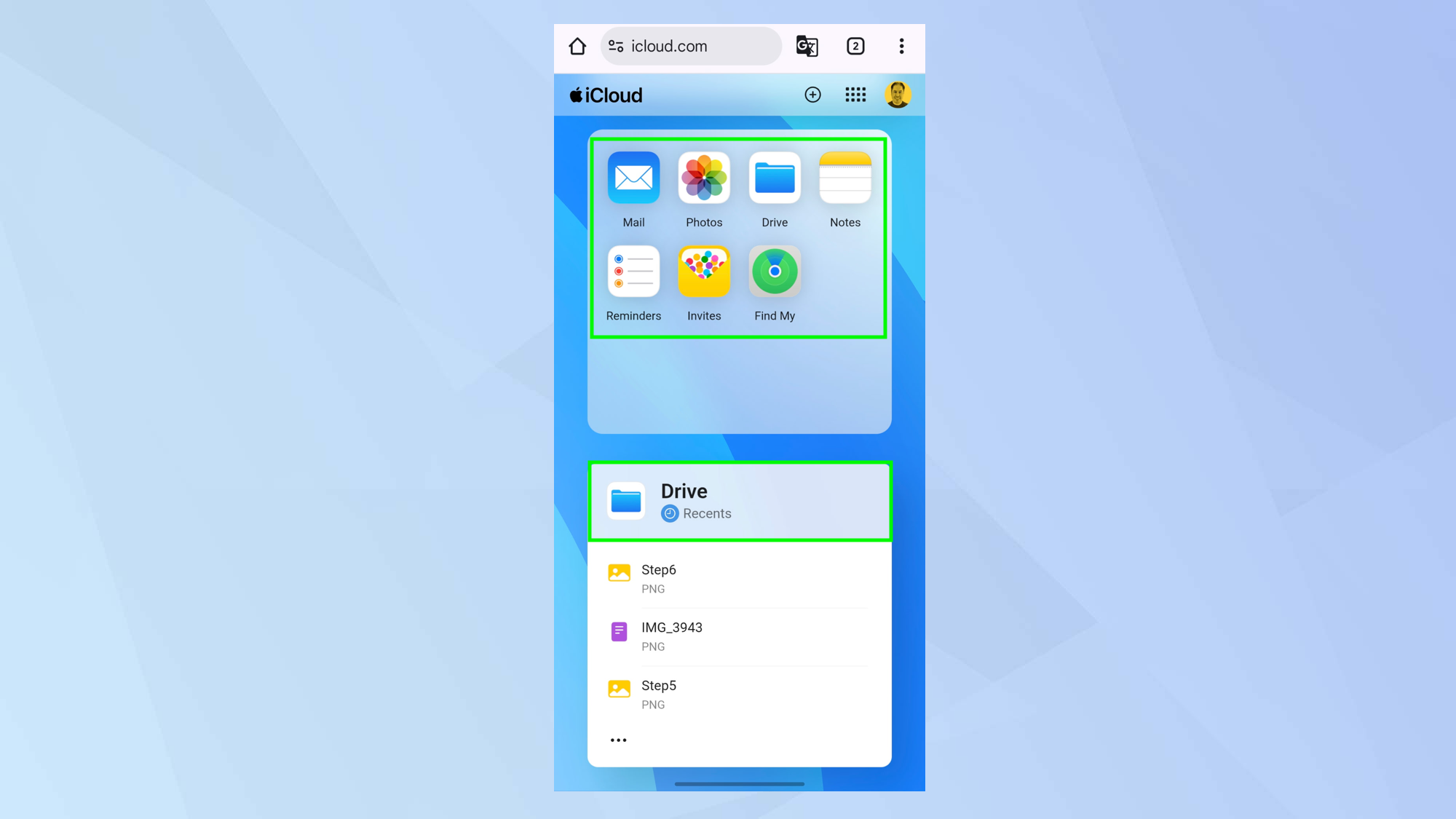
You will be able to see the iCloud web client and this allows you to access your Mail, Photos, Drive, Notes, Reminders, Invites and Find My.
Just tap one of the icons to open the relevant app and you’ll be able to access the data. It’s certainly worth familiarizing yourself with how to track an iPhone via a web browser because you never know when it may come in handy.
Scroll further and you’ll see how much storage you have and you’ll be able to access files for some Apple apps including Keynote.
You may want to add this website as a shortcut to your Android home screen to make it easier to access.
3. Manage the iCloud screen
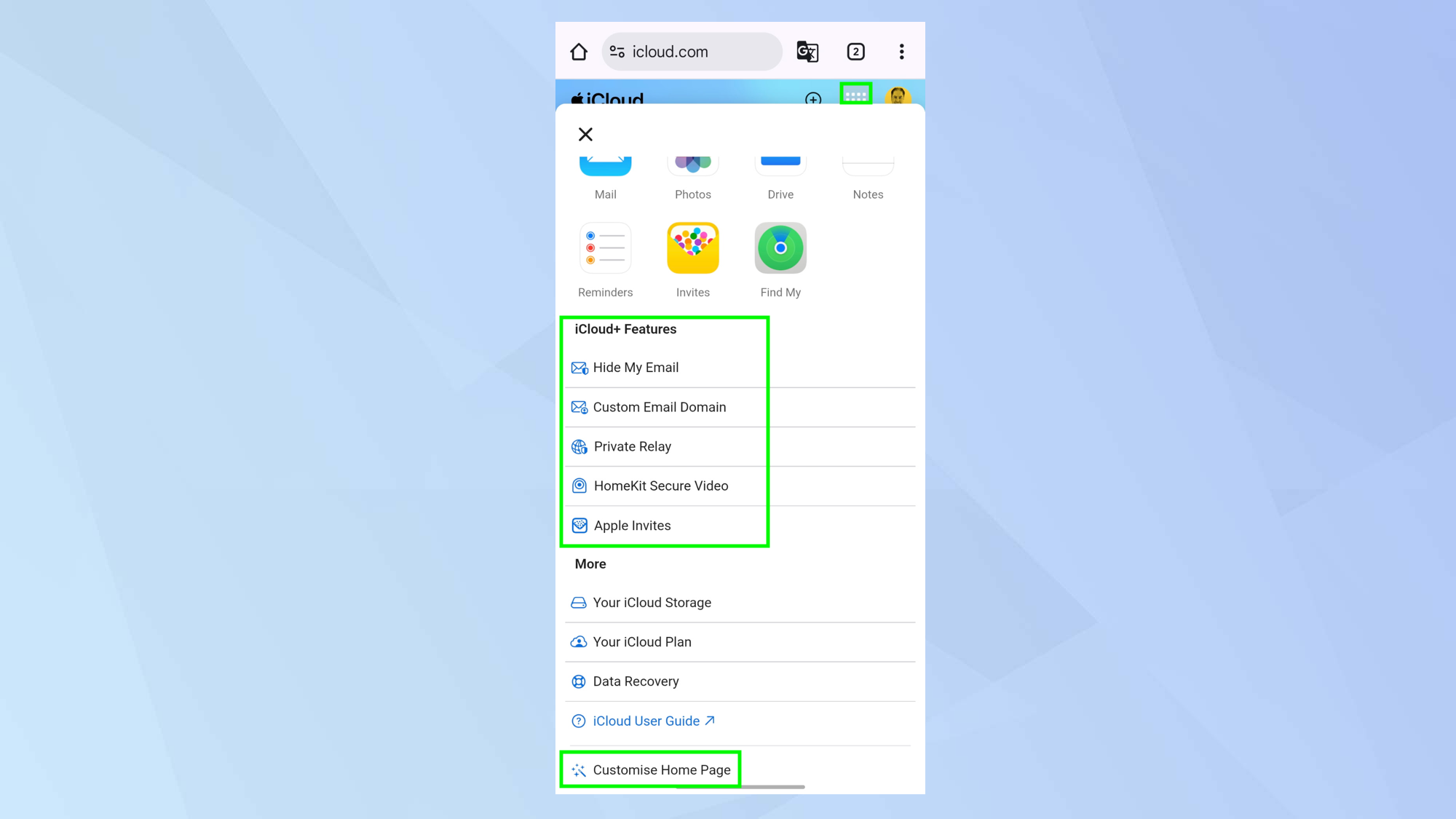
You don’t need to stick to the default order of iCloud features. Tap the square-dotted icon in the top-right corner and you can select Customise Home Page to reorder them and remove bits you…


