7 tricks to make learning the Linux command line easier
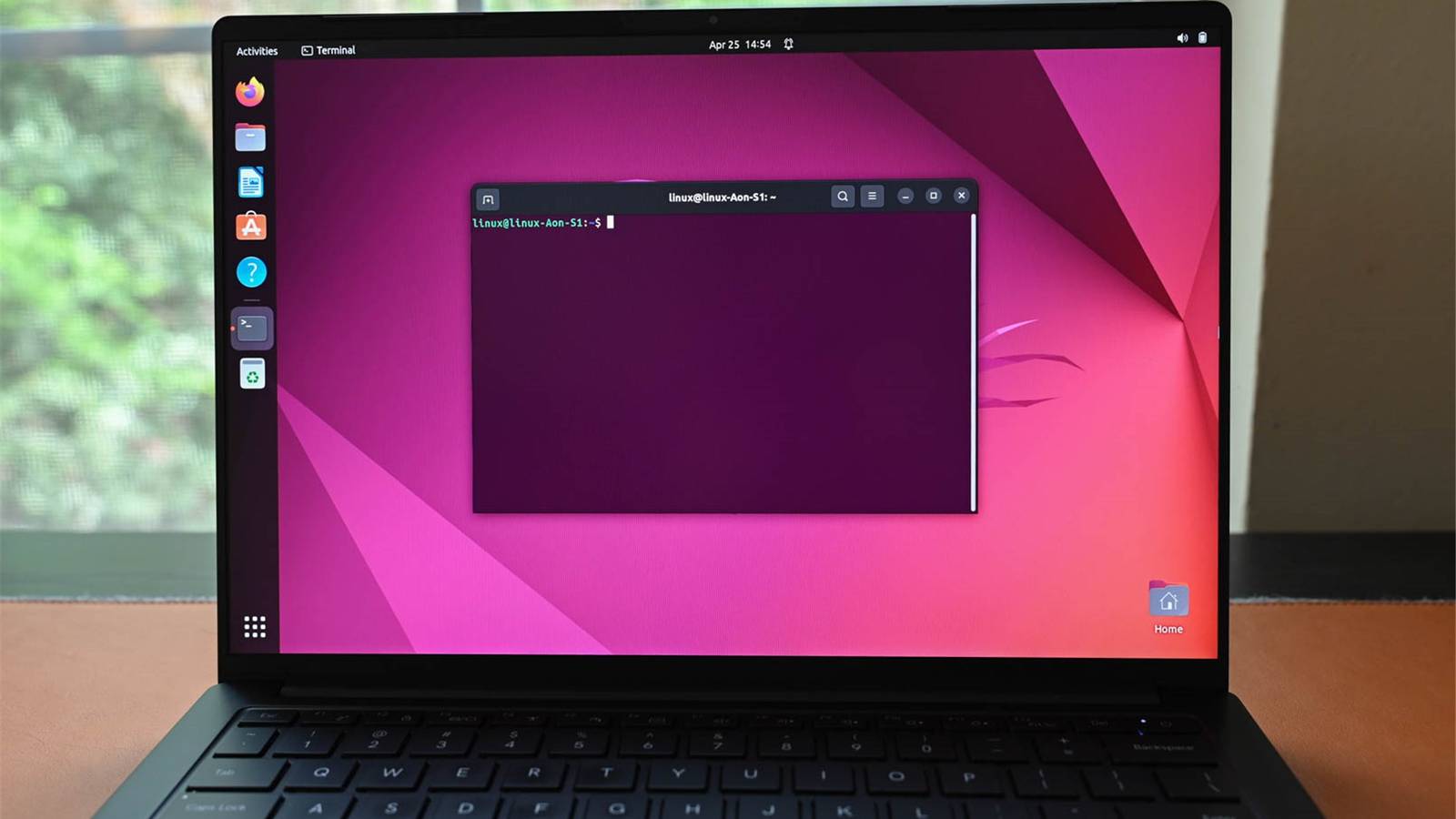
7 tricks to make learning the Linux command line easier
https://www.howtogeek.com/these-tricks-make-learning-the-linux-command-line-easier/
Publish Date: 2026-07-06 17:26:00
Source Domain: www.howtogeek.com
The Linux command line can seem impenetrable, with arcane instructions and a focus on text interfaces. Fortunately, there are plenty of resources and tools to help you get started.
Customize your terminal to fit your needs
Make the terminal feel like home
The first thing you should do is make your learning environment as comfortable as possible. You don’t want to spend too much time tweaking every last setting, but getting the basics right can make everything that follows a little bit smoother.
The settings will vary depending on your distro, but things to look out for include:
- Light/dark mode: pick whichever you’re most comfortable reading text in.
- Font: you’ll want to use something monospaced with clear differences between similar characters e.g. “0” (zero) and “O” (uppercase “oh”).
- Whether to open new terminals in tabs or windows.
You’ll also want to know how to use keyboard shortcuts since 99% of your work on the command line will involve typing. Don’t be afraid to open several terminal windows (or tabs) to run commands simultaneously and organize your tasks.
…
Source