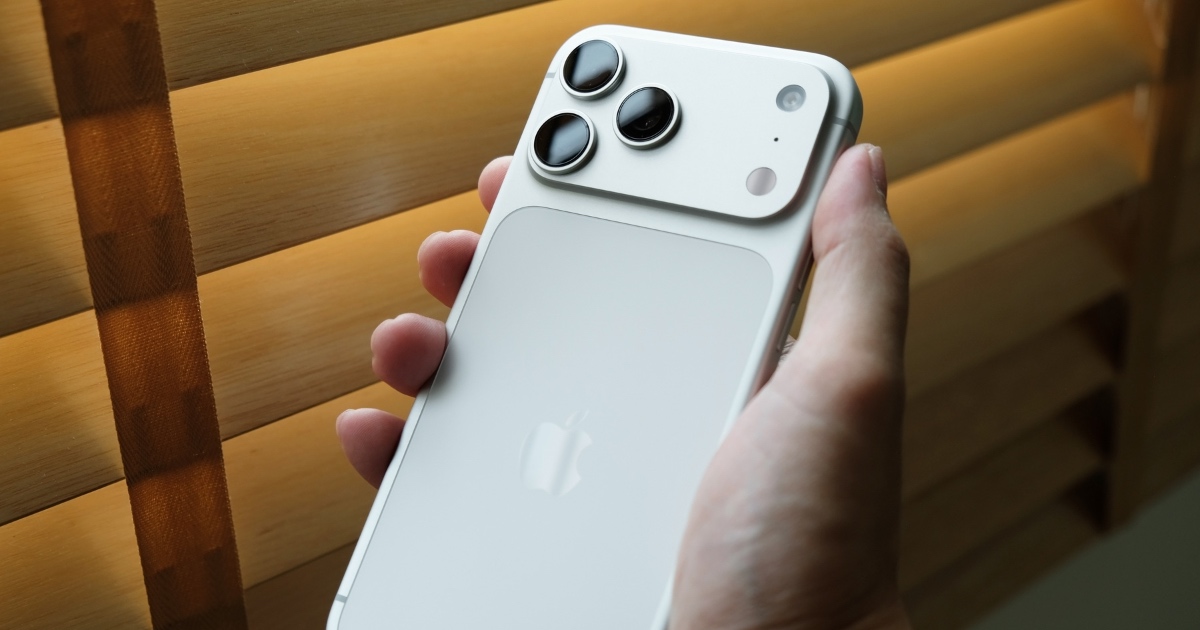
iOS 27: Apple to improve iPhone camera experience with new Siri mode in iOS 27: Here’s what’s changing |
Publish Date: 2026-06-25 00:36:00
Source Domain: timesofindia.indiatimes.com
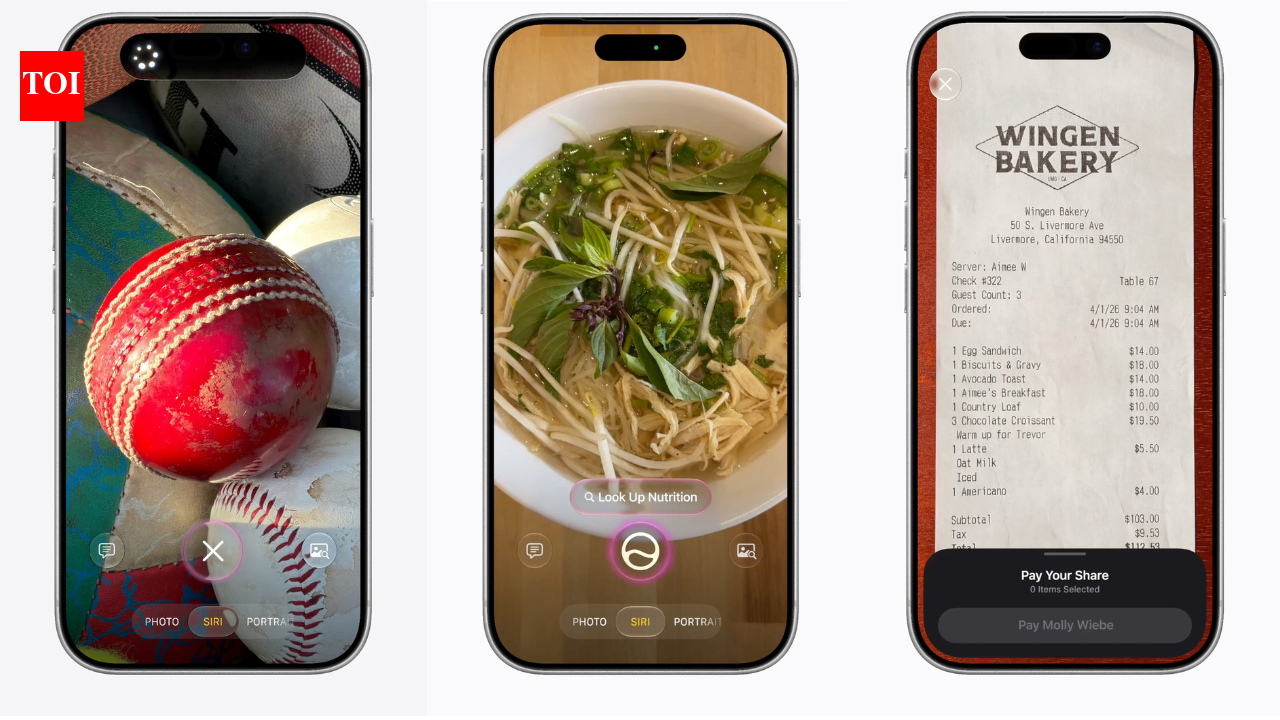
Apple is set to change the iPhone’s camera experience with a new Siri mode in iOS 27. The feature was spotted after Apple seeded iOS 27 beta 2 to developers, revealing a dedicated “Siri” mode inside the Camera app. The new mode will allow users to access Siri’s visual intelligence features directly alongside existing camera modes such as Photo, Video and Portrait. The new mode moves visual intelligence features from a separate interface into the Camera app, making them accessible with a simple swipe. Instead of switching away from the camera, users will be able to use Siri to identify objects, gather information and perform actions while keeping the Camera app open.The feature is designed to let users point their iPhone camera at places, objects or documents and receive relevant information or complete related tasks. For example, pointing the camera at a restaurant can bring up its Maps listing, reviews, opening hours and other details.
New Siri mode brings visual intelligence into iPhone’s Camera app with iOS 27
With iOS 27, Siri mode will support several camera-based tasks. Users can identify plants and receive watering and care information; scan an event flyer to add it to the Calendar app; check nutritional information for food; translate text; scan receipts to split bills; and perform image searches to find visually similar photos.Previously, these visual intelligence capabilities were linked to the iPhone’s Camera Control button and operated outside the Camera app. Apple is now integrating them directly into the camera interface, making them easier to access during everyday use.The update builds on the redesigned Camera app introduced last year and expands Siri’s role in the iPhone’s camera experience. By adding Siri mode to the Camera app, Apple is reducing the steps needed to access visual intelligence tools. Users will be able to switch between taking photos and using AI-powered camera features without leaving the app.Whether looking up information…
Source