Gemini’s new app design makes me worried for the future of Android UI
Gemini’s new app design makes me worried for the future of Android UI
https://www.androidauthority.com/gemini-new-design-makes-me-worried-future-android-ui-3677170/
Publish Date: 2026-06-22 06:06:00
Source Domain: www.androidauthority.com
Brady Snyder / Android Authority
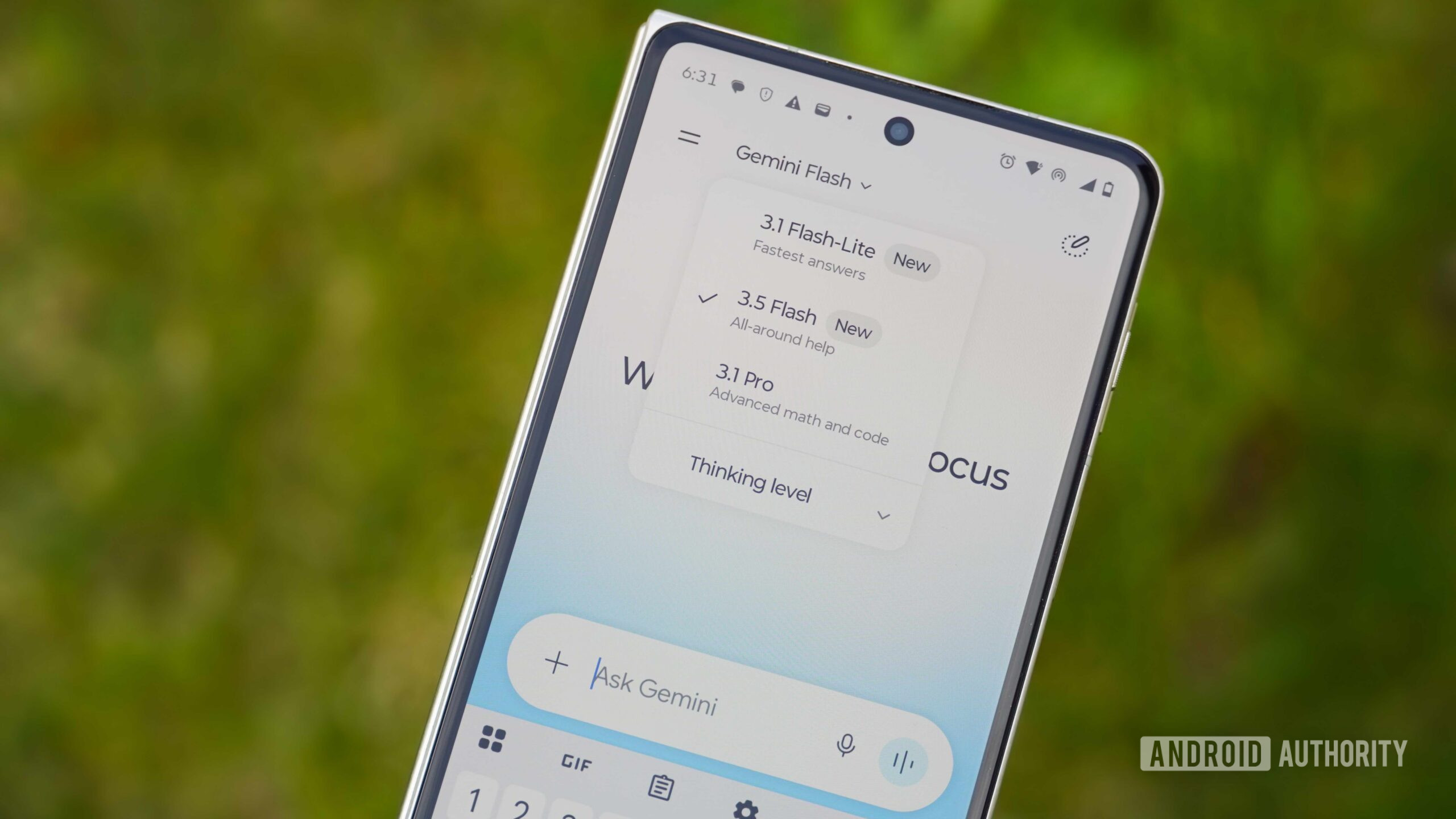
It’s been a month since Google started rolling out its “Neural Expressive” design in Gemini across its mobile apps and the browser. Google also revealed that this new Expressive design powers Gemini Intelligence and will be pivotal in the way you interact with Android’s smart new experiences (such as integrations with food delivery apps) over the coming months.
But ever since I got the design and started using it, I can’t shake the feeling that it’s one step forward and several steps back for the Gemini app and, by extension, the future of Android’s entire design language.
Are you a fan of Gemini’s Neural Expressive design language?
416 votes
Yes, the colorful design is just right
49%
Yes, I love the minimalist controls
13%
No, I don’t like combined tools and attachments
12%
No, the sidebar is too crowded
7%
It’s not better or worse than the old design
13%
Something else (comments)
6%
Neural Expressive is a step back in usability
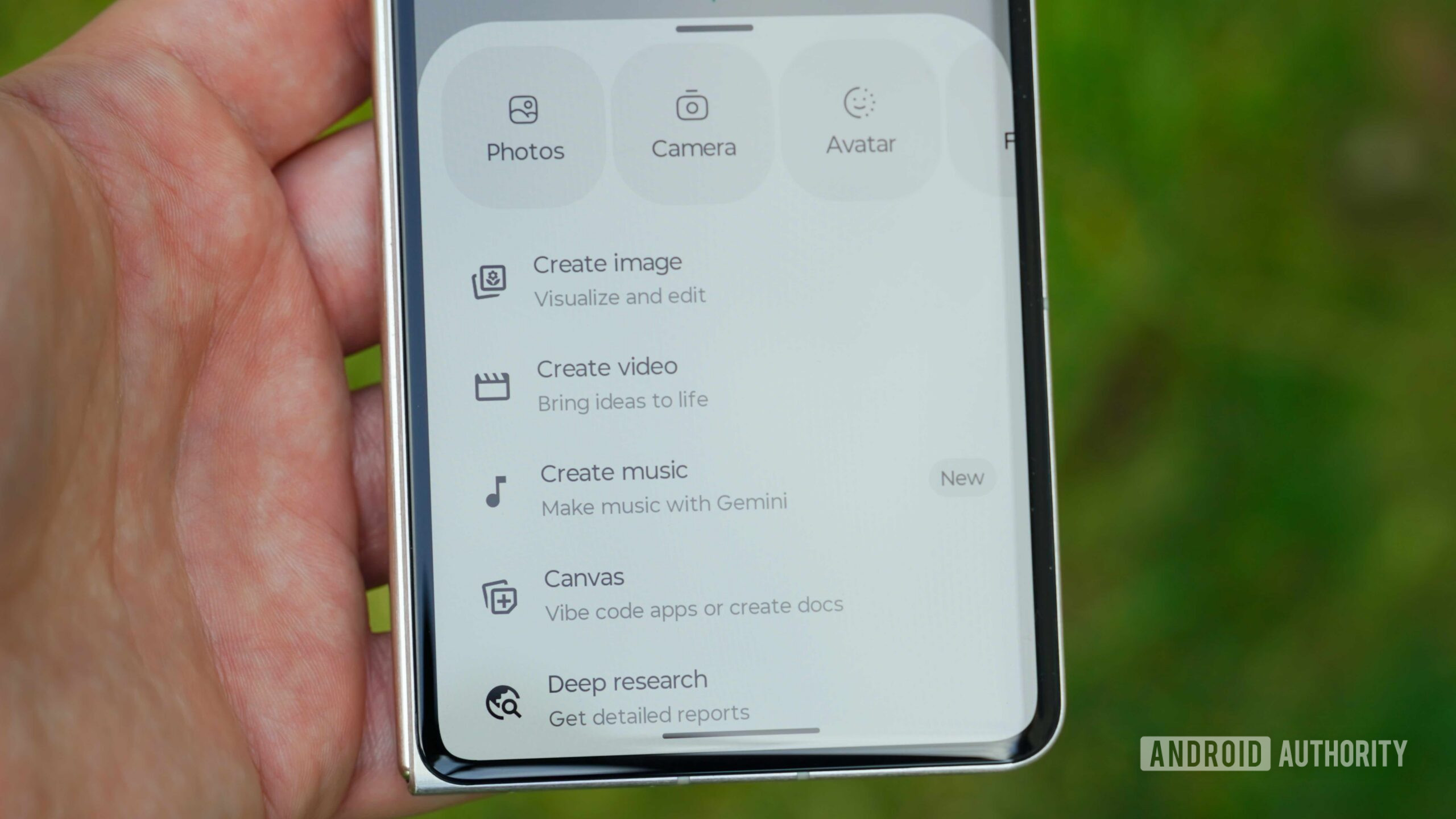
Brady Snyder / Android Authority
One of the most obvious changes in the new Gemini app, and the most recognizable aspect of Neural Expressive, is the new, thinner typography used throughout. At first, I thought it was a new font, but it’s the same Roboto I’ve been using on Android for years, just thinned out considerably. If you want to see it for yourself, check Google Fonts’ Roboto Flex page and drag the “Weight” bar down. The further you go, the closer you get to the Gemini app’s current typography.
Google intends for this to be a living font that reduces visual density, adapts, and scales with the entire interface. It’s basically made for a dynamic app design that changes depending on what the underlying smarts and AI require. The font gets heavier for more important bits, lighter for others. But the one clear side effect is that the default Roboto Flex font looks a little too thin and is a bit tougher to read than previous versions.
Google forgot there’s a difference between adding something…