5 reasons I run Google Maps and Waze together while driving with Android Auto
5 reasons I run Google Maps and Waze together while driving with Android Auto
https://www.howtogeek.com/run-google-maps-and-waze-together-on-android-auto/
Publish Date: 2026-06-22 11:31:00
Source Domain: www.howtogeek.com
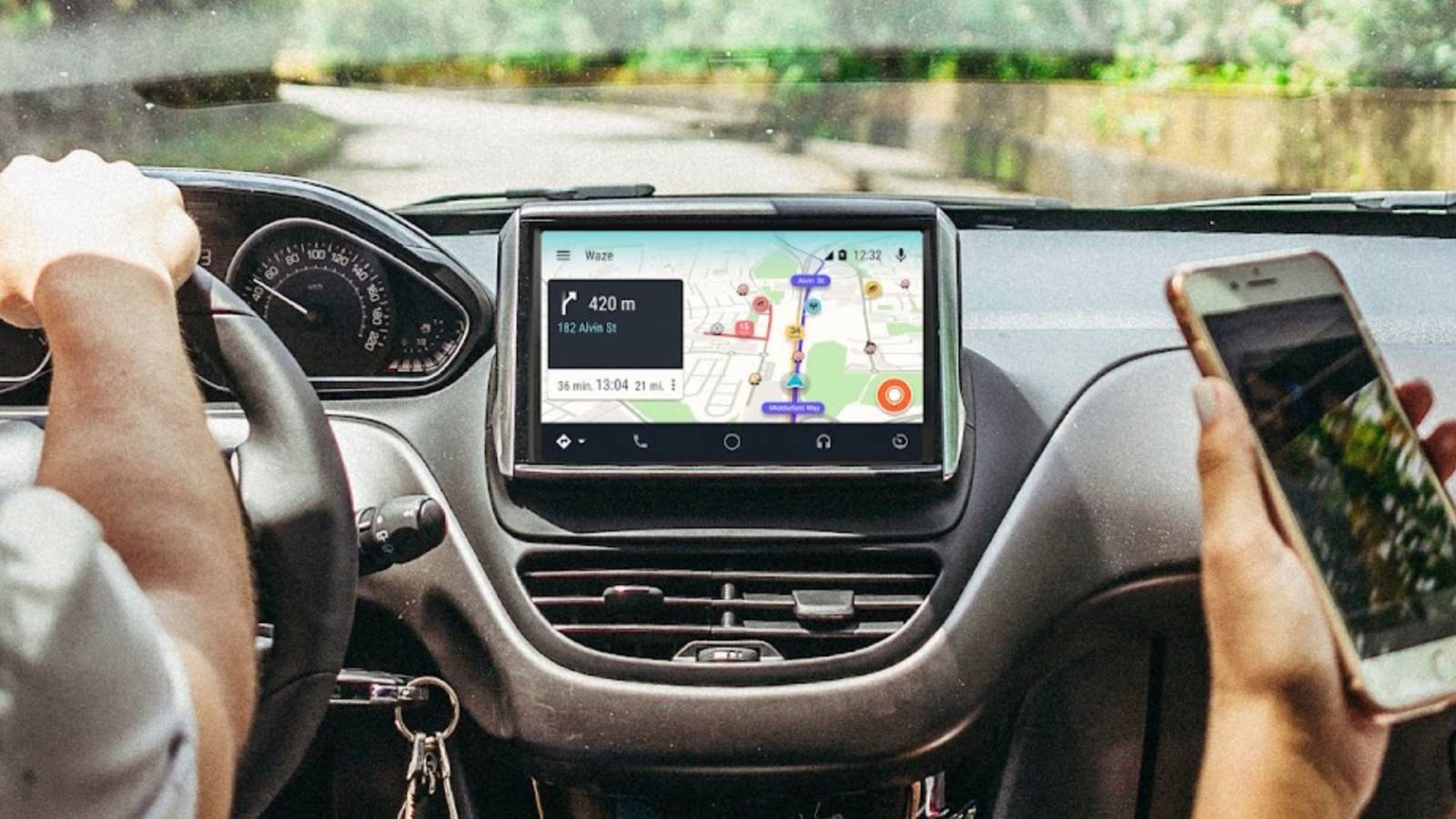
Google Maps and Waze are two of the most popular navigation apps for Android Auto. But I’ve never been convinced that you need to choose between one or the other. While a lot of the core functionality of the two apps overlaps, many of their strengths don’t. By using them both, I get the best of both worlds.
Waze finds road hazards before almost anything else
Crowd-sourced data FTW
Although Google Maps is good for live traffic information and will let you see the main incidents along your route before you set off, it doesn’t even come close to what Waze can offer.
With its focus on crowd-sourced information, Waze is in a different league when it comes to the various road hazards that you might encounter. It collects user reports for accidents, debris on the road, broken down vehicles, or even potholes.
Waze also proactively reroutes you around these kinds of obstacles so that you don’t get stuck along your way. Google Maps, by comparison, leaves it largely up to you whether you want to detour or not.
This is particularly useful when you’re driving somewhere off the beaten track. Waze reports are more likely to appear on local roads because someone has to be physically on that road in order to report the issue. If a user breaks down on one of those roads, they can immediately report it. They can do it in Google Maps, too, but Waze is so much better at this kind of thing.
…
Source