Is Your iPhone Protected? New Apple Data Shows 23% Of Users Missing Vital Security Feature

Is Your iPhone Protected? New Apple Data Shows 23% Of Users Missing Vital Security Feature
Publish Date: 2026-06-11 20:23:00
Source Domain: www.forbes.com
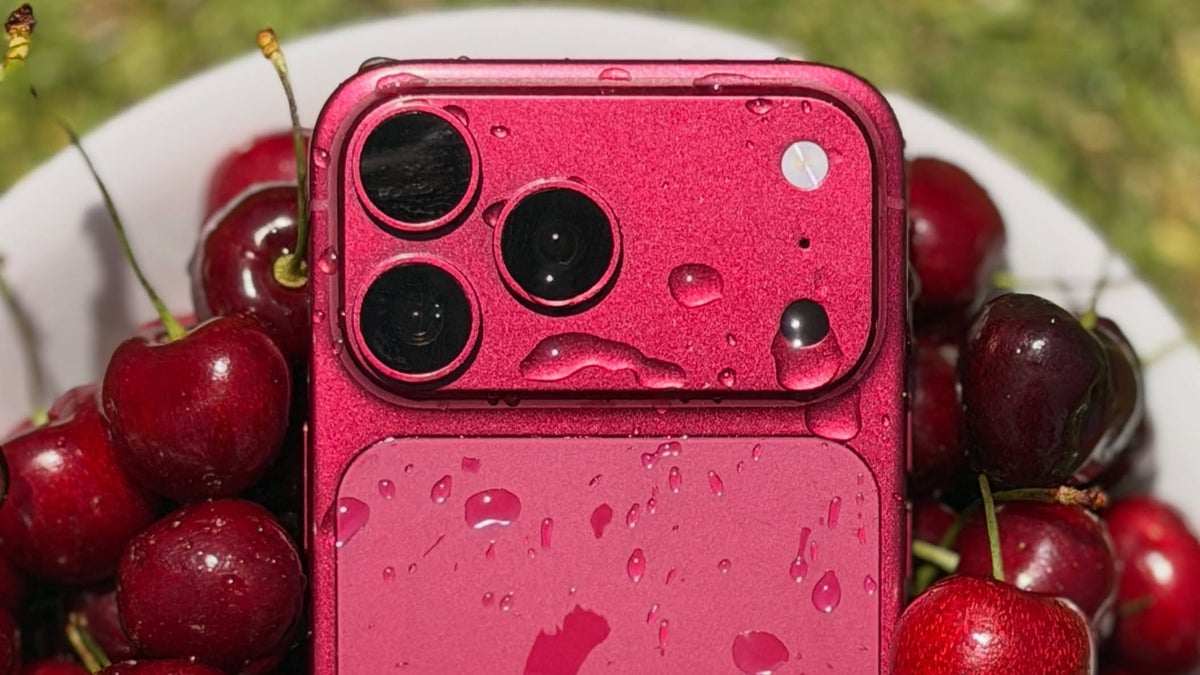
Apple iPhone 17 Pro
VCG via Getty Images
Phone theft is a serious issue and in some cities, such as London, for example, is widespread — though recent figures at least show an improvement. Now, Apple has shared details of how many people have the latest security protections in place — and how many need to turn them on.
Apple introduced Stolen Device Protection for the iPhone in 2024 and it improved security significantly. New data shared with me by Apple shows that 77% of devices running the latest version of iOS in the U.K. have the protection enabled.
I’ve long been an advocate for the protection and urged anyone who would listen to turn it on. In recent months, Apple turned Stolen Device Protection on by default, which is important.
With the protection activated it means that if an iPhone, say, is stolen then users have time to mark the device as lost. As soon as that happens, thieves are unable to make critical changes to the device.
So, because they can’t add their biometrics to the iPhone, it reduces the chances of a thief being able to access banking apps, for example.
The Puzzle Behind The Missing 23%
Since the protection is now on by default, the 77% figure, though very high, may seem puzzling. I believe it’s because if a user turned Stolen Device Protection off, for whatever reason, in the past, it would not be on by default in the future.
Which means that 23% of iPhone users in the U.K. are not as secure as they could be. Fortunately, the solution is simple: go to Settings, then Privacy & Security and scroll down to Stolen Device Protection (it’s right at the bottom) and turn it on. You can also find it in the setting for Face ID & Passcode.
Apple’s Ongoing War Against Street Theft
“We sympathize with people who have had this experience, and we take all threats against our users very seriously,” Apple told me.
It went on to explain the…