Don’t Update Your iPhone To iOS 27 Without Knowing This First
Don’t Update Your iPhone To iOS 27 Without Knowing This First
https://www.slashgear.com/2191948/ios-27-update-breaking-iphones-reason-why-older-models-affected/
Publish Date: 2026-06-11 00:33:00
Source Domain: www.slashgear.com
Adnan Ahmed/SlashGear
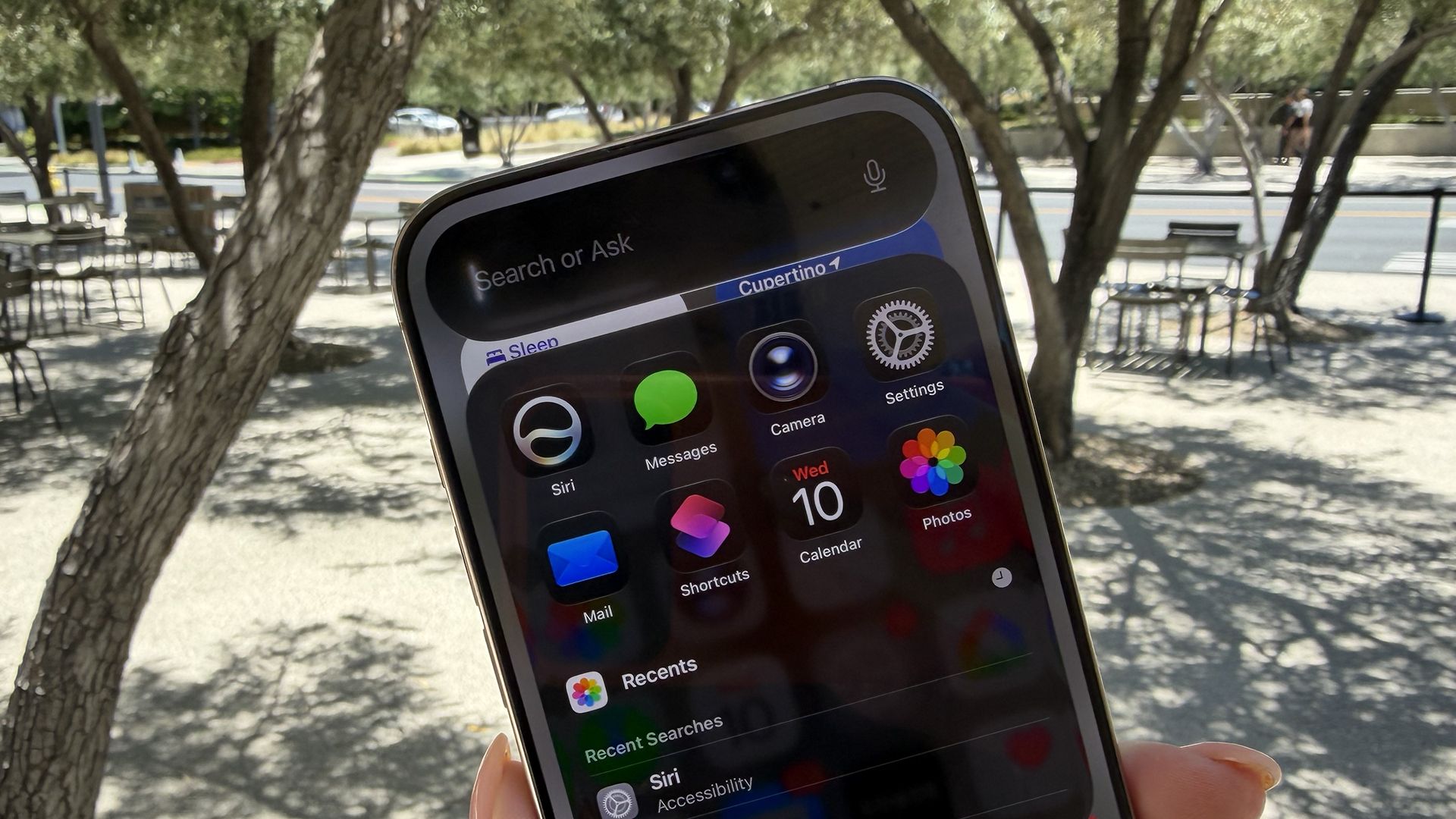
At WWDC 2026, Apple debuted the next version of the iPhone’s operating system, iOS 27. The public release is set for September, but those interested can try out the new features in iOS 27 early by installing the developer preview. As it is with every beta release, however, there is always a bit of risk involved, especially if you own an older iPhone model. Multiple iPhone 15 Pro owners have been reporting bricked devices after installing the update.
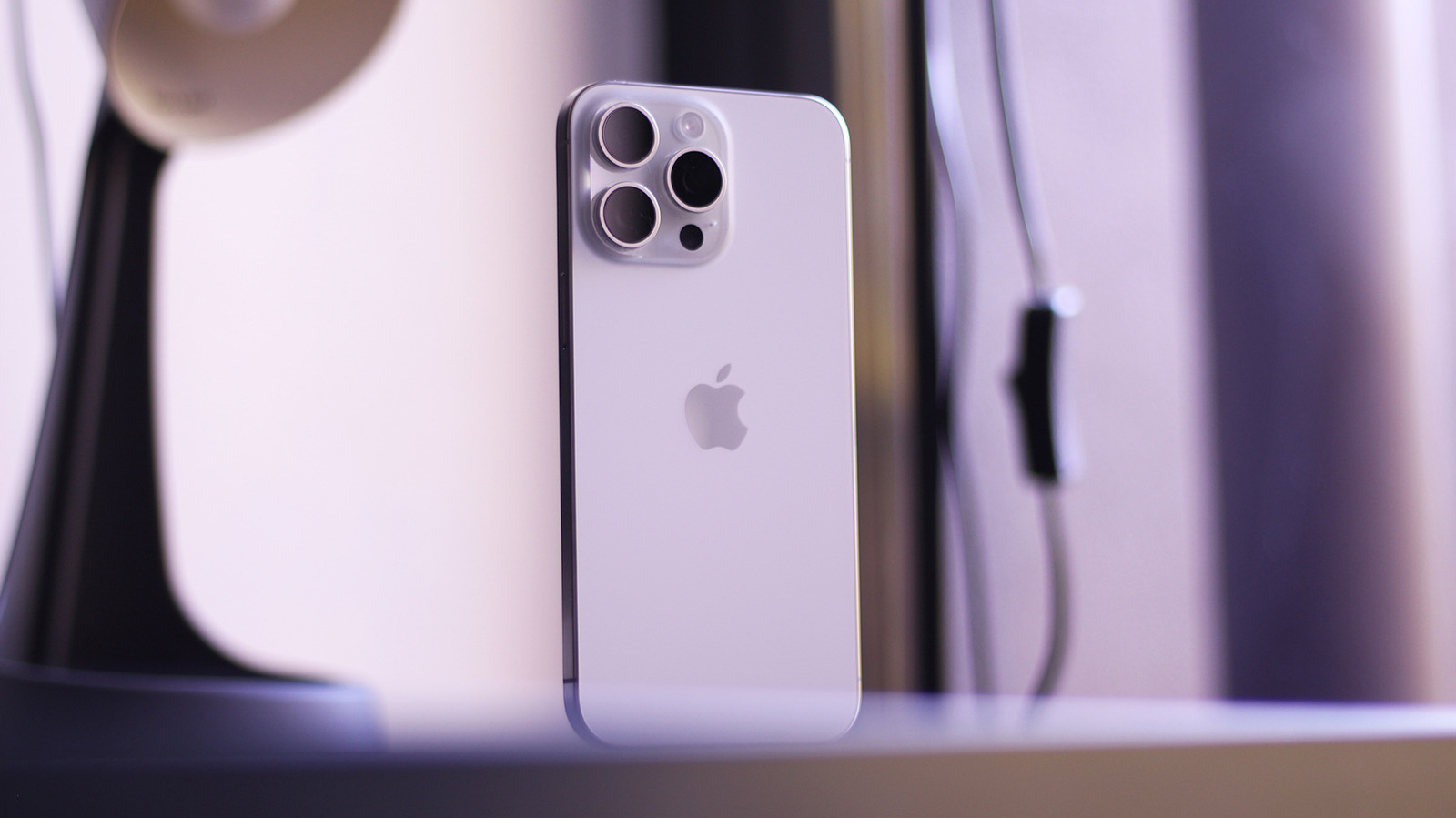
The issue seems to be triggered after a force restart. Affected users have reported that their iPhones became completely unresponsive, with the display remaining black even after trying to turn the device back on or plugging it into a charger. We were able to reproduce the issue on our iPhone 15 Pro Max running the first iOS 27 developer beta. To be safe, you may want to avoid installing the first beta if you’re on an iPhone 15 Pro. It’s unclear whether this issue affects the non-Pro iPhone 15s.
What worked in our case, as with many others, was restoring the iPhone using a Mac or PC by sending it into DFU (Device Firmware Update) mode. Unfortunately, some users haven’t been able to enter DFU mode, in which case, reaching out to Apple Support or a verified technician may be the only option.
How to fix a bricked iPhone on iOS 27
…
Source