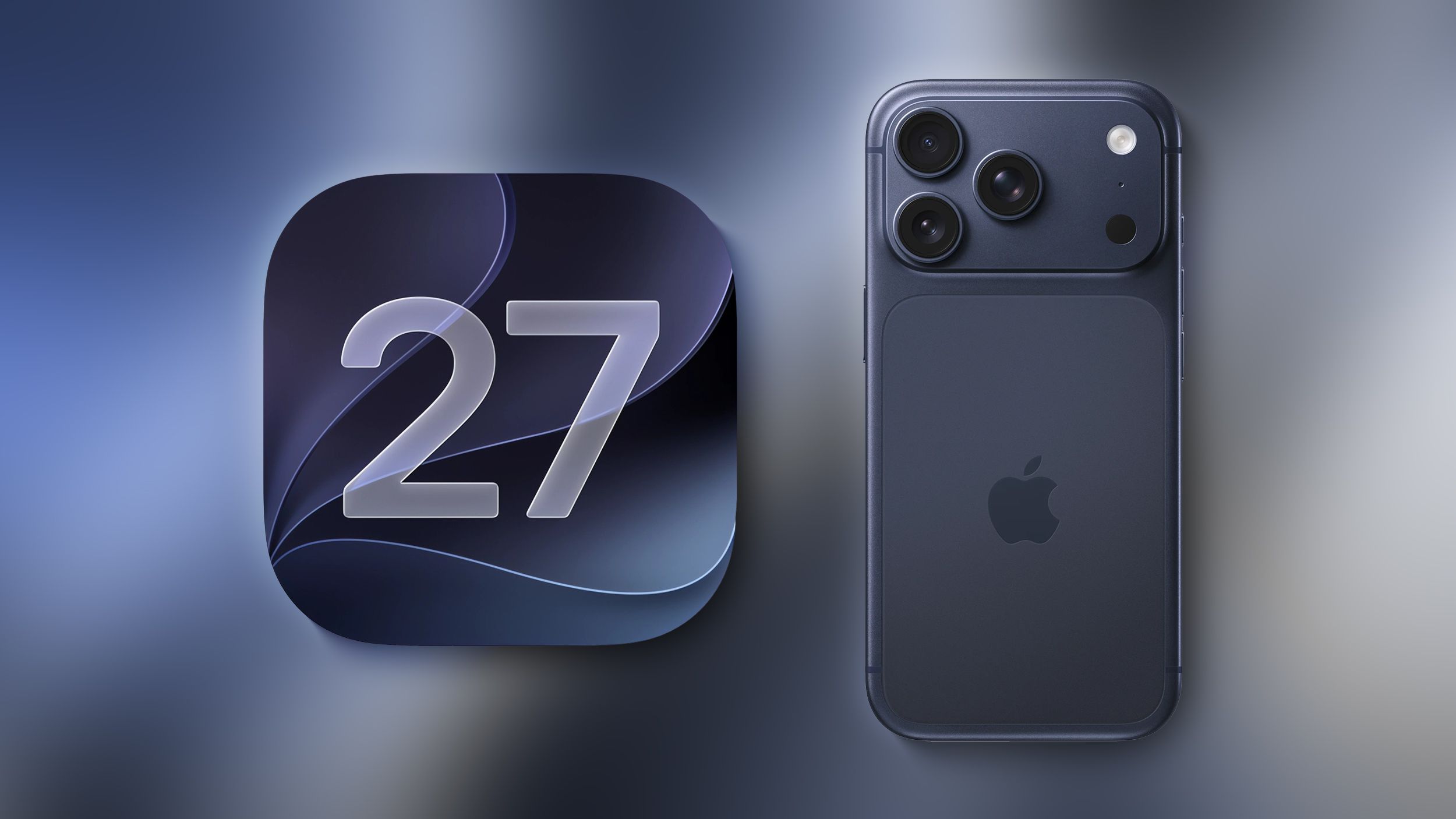
Want iOS 27 Early? Here’s How To Download The Beta On Your Phone
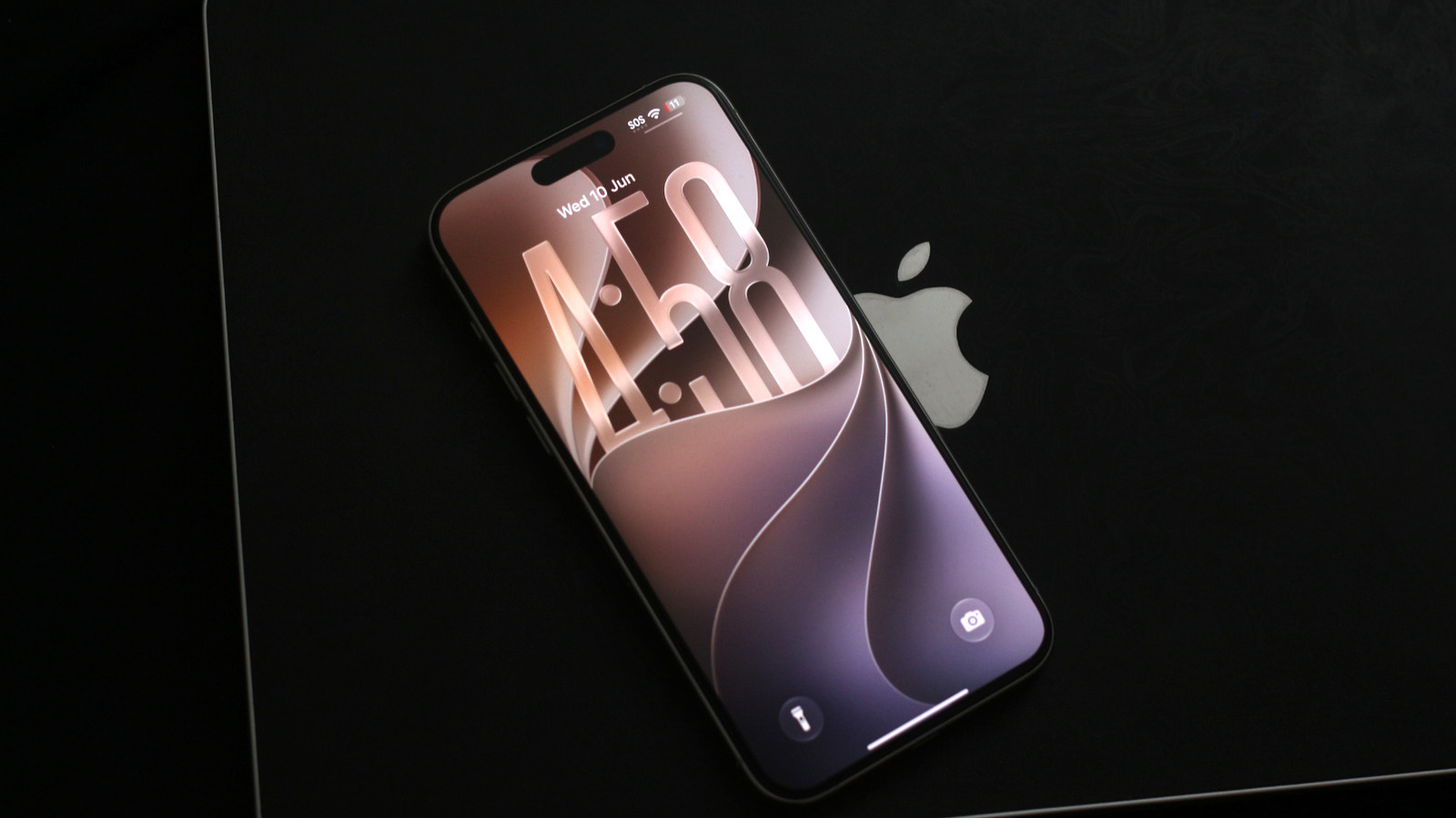
Want iOS 27 Early? Here’s How To Download The Beta On Your Phone
https://www.slashgear.com/2190962/how-to-download-ios-27-beta-iphone/
Publish Date: 2026-06-10 11:45:00
Source Domain: www.slashgear.com
Adnan Ahmed/SlashGear
iPhones are often easiest to recommend if you’re looking for a device that just works, with software that’s reliable. That said, iOS 26’s many issues pushed Apple to finally focus on performance and stability with its next big release. At WWDC 2026, the company unveiled iOS 27, which is set to roll out to the masses in September. If you’re keen to try out the new update, however, you can always install the beta build on your iPhone. Public betas are often more stable, while developer beta builds tend to get all the new features earlier.
Apple no longer requires you to pay a fee to test its beta builds, as it did a couple of years ago. All you need to do is head to the Apple Beta website and sign in using your Apple ID and password. On the terms and conditions page, click on “Agree.” Restart your iPhone and navigate to Settings General Software Update, and you should now be able to see a new “Beta Updates” section. Tap on it and select “iOS 27 Developer Beta.” Give it a quick second, and your iPhone should now let you download and install the newest beta version of iOS.
Depending on your internet connection, the process may take anywhere from a few minutes to an hour or more. While you won’t lose any data, it’s highly recommended you make a backup of your iPhone prior to installing any beta builds.
Pros and cons of installing iOS 27 early
…
Source