KVM virtual machine software review
KVM virtual machine software review
https://www.techradar.com/pro/kvm-virtual-machine-software-review
Publish Date: 2026-06-05 10:38:00
Source Domain: www.techradar.com
Why you can trust TechRadar
We spend hours testing every product or service we review, so you can be sure you’re buying the best. Find out more about how we test.
KVM is often included among the best virtual machine software options, although it should be understood differently from most desktop virtualization tools. It is not an application that users simply open and operate on its own. KVM, short for Kernel-based Virtual Machine, is built into the Linux kernel and provides the low-level virtualization capability that allows Linux to run virtual machines with hardware acceleration.
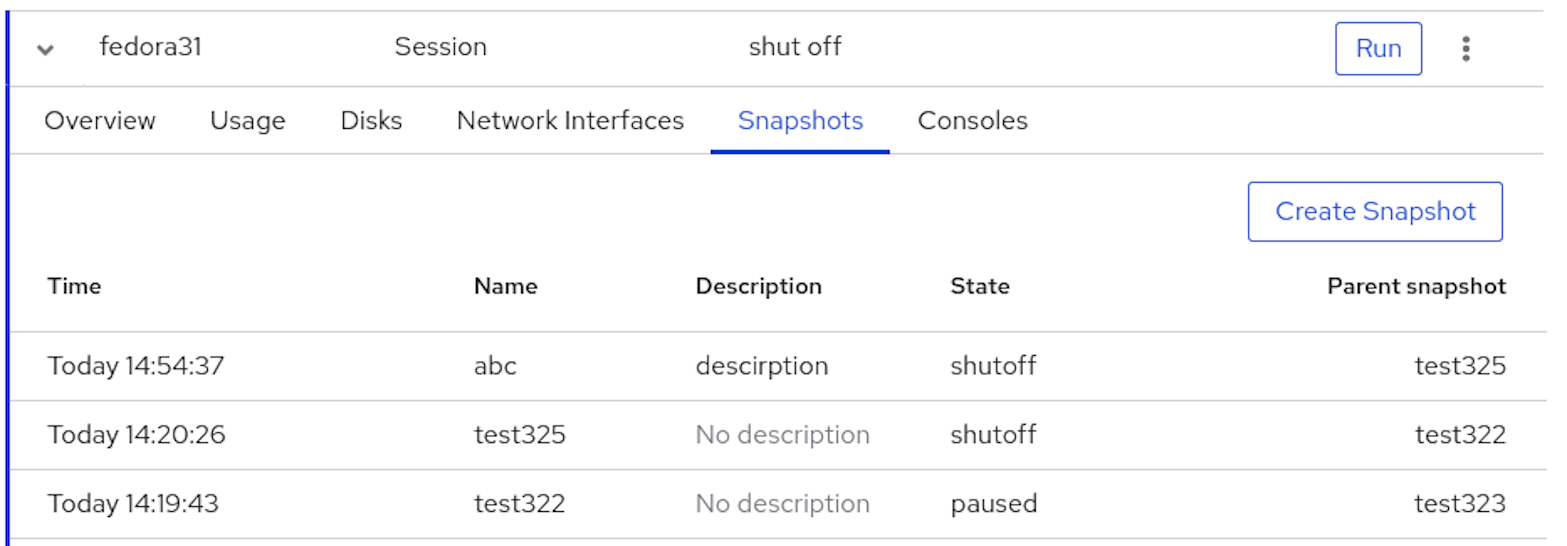
In practice, KVM is usually part of a wider stack. QEMU handles device emulation and virtual machine execution, KVM provides hardware-assisted acceleration through the Linux kernel, and libvirt offers a management layer used by tools such as virt-manager, virsh, Cockpit, and other front ends. This is why users often see the combined term QEMU/KVM rather than KVM alone.
In a typical desktop Linux setup, this stack often consists of four parts: KVM for kernel-level virtualization, QEMU for device emulation, libvirt for management, and virt-manager for the graphical interface. This is why the experience users describe as “KVM” is usually shaped by several tools working together rather than by KVM alone.
Latest Videos From

This distinction is important because it shapes the entire experience. KVM can be very fast and reliable, but it does not offer the same integrated product feel as VMware Workstation or Parallels Desktop. Instead, it gives Linux users a powerful foundation that can be managed through different tools depending on the use case.
For users already comfortable with Linux, this is a major advantage. KVM fits naturally into the Linux ecosystem, works well on servers, and scales from local test environments to larger infrastructure platforms. For users expecting a guided desktop virtualization product, it may feel fragmented at first.
KVM: Plans and pricing
(Image…
Source