4 tricks I use to stop Android Auto from heating up my phone
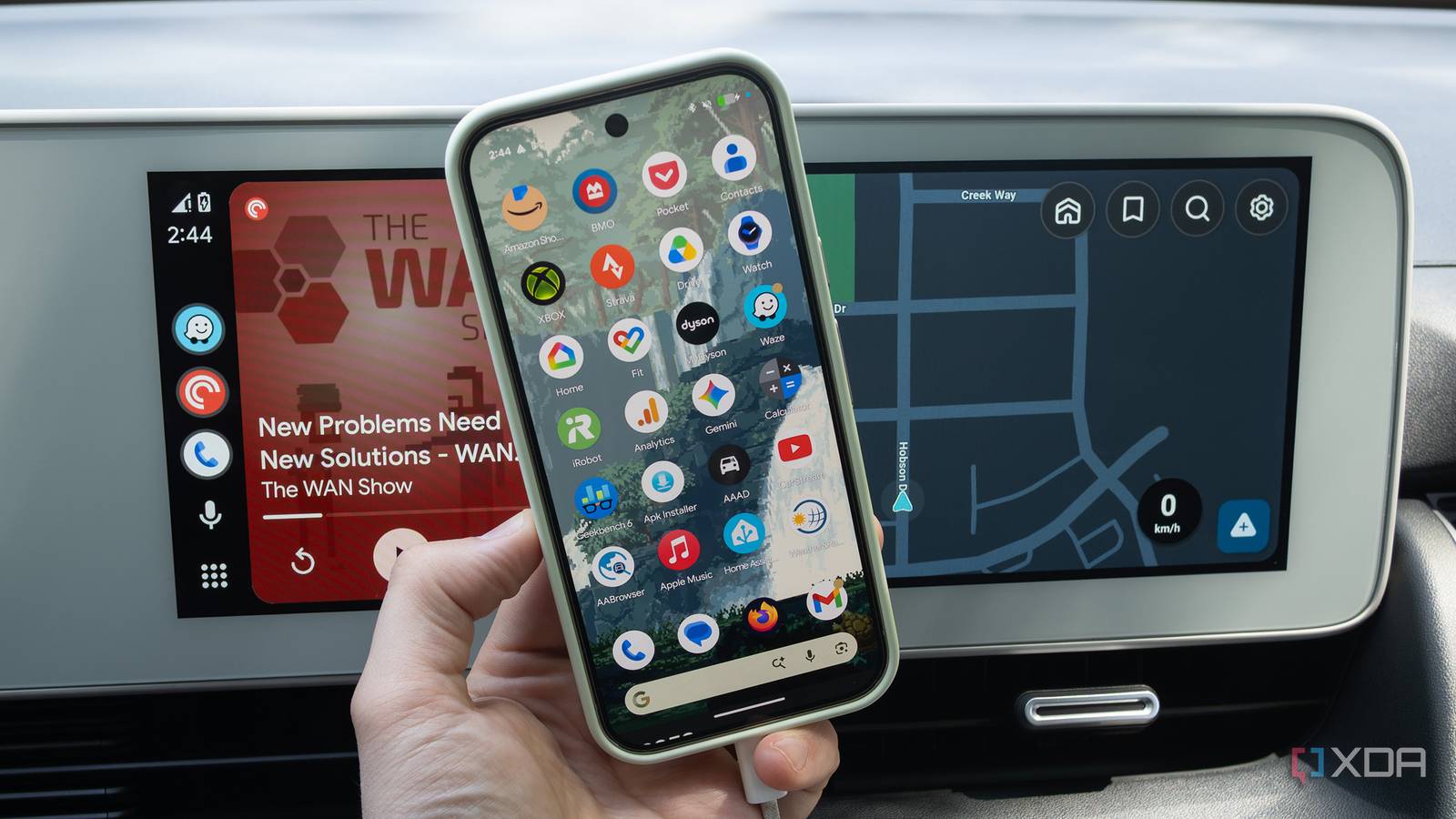
4 tricks I use to stop Android Auto from heating up my phone
https://www.xda-developers.com/tricks-i-use-to-stop-android-auto-from-heating-up-my-phone/
Publish Date: 2026-06-03 11:33:00
Source Domain: www.xda-developers.com
If you’re an Android Auto user, you’ll know that the in-car infotainment system platform can be pretty resource-intensive on your phone, even if you’re using a high-end device like the Pixel 10 Pro or Galaxy S26 Ultra. The nature of Android Auto means your phone is doing a lot at once, including navigating, streaming music, sending data, and in many cases, probably also charging. If you happen to live in a warmer area, this can make matters worse, too.
Unlike some people, I’ve never received a temperature warning on my device while running Android Auto, but based on my research, getting hit with one is relatively common, especially with older phones. With this in mind, there are a few things you can do to help keep your Android phone’s temperature down while you’re running Android Auto (and no, none of them involve putting a bunch of ice cubes on the back of your phone).
Turn off your phone’s screen and take it out of its case
This is an obvious, but often overlooked solution
Before you scroll down to the comments, hear me out. Yes, this is a basic suggestion, but it’s also the kind of thing not everyone will think of. If I feel like my Pixel 10 Pro is running hot while connected to Android Auto, which often happens in the summer on particularly hot days, I pop it out of its case and let it breathe a little. I haven’t formally tested the temperature, but I can anecdotally confirm…