Lo-fi pictures on iPhone: How to take raw, unprocessed photos
Lo-fi pictures on iPhone: How to take raw, unprocessed photos
https://www.cultofmac.com/how-to/lo-fi-iphone-pictures
Publish Date: 2026-05-26 09:03:00
Source Domain: www.cultofmac.com
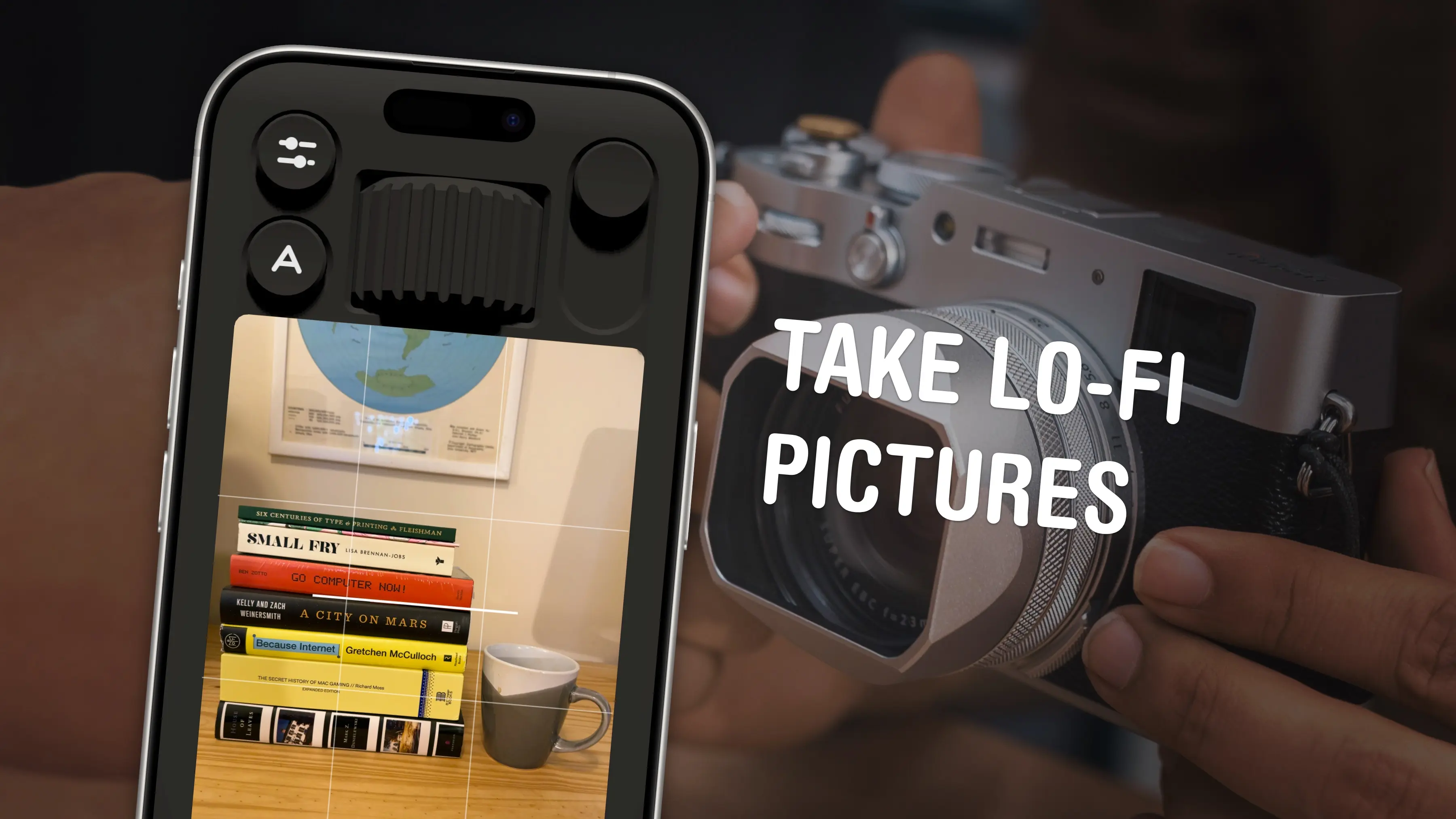
If you feel like every photo you take looks boring and overprocessed, you can change your iPhone camera settings to take natural, lo-fi pictures.
Turning down the exposure can prevent the photo from looking unnaturally bright (and more like something shot on an older digital camera). If you have a newer iPhone, you can even change its Photographic Style to “Natural,” for better-looking colors. A few quick trips into the Settings app can turn off the lens distortion on the Ultra Wide and selfie cameras, for that pure fisheye look.
You can even take things a step further and download a different camera app — one that captures totally unprocessed photos straight from your iPhone’s sensor.
Here are my top tips for taking lo-fi iPhone photos.
5 tips to help you take natural, lo-fi pictures with your iPhone
The iPhone’s “computational photography mad science” can turn murky-looking shots into unnaturally gorgeous shots. However, some people are pushing back against the extensive post-processing that your iPhone does on every picture.
Apple once proudly stated that the iPhone can process “4 trillion operations per photo.” Meanwhile, Gen Z is gravitating toward basic digital cameras with zero operations per photo.
But hold up before you go full Sony Mavica. You don’t actually need a separate camera to take lo-fi pictures. You can get a natural look by changing some settings on your iPhone, with the convenience of having pictures instantly appear in your Photos library.
Table of contents: Take lo-fi pictures on iPhone
- Turn down the exposure
- Turn off lens correction
- Use the Natural Photographic Style
- Mirror the front camera
- Take lo-fi pictures using a special camera app
- More Camera tips
Turn down the exposure
Turn down the exposure, like an old digital camera with a small sensor.
Photo: D. Griffin Jones/Cult of Mac
iPhones are notorious for overexposing pictures to make them really bright and vivid. Apple never wants a shot to be…