This app brings Quick Share support to Android phones without Google services
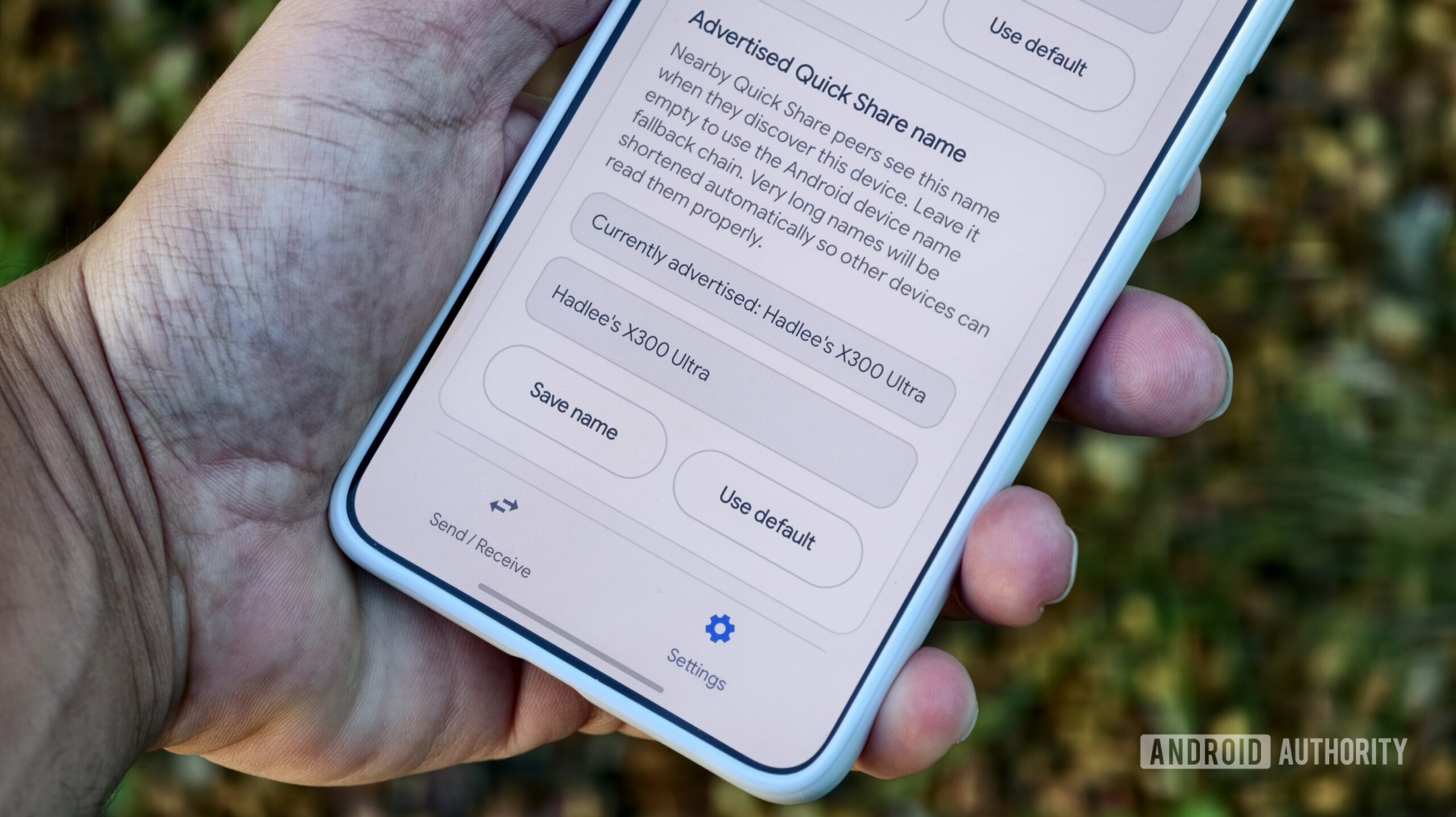
This app brings Quick Share support to Android phones without Google services
https://www.androidauthority.com/bada-app-quick-share-interoperable-3670644/
Publish Date: 2026-05-25 09:36:00
Source Domain: www.androidauthority.com
Hadlee Simons / Android Authority
TL;DR
- A sharing app called Bada has recently been published on GitHub.
- Bada lets you share files locally with Android devices that have Quick Share.
- This makes it handy if you have a HUAWEI device or the Chinese version of an Android phone.
The vast majority of Android phones have Google Play Services, which come with Quick Share. This feature lets you easily share files with a nearby Android device, Chromebook, iPhone, or PC with the Quick Share app. Android phones without Google services lack this sharing capability, but a new app is plugging the gap.
An open-source Android app called Bada has recently been published on GitHub (h/t: r/Android), and it’s interoperable with Google’s Quick Share service. In other words, the app lets you transfer files between a Quick Share-equipped Android device and a phone without Quick Share. Bada only needs to be installed on the phone without Quick Share.
Don’t want to miss the best from Android Authority?


Bada supports file transfers between devices over the same Wi-Fi connection, but the GitHub page also notes that you can share files via Wi-Fi Direct for a proper device-to-device connection. However, I wasn’t able to get the latter sharing method working when I tried transferring files between a vivo X300 Ultra and Galaxy S23 Ultra and Galaxy S25 Ultra.
I also tried sharing files to a Windows computer equipped with Quick Share. I was able to accept the sharing request on the PC, but the computer noted that the transfer couldn’t be completed. This was despite the phone app saying that the file was successfully sent. The developers also note that AirDrop isn’t supported at the moment.
Bada has a reasonable list of permissions, namely Bluetooth advertising, nearby Bluetooth/Wi-Fi devices, Bluetooth connections, and notifications. You can also grant the app access to specific or all files on your device. Finally, you can select a desired folder for receiving files (defaulting to…


