Android 17 QPR1 Beta 3 reveals new screenshot buttons, likely for Aluminium OS
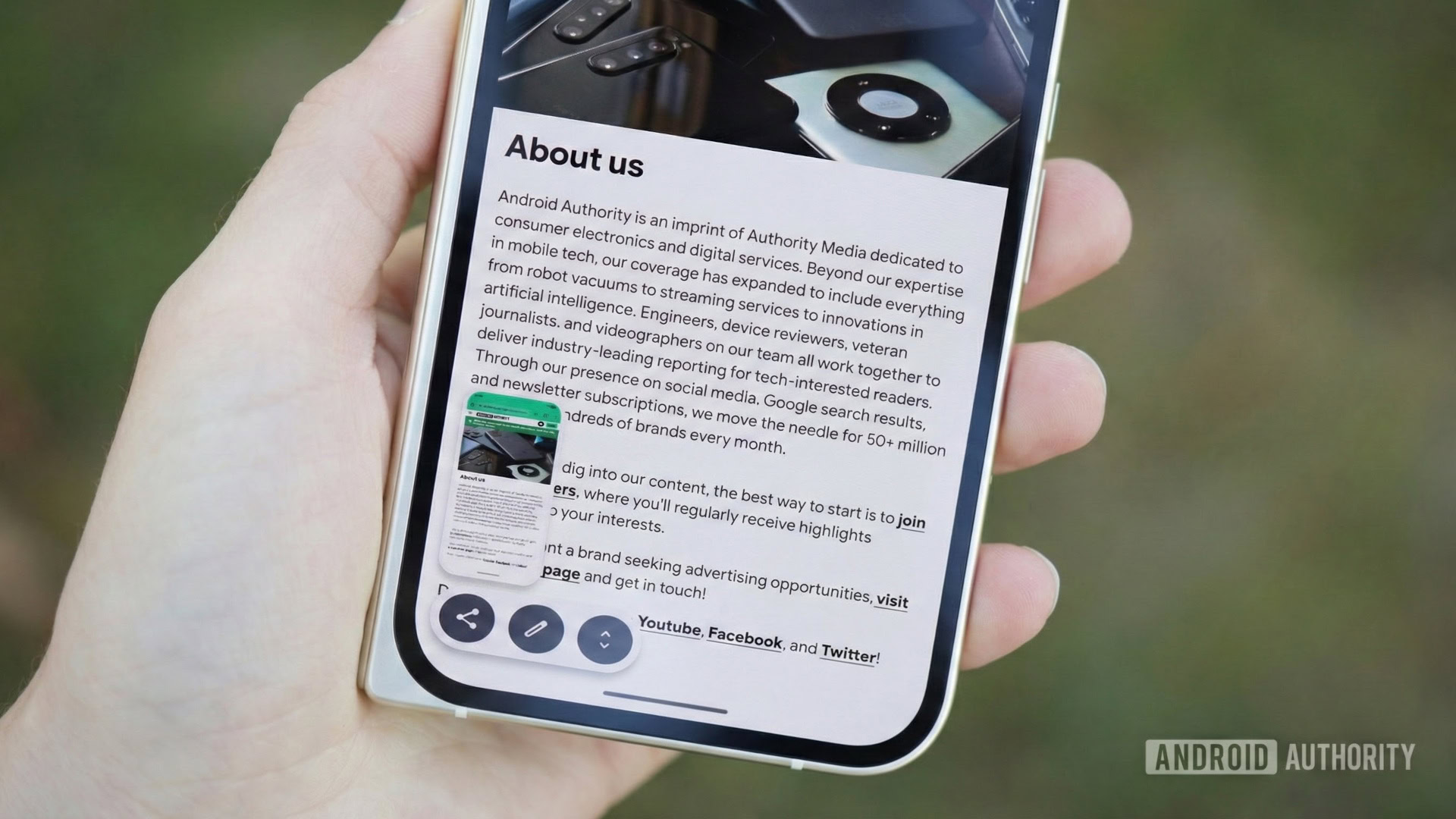
Android 17 QPR1 Beta 3 reveals new screenshot buttons, likely for Aluminium OS
https://www.androidauthority.com/android-17-screenshot-overlay-new-buttons-apk-teardown-3669650/
Publish Date: 2026-05-21 04:01:00
Source Domain: www.androidauthority.com
Mishaal Rahman / Android Authority
Image of a Pixel 10 Pro Fold showing Android’s screenshot preview UI. Original photo by Joe Maring, modified with Gemini Nano Banana Pro to show the screenshot UI.
TL;DR
- We managed to activate two new buttons in the screenshot overlay in Android 17 QPR1 Beta 3.
- The “Copy to clipboard” button copies the screenshot to your clipboard for easier pasting into apps, while the “Open in folder” button opens the screenshot in the Files app.
- These buttons were also spotted in the leaked Aluminium OS build, and enabling them disables long screenshots on phones, suggesting they are intended for Aluminium OS devices.
It’s been a very busy week for Google, as we were not only treated to a ton of announcements at Google I/O 2026, but also had Wear OS 7 and Android 17 QPR1 Beta 3 drop alongside. We’ve been digging through the QPR release to find new features, and we’ve spotted two new buttons that will help users who take a lot of screenshots — but perhaps not on their phones.
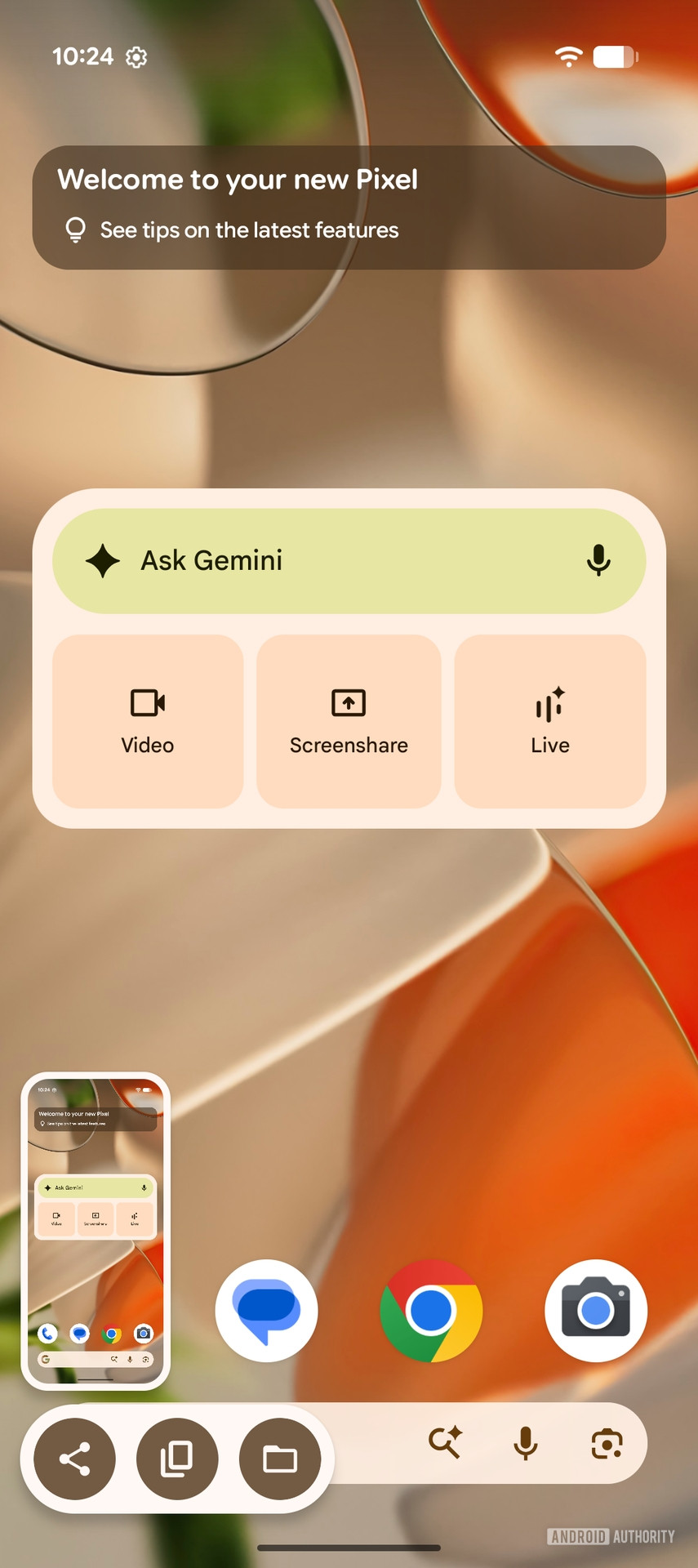
In Android 17 QPR1 Beta 3, we managed to enable two new icons/buttons in the screenshot overlay. These are “Copy to clipboard” and “Open in folder.”
AssembleDebug / Android Authority
Don’t want to miss the best from Android Authority?


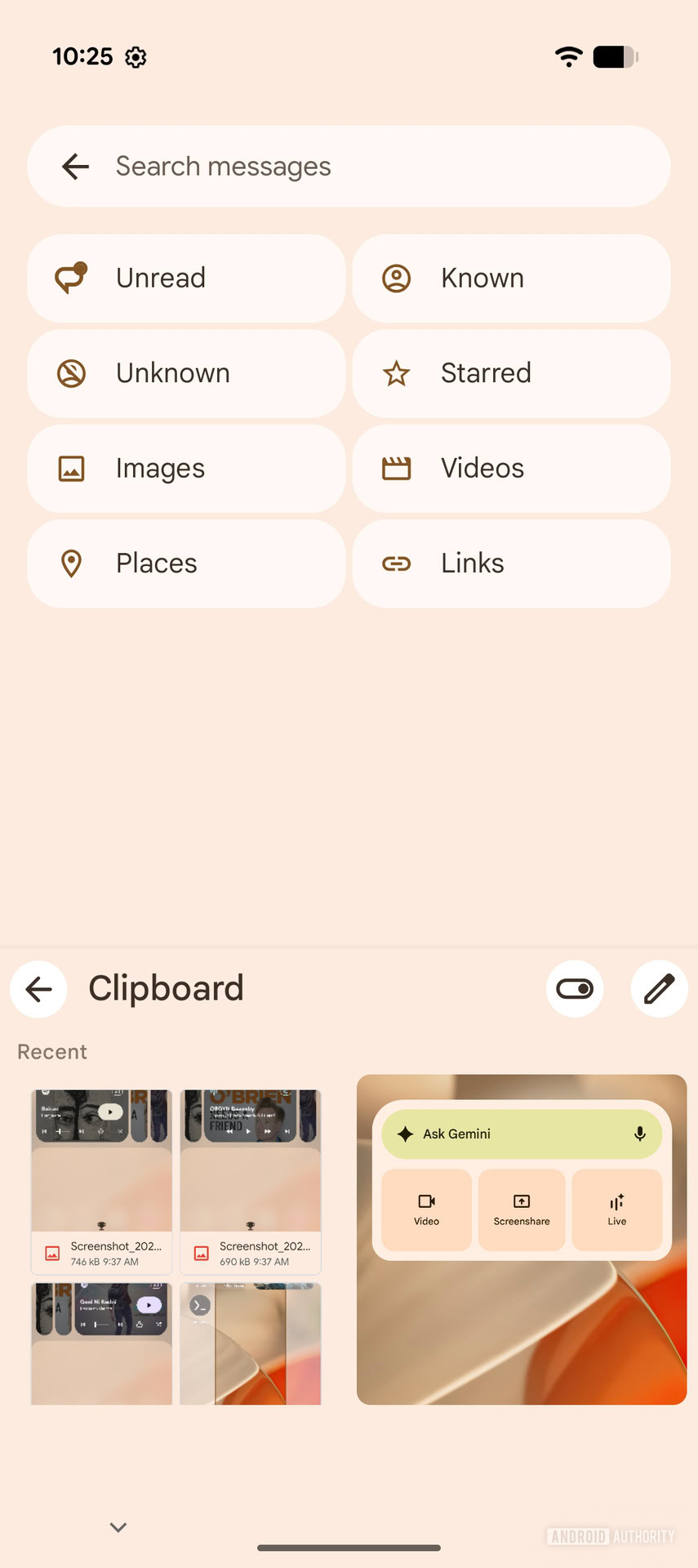
As the name implies, the “Copy to clipboard” icon copies the screenshot to your clipboard, allowing you to paste it directly into other apps that support pasting images into text input fields. Since the screenshot resides in your clipboard (until pasted or cleared), you can also see it as an option in keyboard apps that suggest clipboard contents.
AssembleDebug / Android Authority
Note that Gboard already has a built-in feature that users can enable to show recent screenshots, so this feature will be useful for other keyboard apps.
AssembleDebug / Android Authority
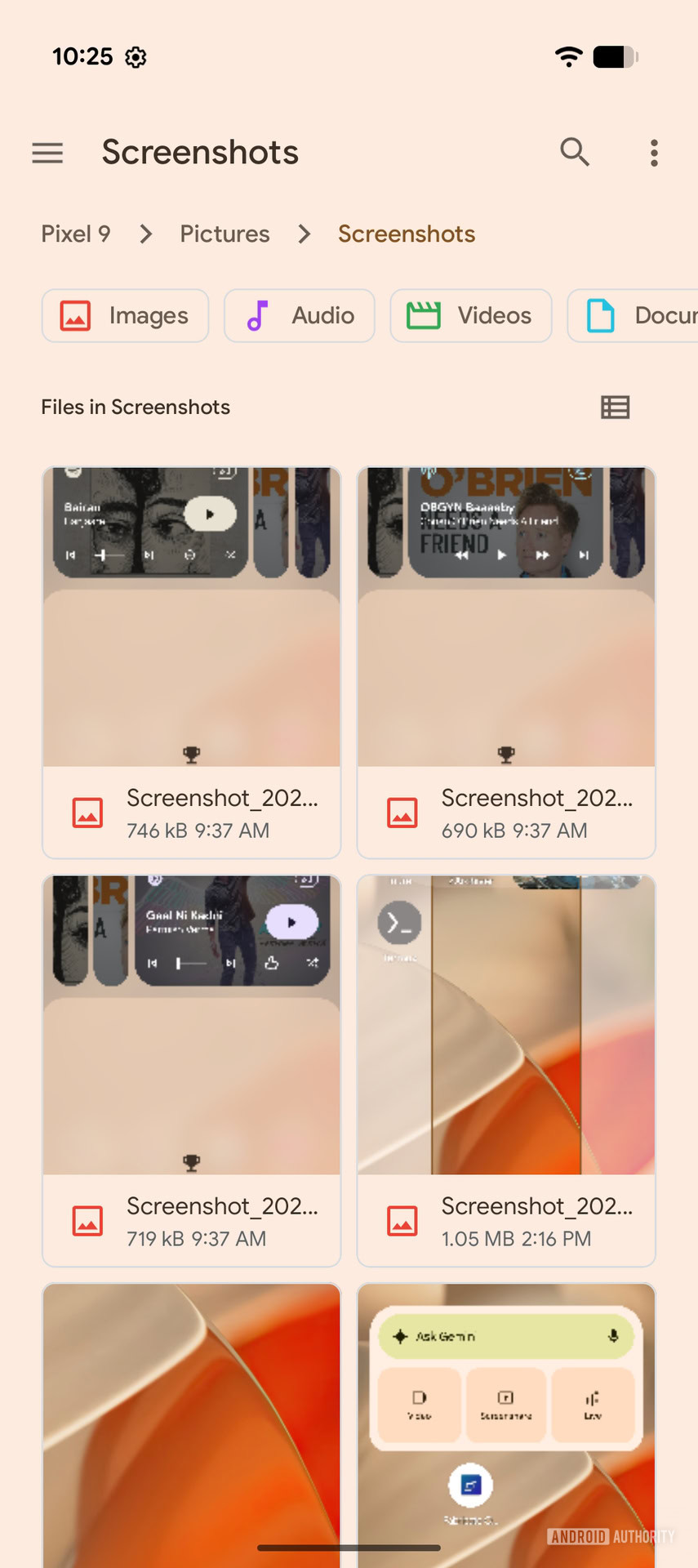
The “Open in folder” icon opens the screenshots folder in the built-in Files app (not to be confused with the Files by Google app).
When we enabled…


