These settings fix 90% of Android Auto’s problems
These settings fix 90% of Android Auto’s problems
https://autos.yahoo.com/ownership/articles/settings-fix-90-android-autos-120021434.html
Publish Date: 2026-05-20 08:00:00
Source Domain: autos.yahoo.com
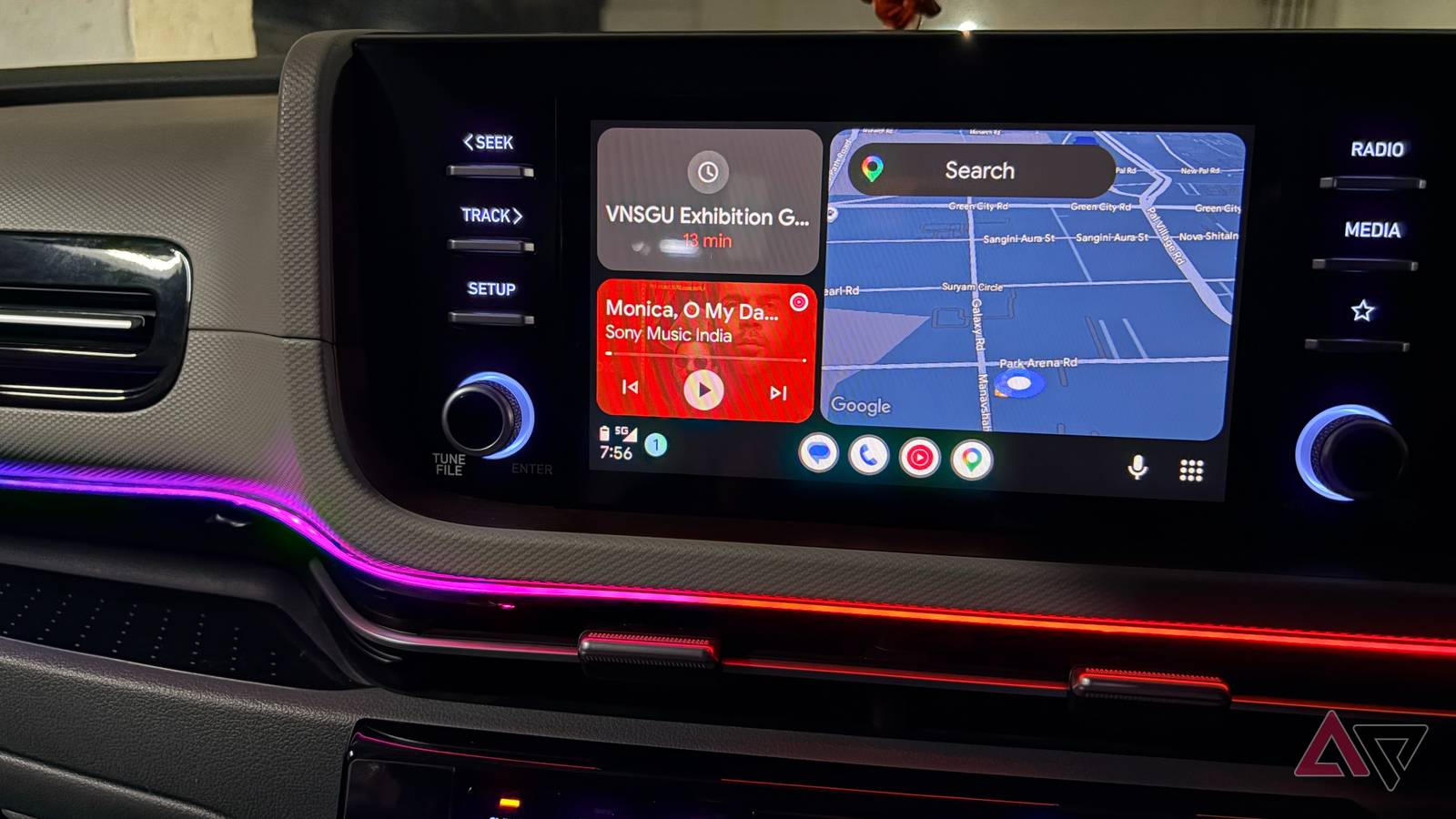
I have a genuine love-hate relationship with Android Auto. My car doesn’t have its own built-in navigation or streaming software, so I have to use it, but it’s so unreliable and buggy that I actually dread plugging in that USB cable when it’s time to drive somewhere.
I know I’m not the only one who has problems with Android Auto, and I know it’s not my car, because it works perfectly with Apple CarPlay. So blame it on the wild west of the open Android platform, I guess. Either way, in my quest to get Android Auto to just offer the bare minimum of reliability, I’ve found a few tweaks and changes that seem to help reduce that failure rate to just one in every ten trips. Yay.
Use the correct USB cable
Get the basics right
Tim Brookes / How-To Geek
Usually, USB cables aren’t something we have to give much thought to when connecting a phone to a car. If it gets power and data, the small details probably shouldn’t matter, but when it comes to Android Auto it can be annoyingly fickle.
Advertisement
Advertisement
I have spent way too much money buying different cables in a maddening quest to find a USB-A to USB-C cable that will play nice with Android Auto. Obviously, if you buy a charging-only cable with no actual data lines it won’t work, but a cable that works with everything else for data sometimes just doesn’t work with Android Auto. I have no idea why but I have an expensive pile of cables that luckily do work for other things.
The only reasonable advice here is to buy a cable that’s actually certified by the USB IF and rated for at least 480Mbps of data throughput. Buy the shortest cable you can get away with, and buy from a reputable brand, just to make sure that the certificate is real.
Turn off battery optimization for Android Auto
Sometimes it’s too optimal
Some Android phones seem a little too aggressive when it comes to managing background activity, shutting down processes in a bid to maximize battery life. That’s probably OK most of the time, but Android Auto relies…