Ex-Apple worker shares iPhone keyboard hack users are calling a game-changer
Ex-Apple worker shares iPhone keyboard hack users are calling a game-changer
https://www.uniladtech.com/apple/iphone/ex-apple-worker-iphone-keyboard-hack-256862-20260520
Publish Date: 2026-05-20 04:34:00
Source Domain: www.uniladtech.com
Smartphones have come a long way from the pocket-friendly devices we once had that fit comfortably in the palm of our hand.
With screens growing larger every year, and the upcoming foldable iPhone set to perhaps go back to two typing, one-handed use has quietly become one of the most frustrating parts of daily life for iPhone users.
Meanwhile, social media has a way of surfacing the iPhone features Apple never quite gets around to telling you about. Only recently did many iPhone users discover what the orange and green dots at the top of their screen mean.
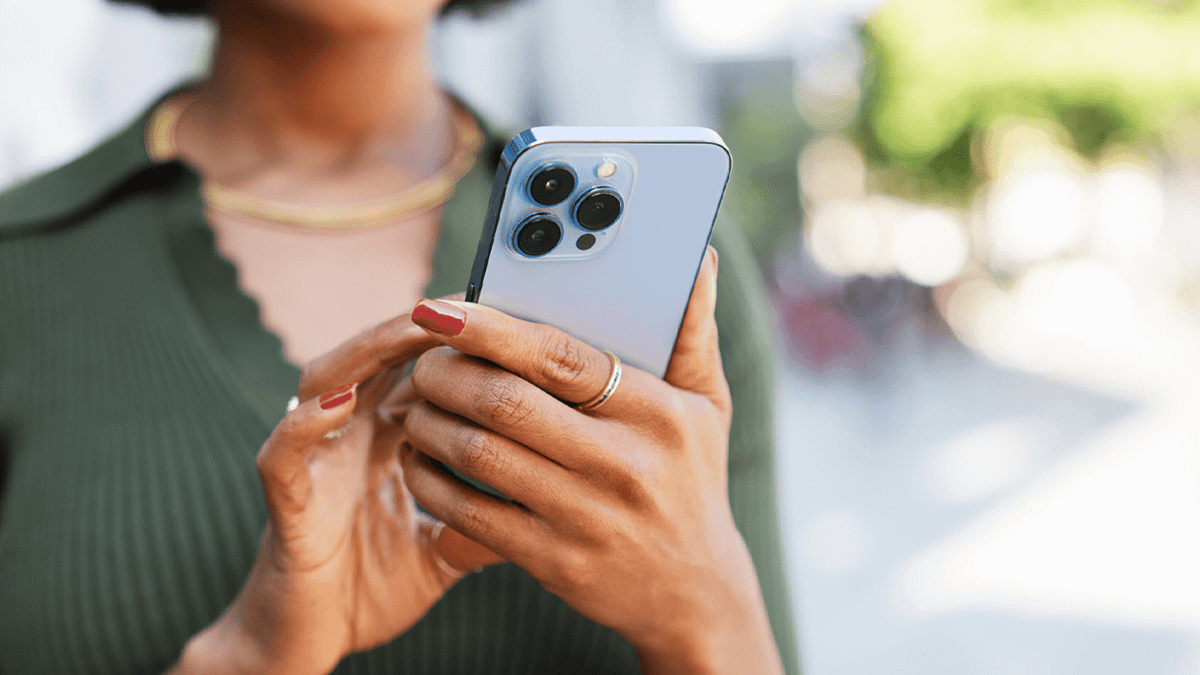
An ex-Apple worker shared a tip to help with one-handed texting (Nataliya Dmytrenko/Getty)
Now, a new hack from a popular TikToker has been described as ‘game-changing.’
Tyler Morgan, a former Apple employee, regularly shares hidden iPhone features with his millions of followers. He has previously tackled myths about charging your phone to 100% and lesser-known camera shortcuts, but this latest tip will help those who struggle to text one-handed.
The feature in question is a one-handed keyboard mode that has been sitting in iOS largely unnoticed. To activate it, simply press and hold the emoji or globe icon on the keyboard. A small menu appears offering three layout options, including versions that shift the entire keyboard to the left or right side of the screen.
You’ll then see the keyboard is much easier to type on.
In the same TikTok, Morgan showed how users can record video without first switching modes on the camera.
Instead, users can hold down the camera shutter button, which probably takes the same amount of time but is helpful for a quick capture of something in front of them.
Pressing and holding the space bar turns it into a miniature trackpad, and it makes it far easier to move the cursor and fix typos rather than select the text manually.
And for anyone who regularly deletes text by accident, the shake-to-undo feature can be activated by giving your phone a quick shake.
Many viewers in the comments were…