I ditched laggy Linux remote desktop for this browser-based setup
I ditched laggy Linux remote desktop for this browser-based setup
https://www.makeuseof.com/ditched-laggy-linux-remote-desktop-for-browser-based-setup/
Publish Date: 2026-05-17 18:00:00
Source Domain: www.makeuseof.com
When I switch from Windows Remote Desktop to Linux, it always comes as a bit of a shock. That’s because the Remote Desktop Protocol (RDP) is native to Microsoft, but with Linux, it feels more improvised. Remoting into my Linux boxes often meant crashed sessions, poor resizing, and laggy performance. It also meant keeping an SSH session open just to restart the Xrdp service when it inevitably crashed.
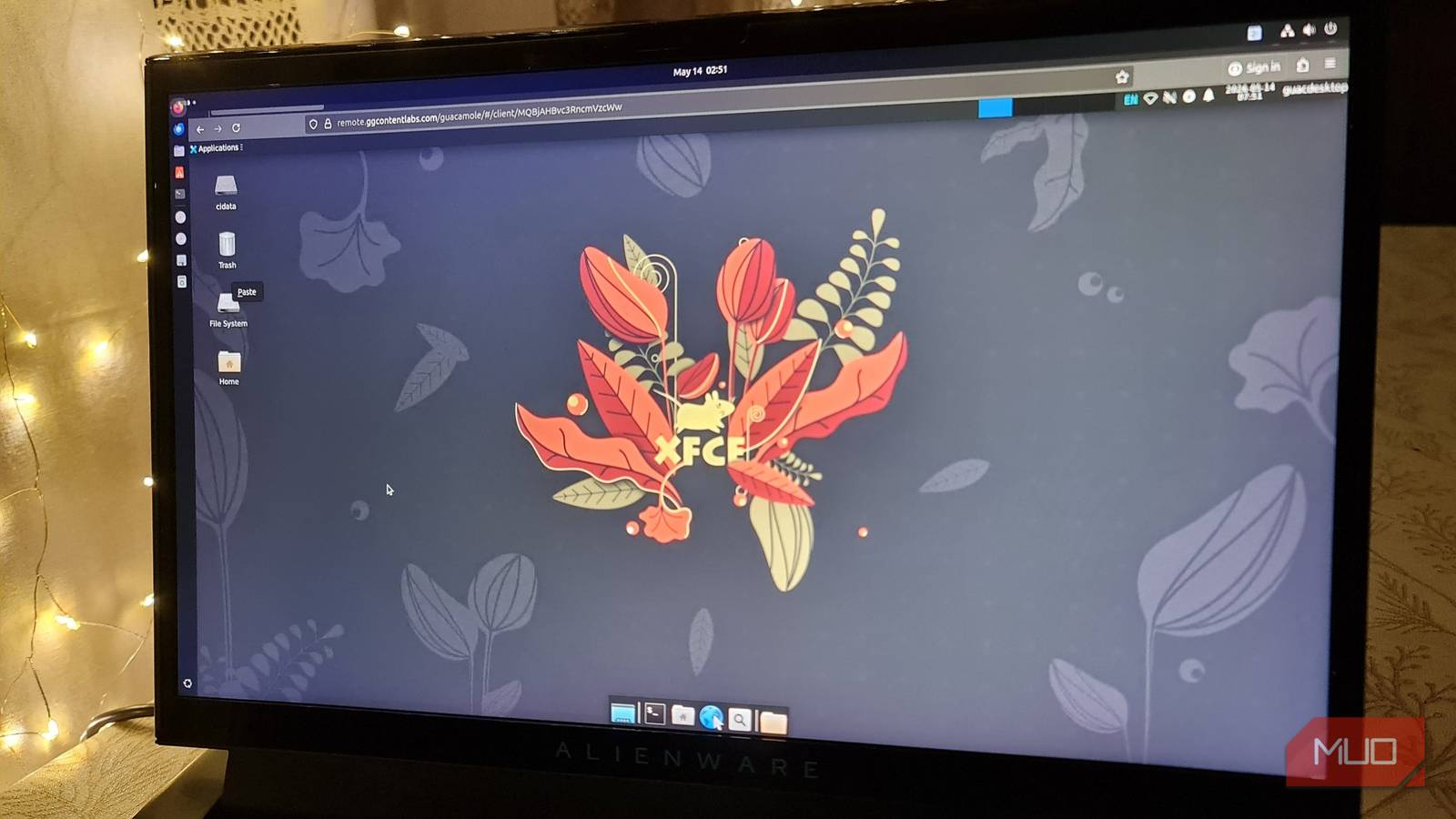
I decided to give the open-source remote access gateway Apache Guacamole a try, but more specifically, a standalone installation on a new server where I could add and access my existing Linux boxes. I chose Guacamole because it allowed me to control an RDP session through a browser over HTTPS. It also solved most of my RDP performance and stability issues that all remote Linux users have faced at least a few times.
Related
DeskIn makes remote access easier for work and personal use
This article is sponsored by DeskIn