How to Fix iPhone 17 Pro Max Wobble Without a Bulky Case

How to Fix iPhone 17 Pro Max Wobble Without a Bulky Case
https://zeerawireless.com/ko/blogs/news/how-to-fix-iphone-17-pro-max-wobble-without-a-bulky-case
Publish Date: 2026-05-17 12:15:00
Source Domain: zeerawireless.com
If your iPhone 17 Pro Max doesn’t lay flat on a desk, you are not alone. The large camera module can make the phone wobble when you tap, type, or use it on a flat surface.
A regular case can help, but many cases solve the wobble problem by adding extra thickness around the camera area. That works for stability, but it also takes away the original iPhone feel.
For users who want an iPhone wobble fix without turning their phone into a bulky case setup, an ultra-thin magnetic back plate and lens cover can be a cleaner middle-ground solution.
That is exactly where ZEERA MagSkin Pro fits in. It is designed for iPhone 17 Pro and iPhone 17 Pro Max users who want a stronger MagSafe experience, a cleaner bare-phone feel, and a flatter, more stable back without using a bulky case.
Quick Answer: What Is the Best Way to Fix iPhone 17 Pro Max Wobble?
The best way to reduce iPhone 17 Pro Max wobble without using a bulky case is to level the camera area and create a flatter contact surface.
A traditional case can do this, but it usually adds bulk. A thinner option is a magnetic back plate paired with a camera-leveling lens cover. This helps the iPhone sit more evenly on desks and flat surfaces while keeping the phone closer to its original slim feel.
Why the iPhone 17 Pro Max Doesn’t Lay Flat
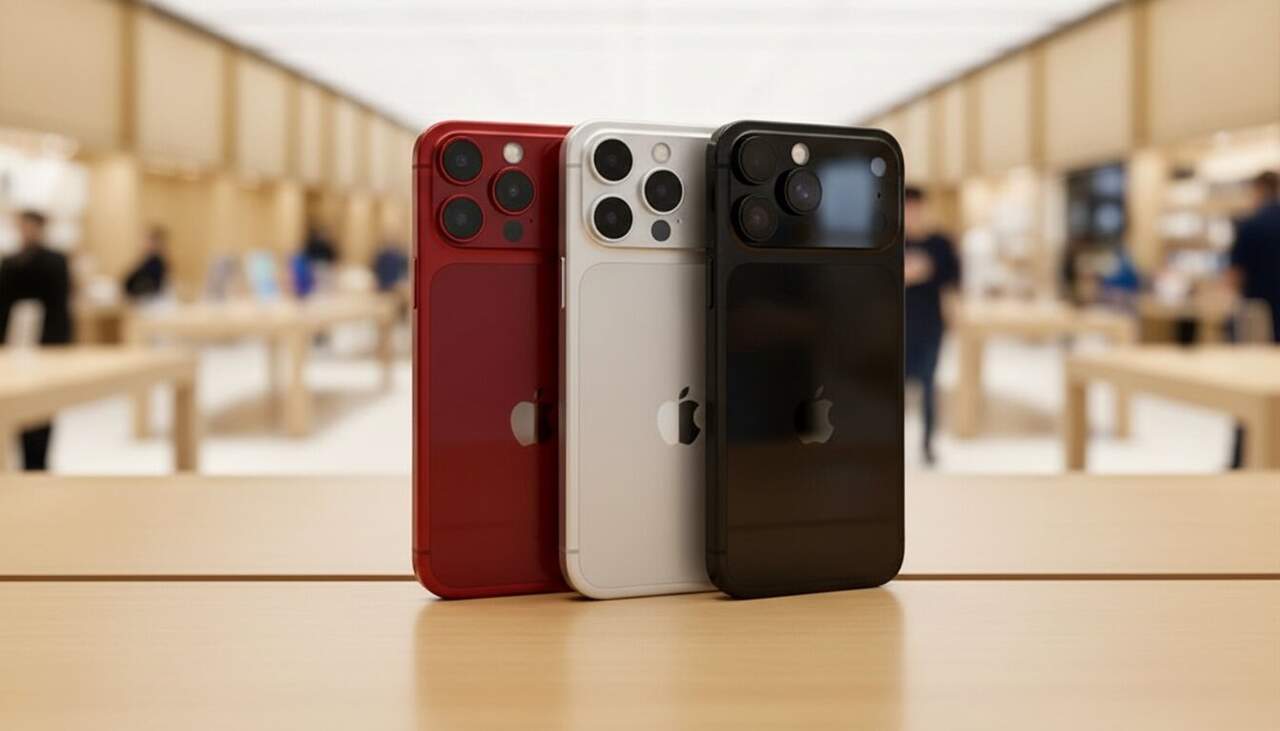
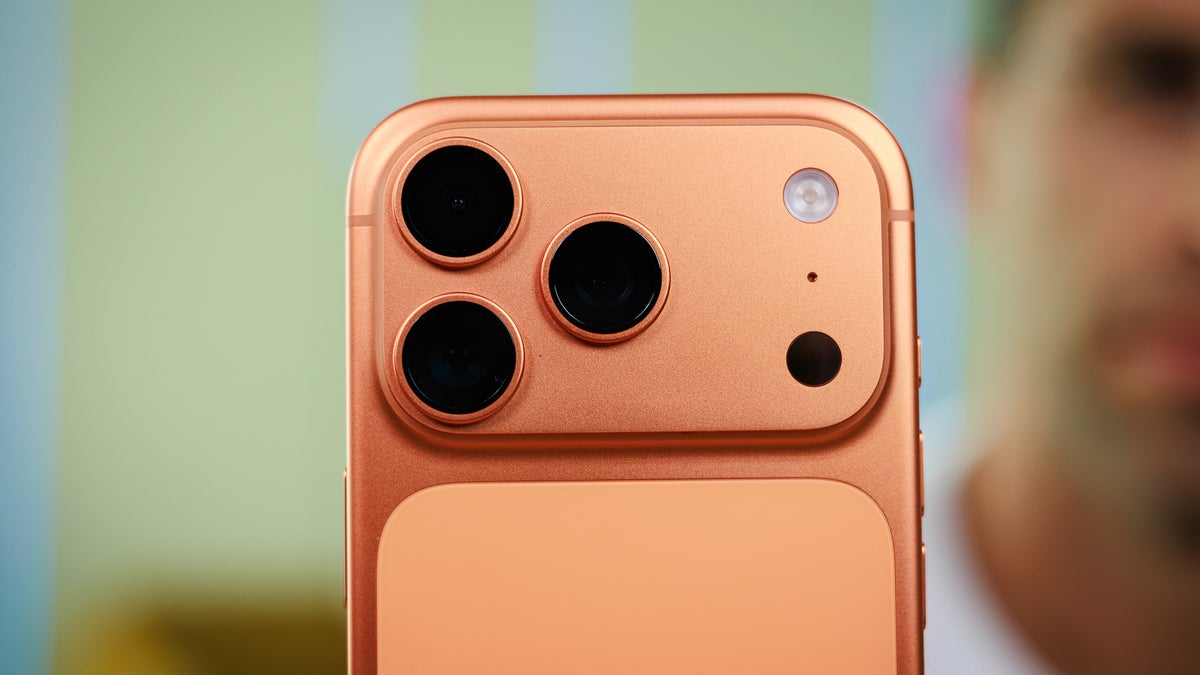
The reason the iPhone 17 Pro Max doesn’t lay flat is simple: the camera module is raised higher than the rest of the back.
When the phone is placed screen-up on a desk, the camera bump becomes one of the main contact points. As a result, the phone may rock slightly when you:
- tap the screen
- type on the keyboard
- swipe through photos
- use the phone on a desk
- place it on a wireless charger
- press near the upper corners
This does not mean anything is wrong with your iPhone. It is a design tradeoff. A larger camera system improves photography and video capability, but it also creates an uneven back surface.
For many users, the wobble is most noticeable when using the phone…