This iPhone Menu Tells You Exactly When Your Battery Will Be Fully Charged
This iPhone Menu Tells You Exactly When Your Battery Will Be Fully Charged
https://www.bgr.com/2163541/iphone-menu-battery-how-long-full-charge/
Publish Date: 2026-05-16 15:47:00
Source Domain: www.bgr.com
Marinel Sigue/BGR
Probably the most annoying part of owning a portable battery-powered device like a smartphone is having to charge it. You always have to guess when it will fully charge and be ready for a whole day out. Well, if you have an iPhone, you really won’t need to do any guesstimating. Apple already took the guesswork out of charging and provides a charge-time estimate to iPhones via iOS 26. This is another of the new iOS features Apple recently added to your iPhone, so be sure to update your device to the latest software to take advantage of it.
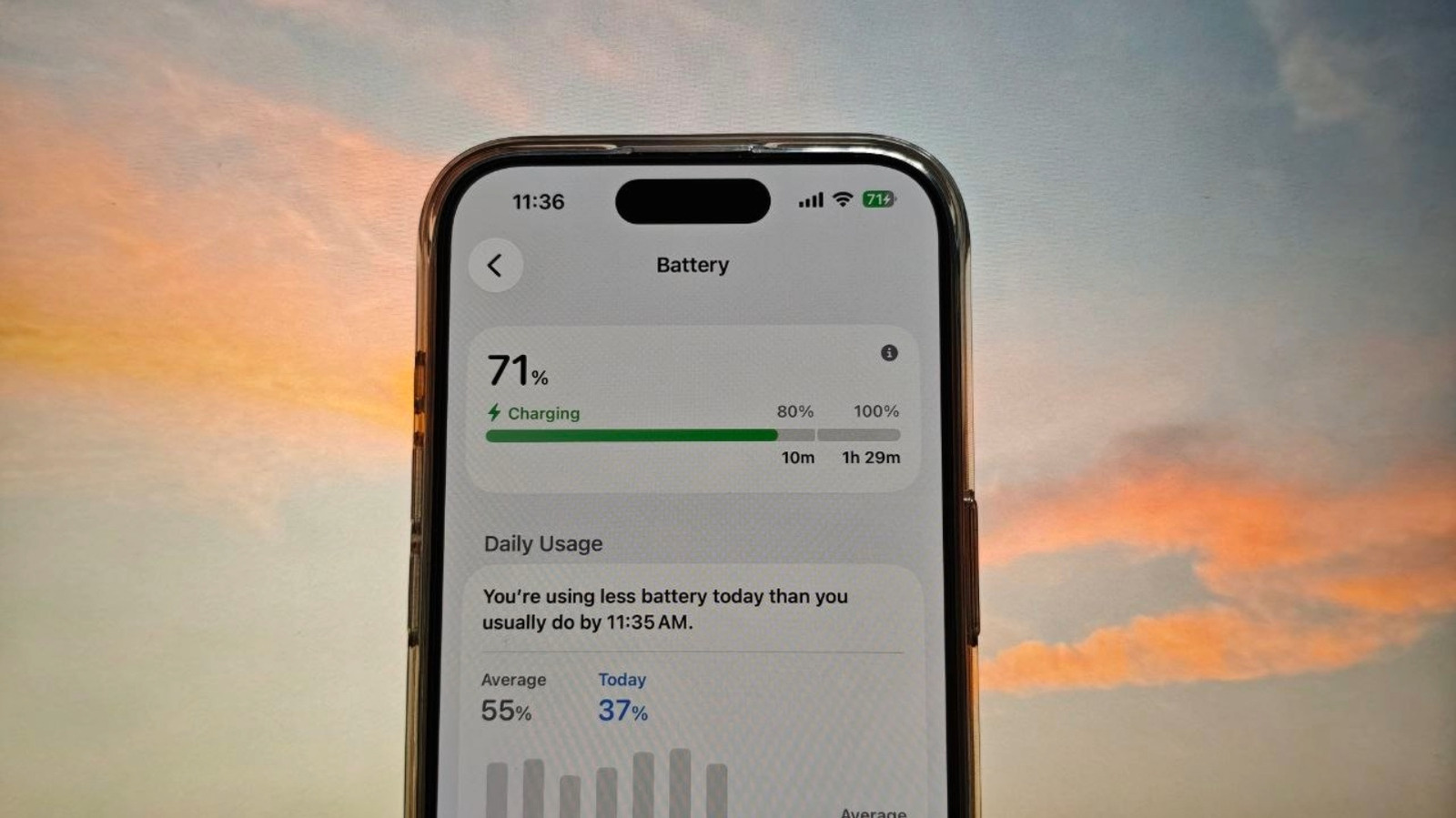
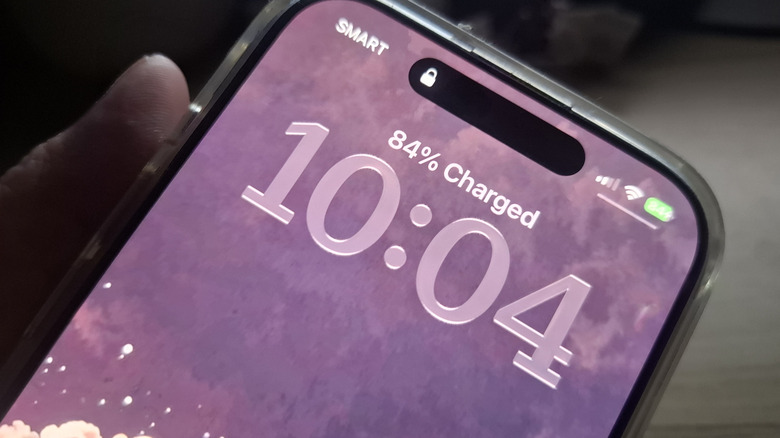
This charge-time indicator is essentially an estimate of how long it will take for your iPhone to reach 80% and 100%. You can find it in two places. One is right on the Lock Screen, just below the status bar. If your phone isn’t locked, you can also go into the Settings app to view the charge-time estimate. Just launch Settings and head over to Battery. The charge-time estimate will appear at the very top of the screen, along with your current battery level.
Understanding the iPhone’s charge-time estimate
Marinel Sigue/BGR
The iPhone’s charge-time…

