macOS 26.5 has fixed a ‘low key hilarious’ problem that has marred the Mac mini for years
macOS 26.5 has fixed a ‘low key hilarious’ problem that has marred the Mac mini for years
Publish Date: 2026-05-12 09:40:00
Source Domain: www.techradar.com
- macOS 26.5 lets you switch on your Mac mini in a new way
- It no longer requires pressing the power button
- Some users feel the power button is in an awkward position
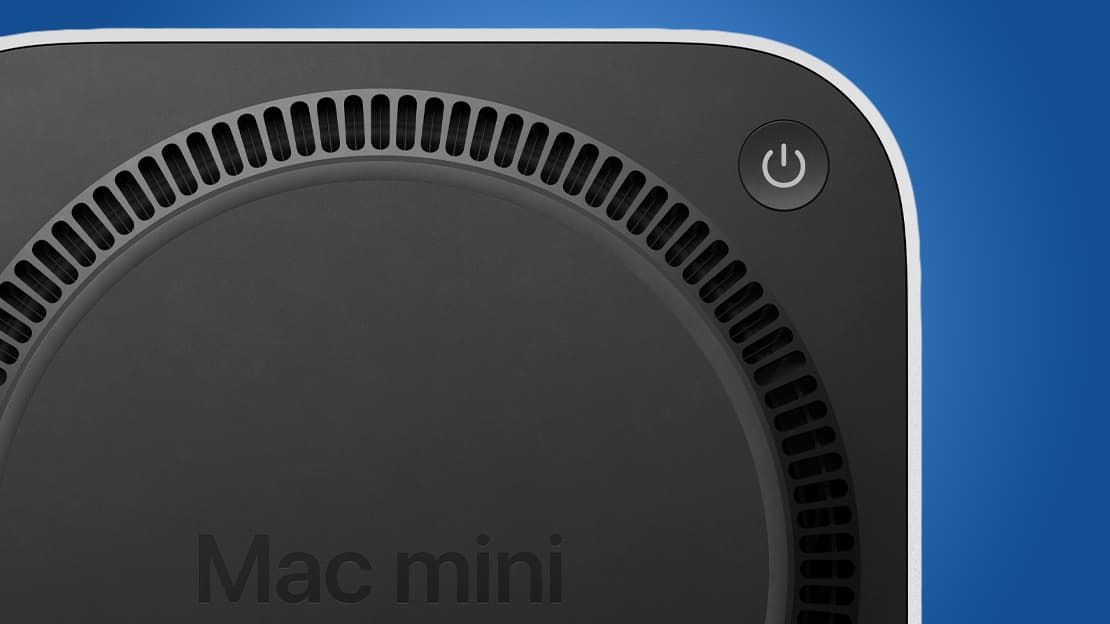
Apple’s M4 Mac mini is a brilliant little device — it’s one of the best mini PCs money can buy, in fact — but there’s one feature that has led to its fair share of criticism: the power button. Located on the underside of the device, it means you have to either flip the Mac mini over or blindly fumble around for it whenever you want to switch on the pint-sized computer.
But now that macOS 26.5 is here, users are discovering that there’s a handy way to bypass this irksome drawback. And it might mean you never have to worry about that bothersome button placement again.
As spotted by 9to5Mac, a new support document on Apple’s website details how you can switch on a Mac mini, Mac Studio or iMac without having to touch a physical button on the device. Instead, your Mac can be turned on by simply connecting it to power. That works providing you have a Mac mini or iMac from 2024 or later, or a Mac Studio from 2025 or later. You’ll also need to be running macOS 26.5 or later on your computer.
Latest Videos From
You may like

Once that’s sorted, you just need to open the System Settings app, then click Energy in the sidebar. Next to ‘Start up when power is connected,’ choose Always from the menu. Now, you can switch on your Mac whenever you connect a charging lead or power on an already-connected cable. Apple just advises that you should wait around 30 seconds between switching off your Mac and turning it on again to give the power supply time to discharge.
Apple’s odd design choice
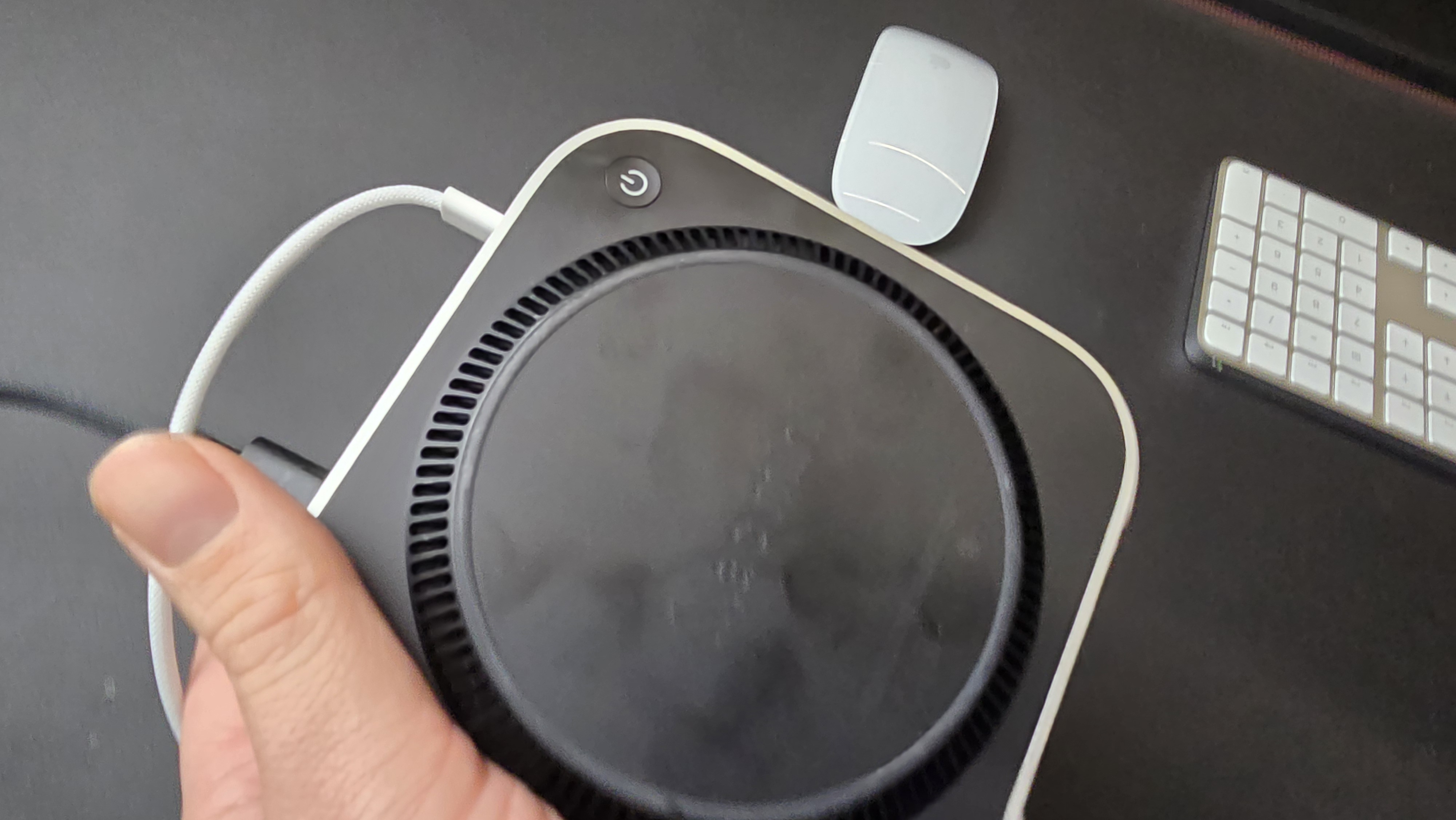
(Image credit: Future)
When we reviewed the M4 Mac mini, we called its power button placement “an odd choice” and “not one of Apple’s better design choices.” While it wasn’t enough to detract from our five-star verdict, it was still a feature we could have…