Can iPhones Get Viruses? How to Detect and Remove Them
Can iPhones Get Viruses? How to Detect and Remove Them
https://www.privateinternetaccess.com/blog/how-to-check-iphone-for-viruses-and-malware/
Publish Date: 2026-05-12 03:48:00
Source Domain: www.privateinternetaccess.com
It’s extremely rare for an iPhone to get a virus, but not impossible. Apple has very high security standards, but risks can still appear, especially when devices are jailbroken or apps are installed from unofficial sources.
Read on to find out how to spot an iPhone malware infection, how to get rid of it, and how to prevent further infections.
Do iPhones Get Viruses? Why Viruses on iPhone Are Rare
The Apple iPhone operating system (iOS) is designed to make it difficult for a virus to spread throughout your device. A key part of this protection comes from iOS sandboxing, where each app runs in its own virtual space, entirely independent of other apps. Because apps have limited interaction with one another, malicious software has a much harder time moving across your device or interfering with other applications.
Apple also puts all App Store apps through a strict vetting process before they become available for download. In most regions, iPhone users are largely limited to installing apps from the official App Store, though some areas, such as the EU and Japan, now allow alternative app marketplaces and direct downloads from approved developers. Together, these safeguards help reduce the risk of malicious software ending up on your device.
How to Check for Viruses on an iPhone
1. Use Antivirus Software
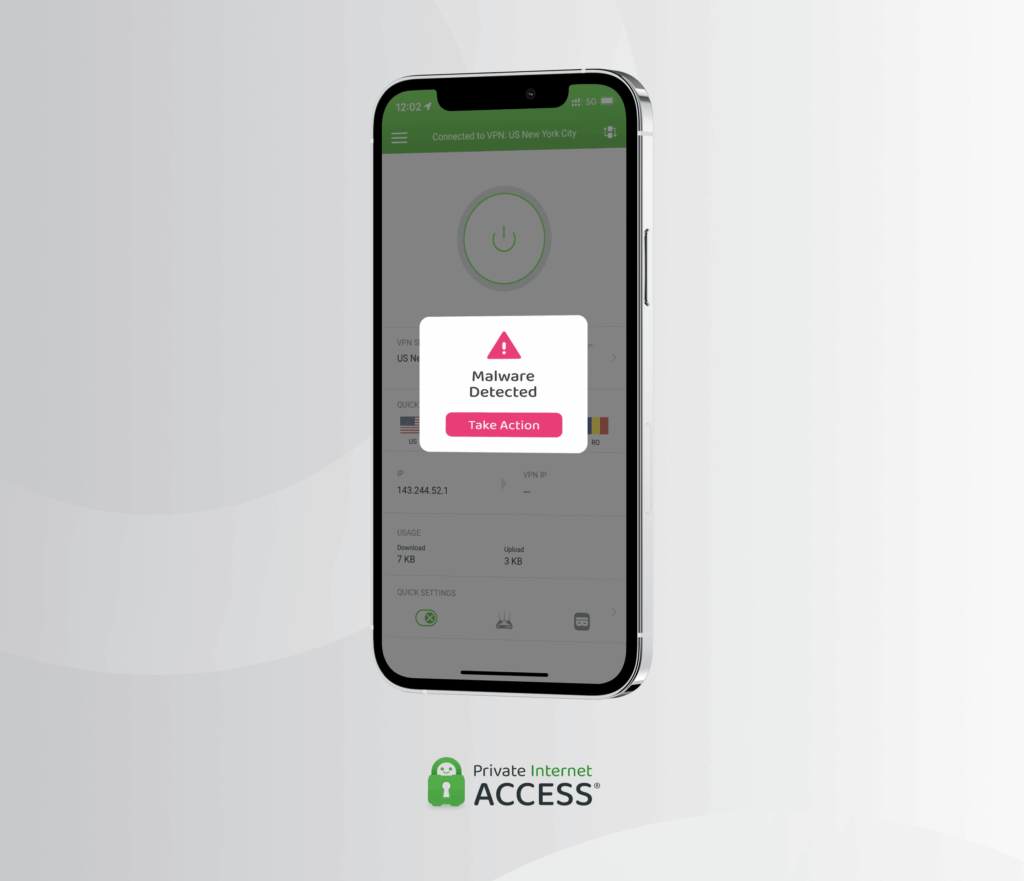
The fastest way to tell if your iPhone has a virus or malware is to scan your device using antivirus software for iOS. While Apple’s sandboxing system prevents these apps from fully scanning your entire device or inspecting other apps directly, they can still help detect and warn you about risks such as phishing attempts, unsafe websites, malicious links, suspicious network activity, and data breaches.
2. Check for Unfamiliar Apps
Look for unfamiliar apps on your phone. If you spot one, check its legitimacy by searching for it in the Apple App Store. Apps that don’t appear in the store could be suspicious and…