Want Your iPhone’s Dark Mode To Be Even Darker? Try This
Want Your iPhone’s Dark Mode To Be Even Darker? Try This
https://www.slashgear.com/2165281/how-to-turn-on-iphone-secret-ultra-dark-mode/
Publish Date: 2026-05-09 18:15:00
Source Domain: www.slashgear.com
DenPhotos/Shutterstock
These days, there are more iPhone settings than most users know what to do with, allowing the iPhoners of the world to fine tune their user experience as much as they desire. If you want your device to front a little less light, you’ll want to turn on dark mode — not to be confused with Night Shift.
Dark mode is a setting that essentially lets you replace the standard bright backgrounds on your device and its apps with black or dark grey color schemes. The setting was designed to help reduce eye strain for iPhone users, particularly in low-light situations. Dark mode can be helpful for users who struggle with low-contrast digital displays, and it also helps extend battery life.
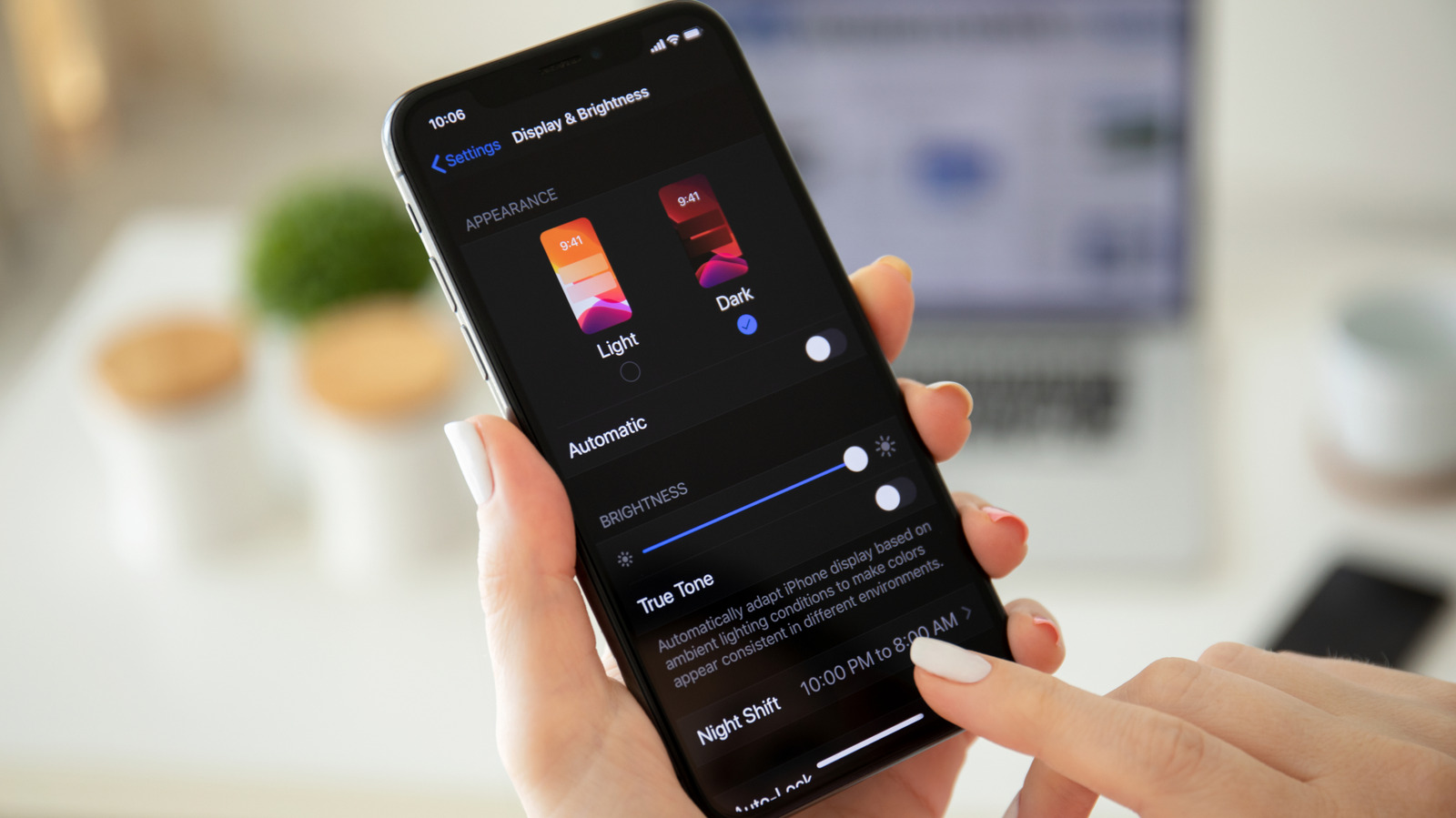
You can engage dark mode in your iPhone’s Display & Brightness section in the Settings screen. While enabling dark mode on your iPhone can be a welcome upgrade for many users, however, the setting doesn’t quite get dark enough for some. You can go a little darker into dark mode if you like, though there’s not a single setting available on iPhone to do so. Instead, you will need to adjust multiple different settings to make it happen. Here’s how.
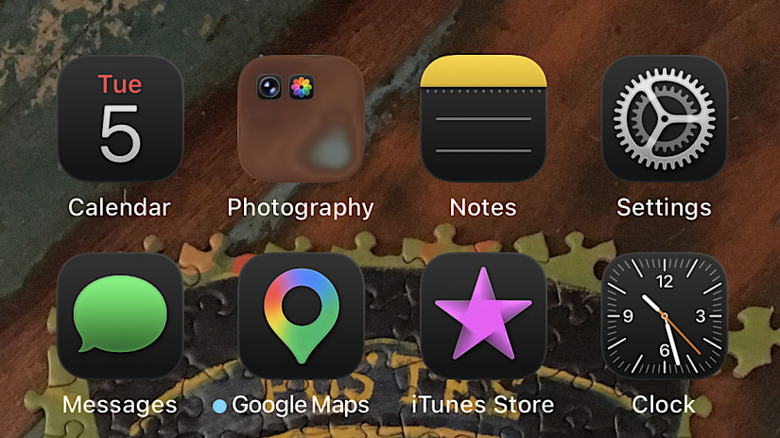
Follow these steps to go darker in iPhone’s dark mode
…
Source