How to Browse Safely Online: Best Security and Privacy Tools to Protect Your Data
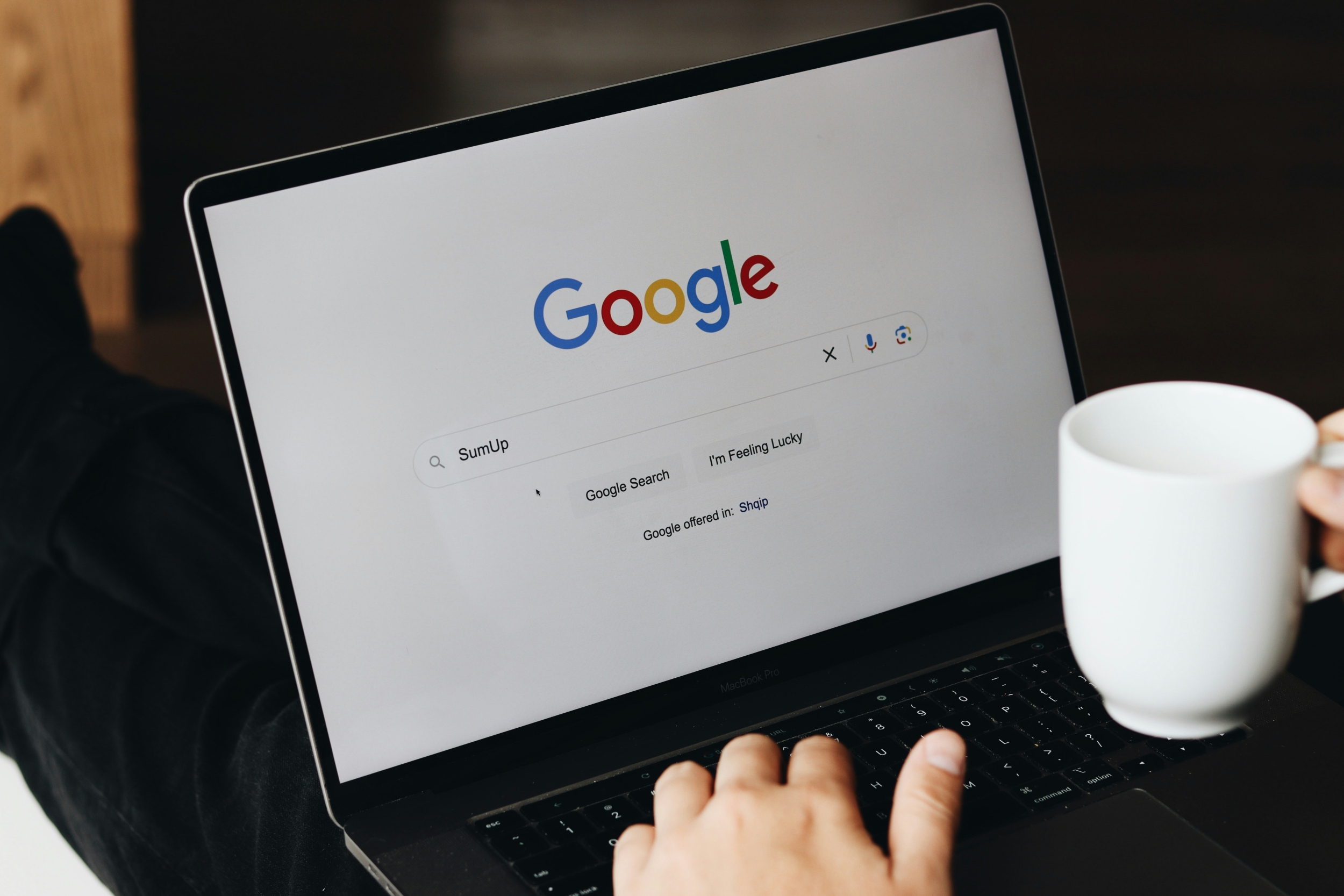
How to Browse Safely Online: Best Security and Privacy Tools to Protect Your Data
Publish Date: 2026-05-09 01:40:00
Source Domain: www.techtimes.com
Safe browsing is becoming a daily necessity as more activities move online, from banking and shopping to communication and work.
In today’s internet security landscape, understanding how to protect online data is no longer optional but part of basic digital awareness. Tools like VPNs, password managers, and secure browsers now play a key role in improving online privacy and reducing exposure to threats.
At the same time, secure web browsing is not only about avoiding obvious scams. It also involves limiting tracking, controlling permissions, and choosing safer connections like HTTPS websites. When combined, these habits and tools help create a safer and more private online experience without making everyday browsing more complicated.
Best Security And Privacy Tools For Safe Browsing
Safe browsing has become an essential part of everyday internet use as more personal and financial activities move online. Using the right security and privacy tools can significantly reduce risks and help protect online data while maintaining smoother daily browsing.
- Password manager for stronger logins: A password manager stores and generates unique passwords for each account. This reduces password reuse and helps protect online data if one site is compromised. It also makes managing multiple accounts easier without relying on memory.
- VPN for encrypted internet privacy: A VPN encrypts your connection, especially on public Wi-Fi networks. It strengthens online privacy by hiding browsing activity from third parties. This makes it harder for attackers or trackers to monitor your online actions.
- Ad blocker for safer web pages: Ad blockers remove intrusive ads and reduce exposure to malicious redirects. This improves safe browsing by limiting harmful or misleading content. It also helps pages load faster with fewer distractions.
- Two-factor authentication for account protection: 2FA adds an extra login step beyond passwords. Even if credentials are stolen, it helps maintain internet security….