OnePlus Nord 6 battery: How the 9,000mAh holds up after 3 hours
OnePlus Nord 6 battery: How the 9,000mAh holds up after 3 hours
https://www.androidauthority.com/oneplus-nord-gaming-battery-test-3660014/
Publish Date: 2026-05-03 05:09:00
Source Domain: www.androidauthority.com
Shimul Sood / Android Authority
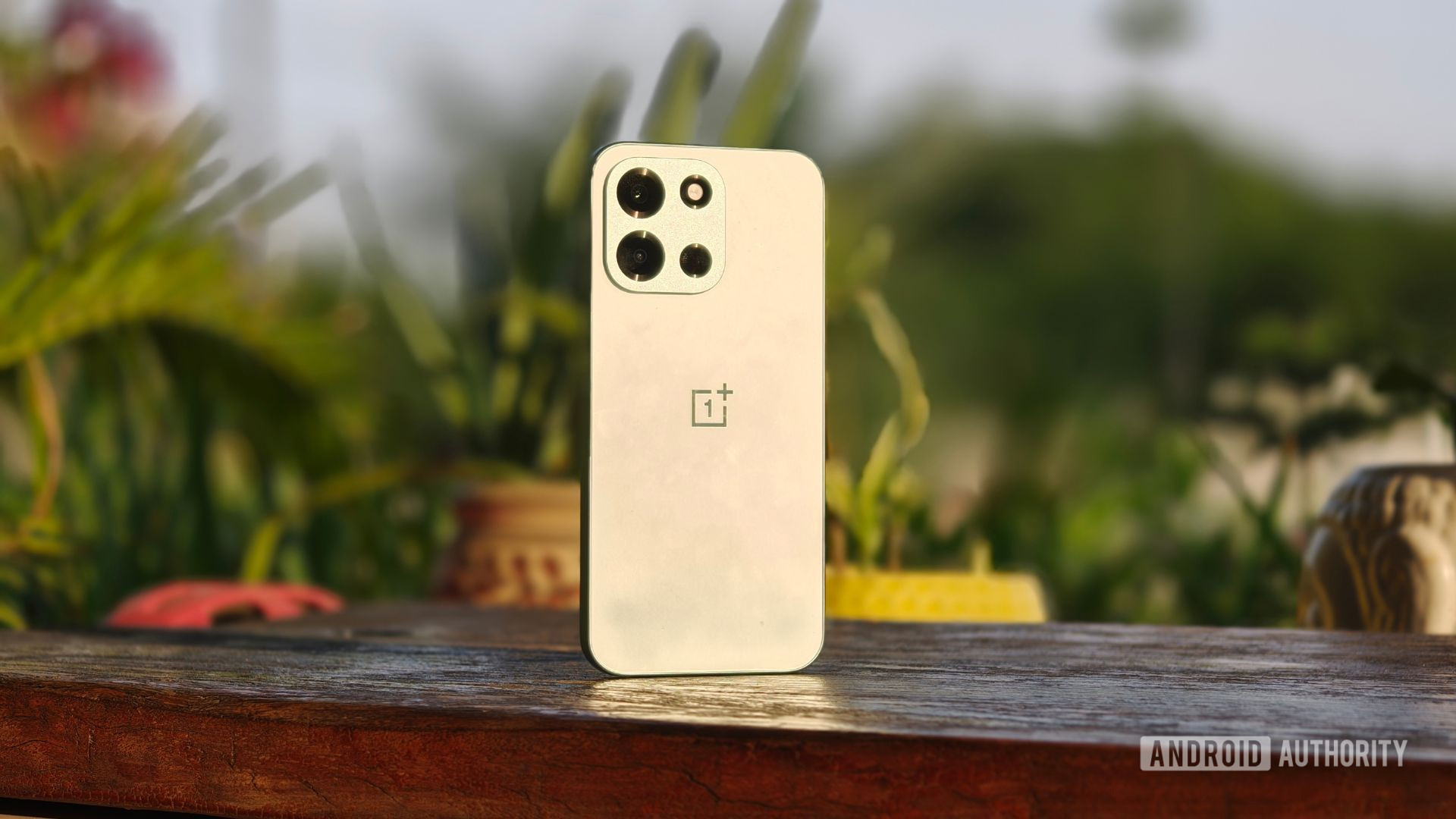
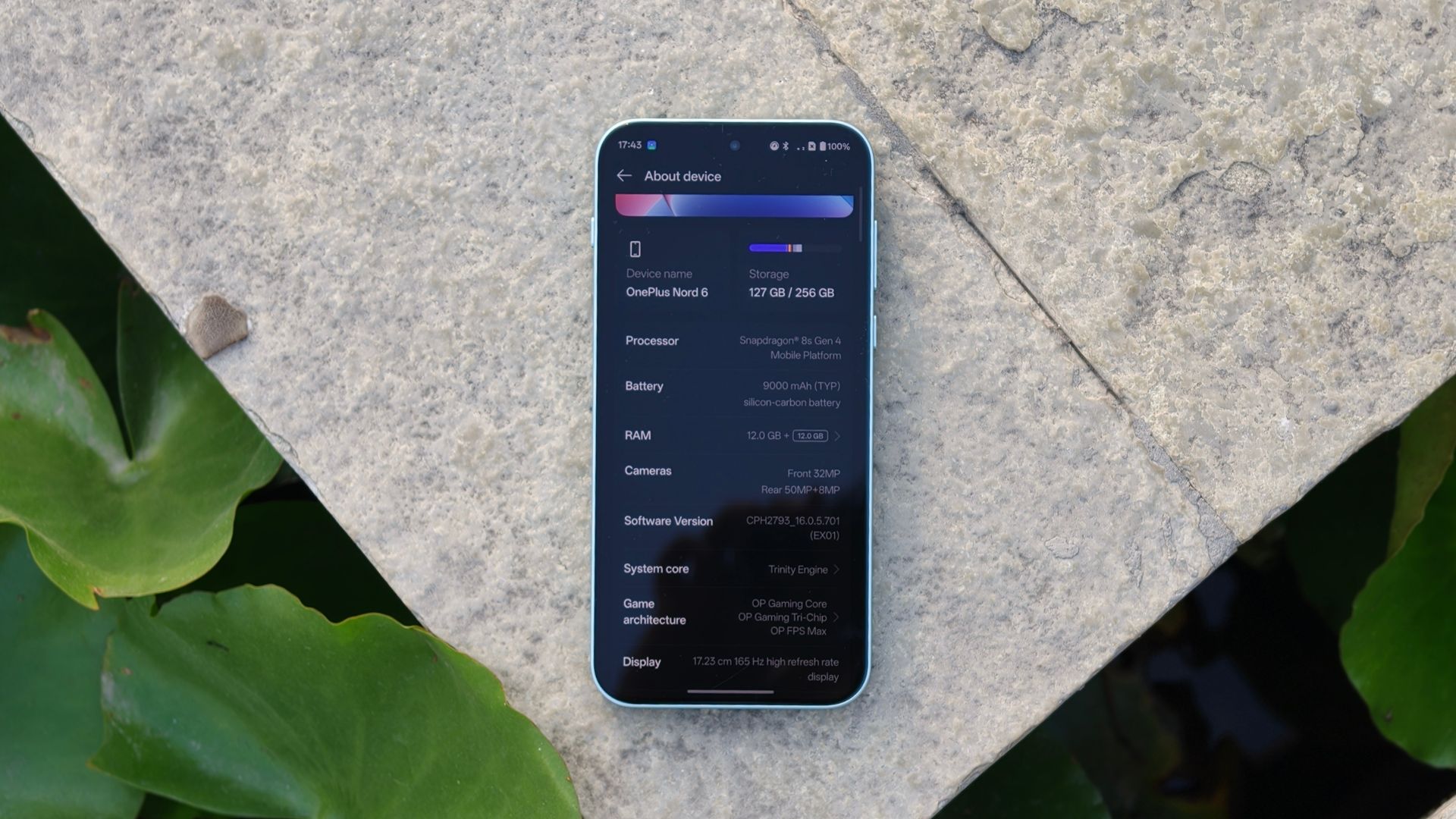
Smartphone battery capacities have gone through the stratosphere lately. Take the OnePlus Nord 6, for instance — boasting a massive 9,000mAh silicon-carbon battery that instantly grabs your attention. It does sound reassuring, almost like you won’t have to think about charging at all. But I’ve learned not to take these figures at face value. What actually matters is how that battery behaves when you use the phone the way you normally would. That’s where optimization makes all the difference.
And that difference becomes even more obvious when you start gaming. Graphically intensive games don’t exactly go easy on a phone — they push performance, keep the system constantly working, and naturally put more pressure on the battery. So, I decided to spend three hours straight gaming on the Nord 6 to see how it really performs under pressure. I’ll admit, I wasn’t quite prepared for what I found.
Would you buy a smartphone just for a 9,000mAh battery?
6 votes
Absolutely, more is always better.
50%
Only if the software optimization backs it up.
33%
Not really, I care more about other specs.
17%
The rules I set before letting the Nord 6 run wild
Shimul Sood / Android Authority
Before I get into the results, I think it’s only fair to first walk you through how I approached this test. Because with something like battery performance, the setup matters just as much as the outcome.
I picked four titles to keep things varied but consistently demanding: Genshin Impact, Hitman: Absolution, Tomb Raider, and Call of Duty: Mobile. Each ran for 45 minutes back-to-back with no breaks between sessions. Here are a few key things I kept in check:
- I started the test at 96% charge.
- I kept the phone’s brightness locked at 70% with auto-brightness off, and had both Bluetooth and Location Services turned off throughout.
- Every 15 minutes, I noted the battery percentage.
- Every 45 minutes, right after each session ended, I pulled out a temperature gun and…