Android has three great features turned off by default — here’s how to enable them
Android has three great features turned off by default — here’s how to enable them
https://www.makeuseof.com/3-android-features-so-useful-why-do-they-ship-disabled/
Publish Date: 2026-05-02 15:30:00
Source Domain: www.makeuseof.com
Android ships with a ton of features already enabled by default that you didn’t ask for, like an adaptive battery that can throttle your background apps, pre-installed Google apps that sync in the background, and default usage and diagnostics sharing, which you’ll only notice if you go looking in the Privacy Dashboard.
But what about the opposite issue, like features that are genuinely useful and ready for use that just aren’t enabled from the start? I went looking for some of those and found three that made me wonder why they weren’t already an active part of my Android system.
Theft Detection Lock
It’s on any device with Android 10 or newer
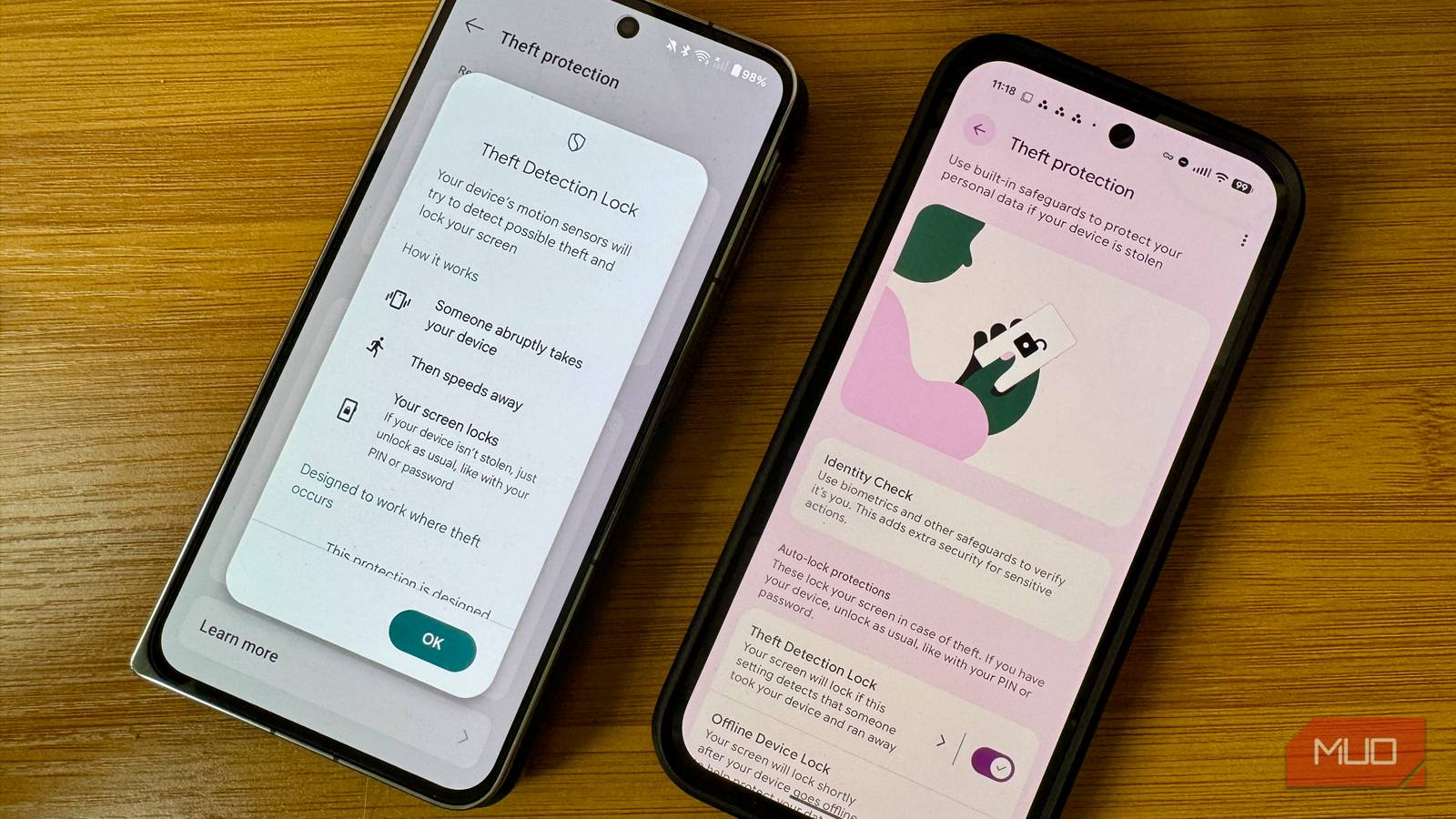
Theft Detection Lock uses on-device AI systems along with your phone’s motion sensors, Wi-Fi connection status, and Bluetooth to detect when someone has grabbed your phone and run off with it. If the system’s algorithm senses this snatch-and-run pattern, it locks the screen immediately so the thief has no time to start rifling through your banking apps or Google account.
The feature rolled out in late 2024 for any device running Android 10 or newer, and it’s delivered via a Google Play Services update rather than a full OS upgrade. That’s great for folks with older phones; you don’t need the latest and greatest OS to take advantage of the lock.
Theft Detection Lock comes with two companion features that are worth enabling, too. Offline Device Lock automatically locks the screen if your phone goes offline for an extended period of time, like if a thief switches it to Airplane Mode to block Find My Device. Failed Authentication Lock kicks in after too many wrong PIN attempts, too, and the three of these features work together to keep your data safe, even if someone grabs the phone itself.
To turn these features on, search for Theft Protection in your Settings app and open it. You’ll find…


