What It Means If Your MacBook Charger Is Blinking Orange
What It Means If Your MacBook Charger Is Blinking Orange
https://www.bgr.com/2143901/why-macbook-charger-is-blinking-orange-how-to-fix/
Publish Date: 2026-04-25 16:47:00
Source Domain: www.bgr.com
Alina Vytiuk/Getty Images
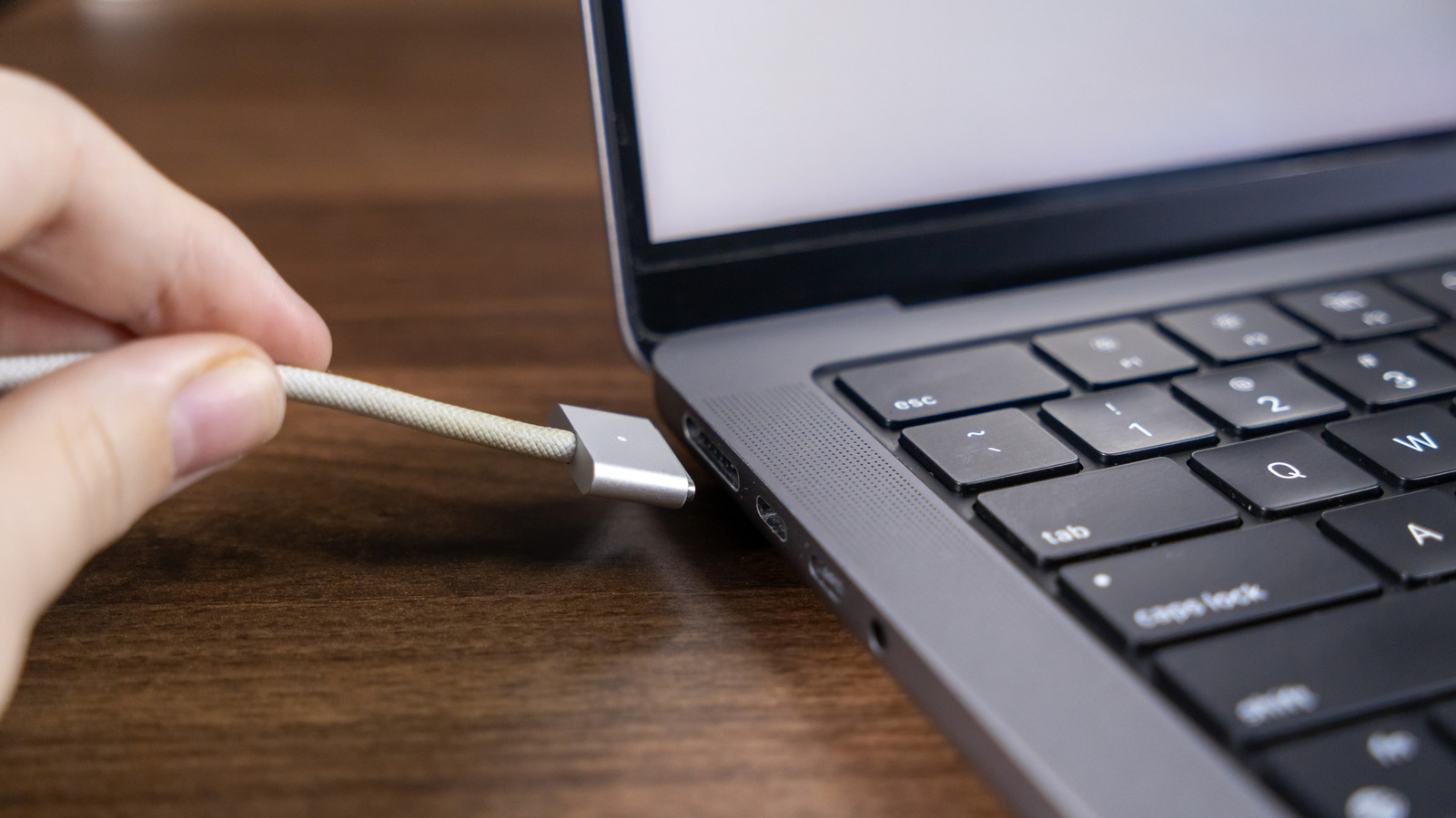
Except for the brand-new MacBook Neo, which features only USB-C ports, all other MacBooks that Apple sells come with MagSafe chargers in the box. That has been the case since 2022, when Apple brought MagSafe back to the MacBook Air, a few months after the 2021 MacBook Pro refresh introduced MagSafe charging. Apple created a new MagSafe connector for the modern Macs, which it calls MagSafe 3. The cable works like its predecessors, attaching magnetically to the MagSafe port. It also features a light to indicate charging status. If it’s green, the battery is fully charged. Orange (or amber) means the MacBook is charging or charging is on hold, which is part of the Optimized Battery Charging feature designed to improve the life of your battery. But MagSafe 3 cables may sometimes display a blinking orange light. If that’s the case, the MacBook isn’t charging, and troubleshooting is required to determine the cause and potentially fix it.
Before determining the reason your MagSafe 3 charger is flashing amber, you should remember that you have an alternative for charging the laptop’s battery. All MacBook Air and MacBook Pro models that feature USB-C ports can be charged with the same USB-C cable you’re using with your iPhone or Android phone. USB-C cables do not have light indicators, like the MagSafe 3 cable. But you can check that your MacBook is charging by looking at the battery indicator icon in the top menu. If the battery is charging, you’ll at least have peace…