Android Auto v16.7 bug seems to be kicking some Gemini users back to Google Assistant
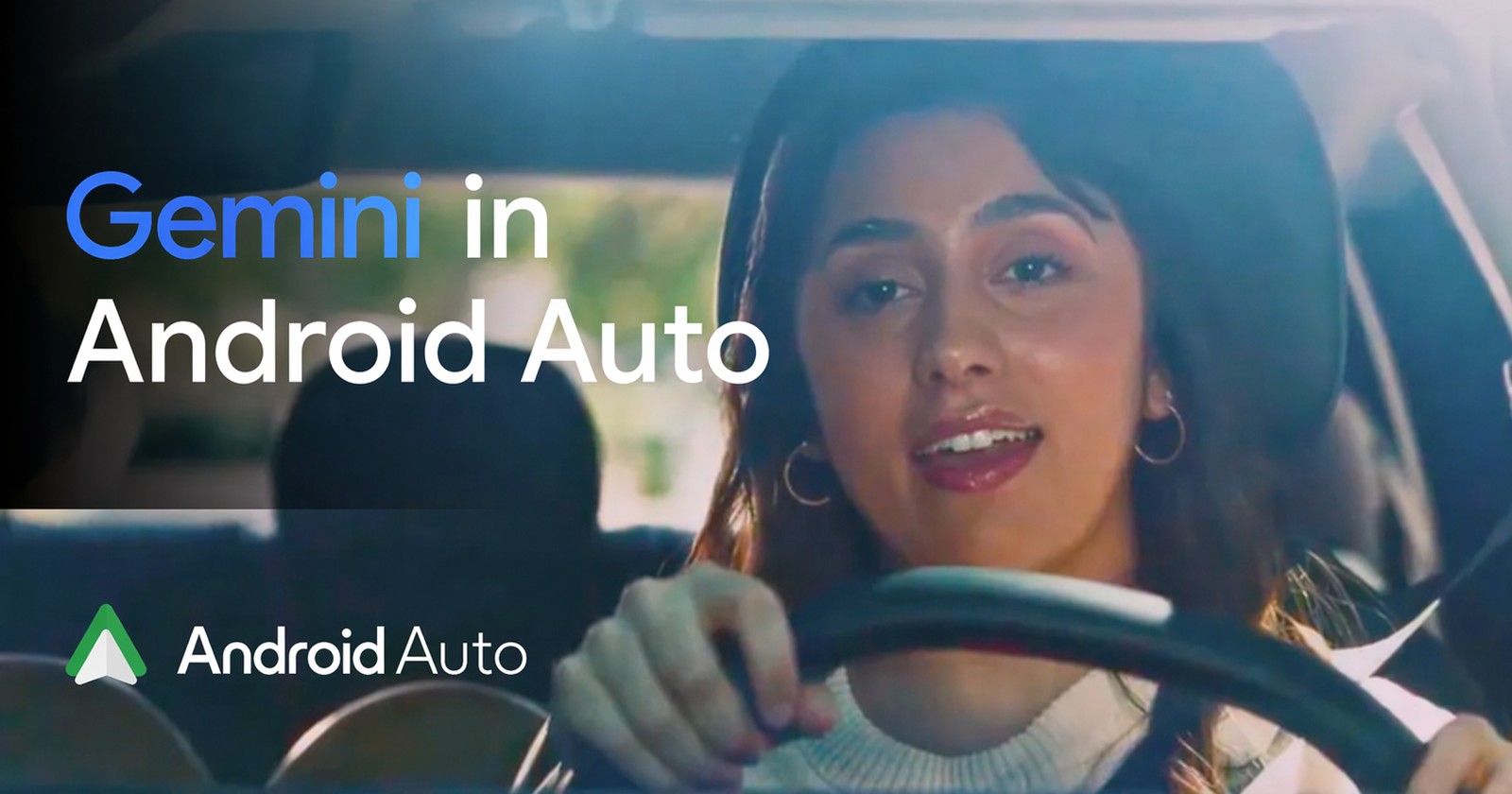
Android Auto v16.7 bug seems to be kicking some Gemini users back to Google Assistant
https://piunikaweb.com/2026/04/24/android-auto-bug-kicking-gemini-users-back-to-google-assistant/
Publish Date: 2026-04-24 07:03:00
Source Domain: piunikaweb.com
Gemini’s Android Auto rollout already had enough complaints attached to it. But a newer issue appears to be making things worse for some users: Android Auto is reportedly switching them back from Gemini to the old Google Assistant.
According to a Pixel 9 Pro XL user who shared their experience in the Android Auto community forum, Gemini had been working properly as their main in-car assistant before the Android Auto v16.7 update. But immediately after updating, Android Auto reverted to classic Google Assistant, even though Gemini was still set as the default assistant on the phone.
The user tried clearing the cache for Android Auto and the Google app, toggling the digital assistant setting from Gemini to Assistant and back, and restarting both the phone and car head unit. None of that fixed the issue immediately.
The post has since attracted dozens of similar reports. Users say they are seeing the same thing on devices including the Pixel 9 Pro, Pixel 10 Pro, Galaxy Z Fold 6, Galaxy Z Fold 5, Galaxy S24, and Galaxy S24 Ultra. Some link the issue to Android Auto v16.7, while one user says they noticed it on Android Auto v16.6.661414, suggesting this may not be limited to one exact build.
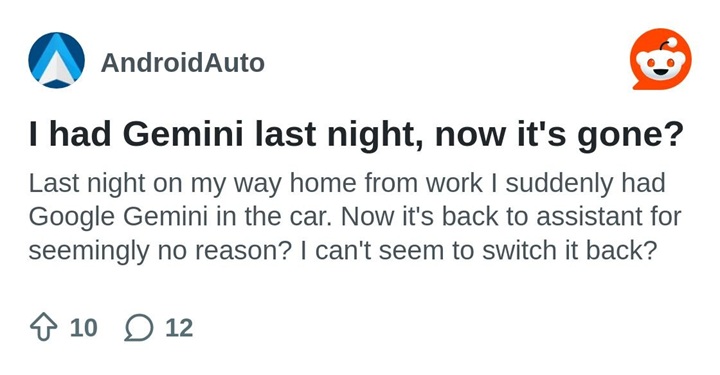
There are similar reports on Reddit describing the same experience, as captured below.
Google has now acknowledged the report, at least in the usual community-forum way. A community specialist from the Android Auto team said the issue had been forwarded to the wider team, adding that Google is contacting affected users for more details.
Hello,
Thanks for reporting this issue. We’ve forwarded your issue to the rest of the team. We’ve also reached out to you via e-mail for further assistance, please reply back to the same email.
Thanks.
One user says they restored Gemini by going into Android Auto settings, opening the digital assistant section, switching from Gemini to Google Assistant, and then switching back to Gemini….