One Tech Tip: Logging on at a cafe? Privacy and security guidelines for remote workers
One Tech Tip: Logging on at a cafe? Privacy and security guidelines for remote workers
https://www.newsday.com/business/privacy-remote-working-wifi-vpn-l80098
Publish Date: 2026-04-23 00:05:00
Source Domain: www.newsday.com
For digital nomads, logging on to work from a cafe, co-working space, hotel lobby or airport lounge is a way of life.
Remote working has been made possible by reliable high speed internet and turbocharged by the pandemic. For some remote workers, that includes working from somewhere other than their home or office, perhaps because their company doesn’t have a physical location in their area, or because they don’t have an ideal home office setup.
Working in public, however, doesn’t come without privacy and security risks. Here’s a quick reminder of precautions to take:
Read the rulebook
Hybrid or fully remote working is the norm for many jobs, so it’s a good idea to check for guidance from your employer on what’s expected when working away from the office.
Many companies and organizations have internal guidelines including best practices for working in public, or even offer privacy and confidentiality training for staff.
Some discourage working in crowded public places like coffee shops because of data privacy risks. The British government spells it out in guidance for staff working with classified documents. “These environments can present additional risks, including being more freely accessible to people without the appropriate clearance and need-to-know.”
If you’re planning to travel and work, some employers might also have rules forbidding staff from working from certain countries.
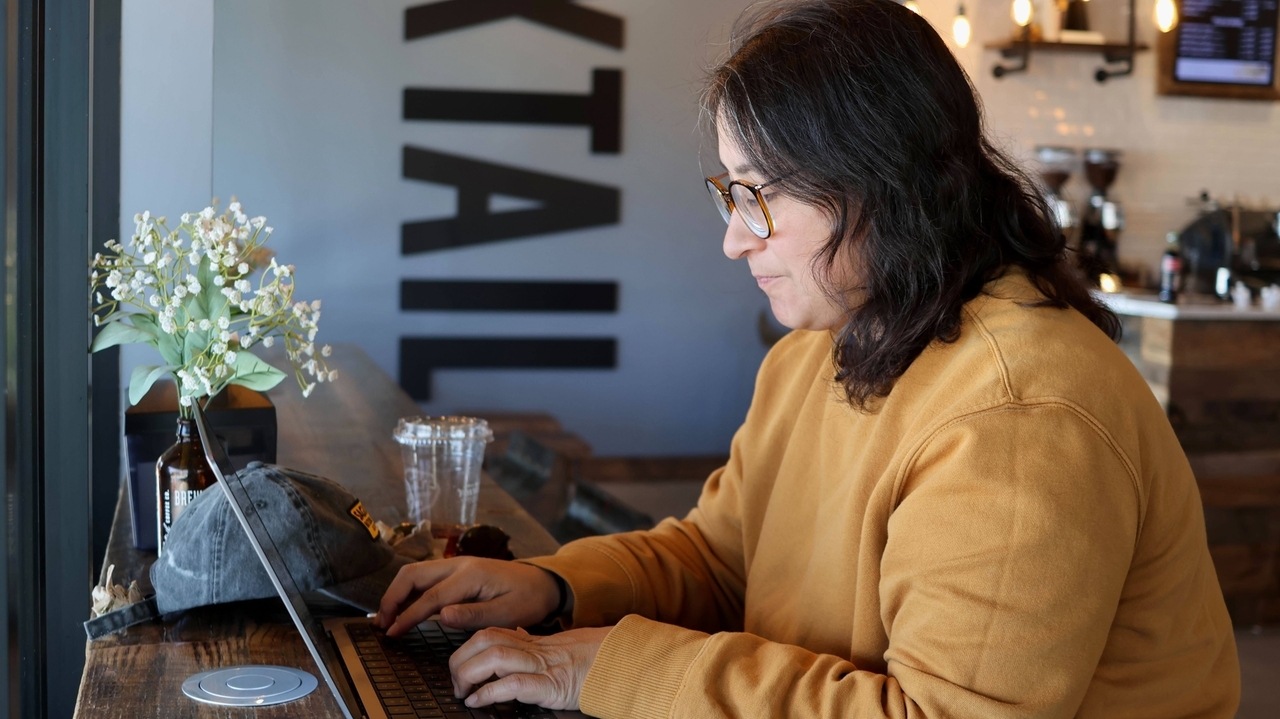
Lauren Contreras, 40, works from her laptop at Foxtail Coffee Co., in Flagstaff, Ariz., on Monday, April 20, 2026. Credit: AP/Cheyanne Mumphrey
Think visually
Cafes and co-working spaces are often busy with strangers, most of whom will be minding their own business. But it’s still a good idea not to leave yourself exposed.
Try to find a secluded place to sit to prevent others from seeing what’s on your screen, even if it’s by accident. It’s harder for someone to “shoulder surf” if you’ve got your back to a wall.
To make it even harder for prying eyes, get a screen privacy filter….