How To Use Repair Mode On Your Android Phone (And Why You Might Want To)
How To Use Repair Mode On Your Android Phone (And Why You Might Want To)
https://www.slashgear.com/2135901/how-to-turn-on-use-repair-mode-android-phone/
Publish Date: 2026-04-04 18:45:00
Source Domain: www.slashgear.com
ANATOLY Foto/Shutterstock
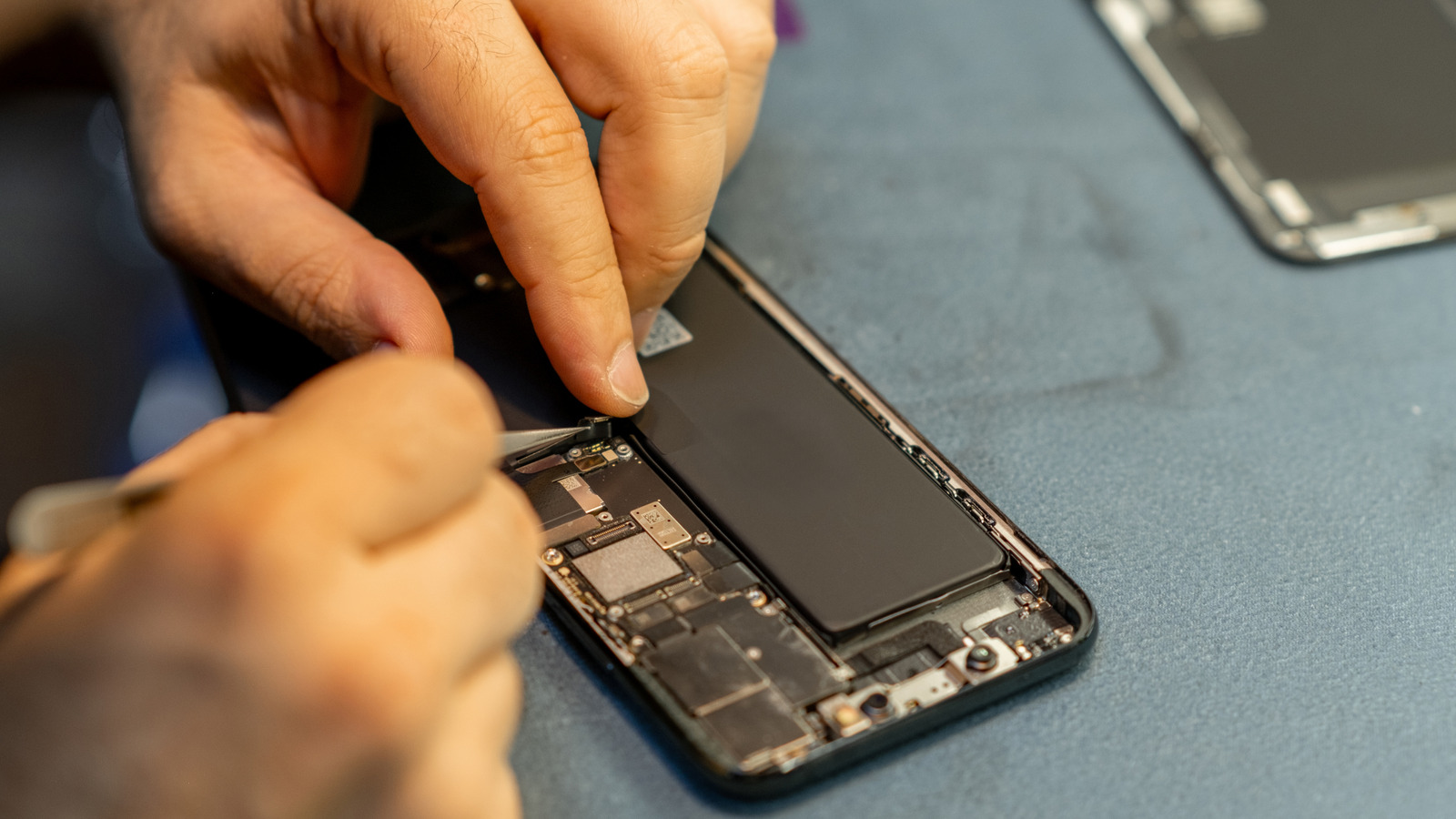
Accidents can happen with our smartphones sometimes, which might require us to take them to a technician. Even though we shouldn’t assume ill intent, any of us would be wary allowing a technician to access our phone and all of our private data and information. That stuff is meant to stay private, and the last thing we want is the prying eyes of a stranger looking through our stuff.
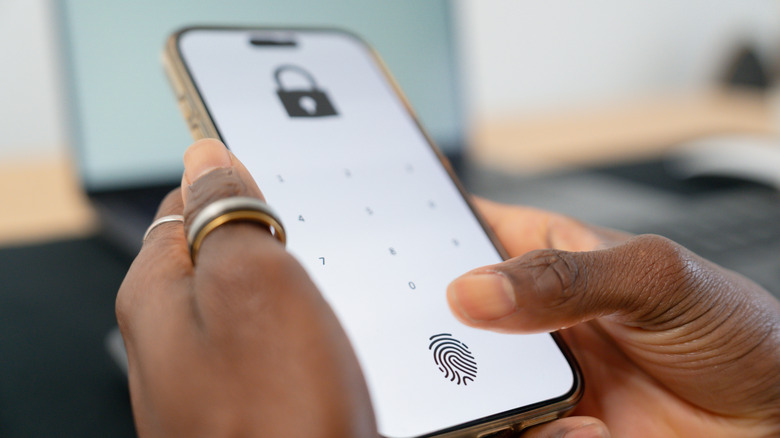
If you have an Android device — specifically a Pixel or a Samsung Galaxy running Android 14 and above — you’re in luck; both of these devices contain a private mode. It’s called Repair Mode on Pixels and Maintenance Mode on Samsung devices. It’s exactly what it sounds like; it allows the technician to use the phone as normal, which would also allow them to test that everything works, but they cannot access your data at all. It’s a great idea, and it definitely solves the privacy concern. If you cannot repair your smartphone yourself, this may be a good option.
How does Repair Mode work?
Delamarstudio/Getty Images
Activating Repair Mode is as easy as diving into the settings on your device and finding…


