OnePlus ruined its task switcher UI, but there’s a secret way to get the good one back
OnePlus ruined its task switcher UI, but there’s a secret way to get the good one back
https://www.androidcentral.com/phones/oneplus/oneplus-15-oxygen-os-16-task-manager
Publish Date: 2026-03-22 14:02:00
Source Domain: www.androidcentral.com
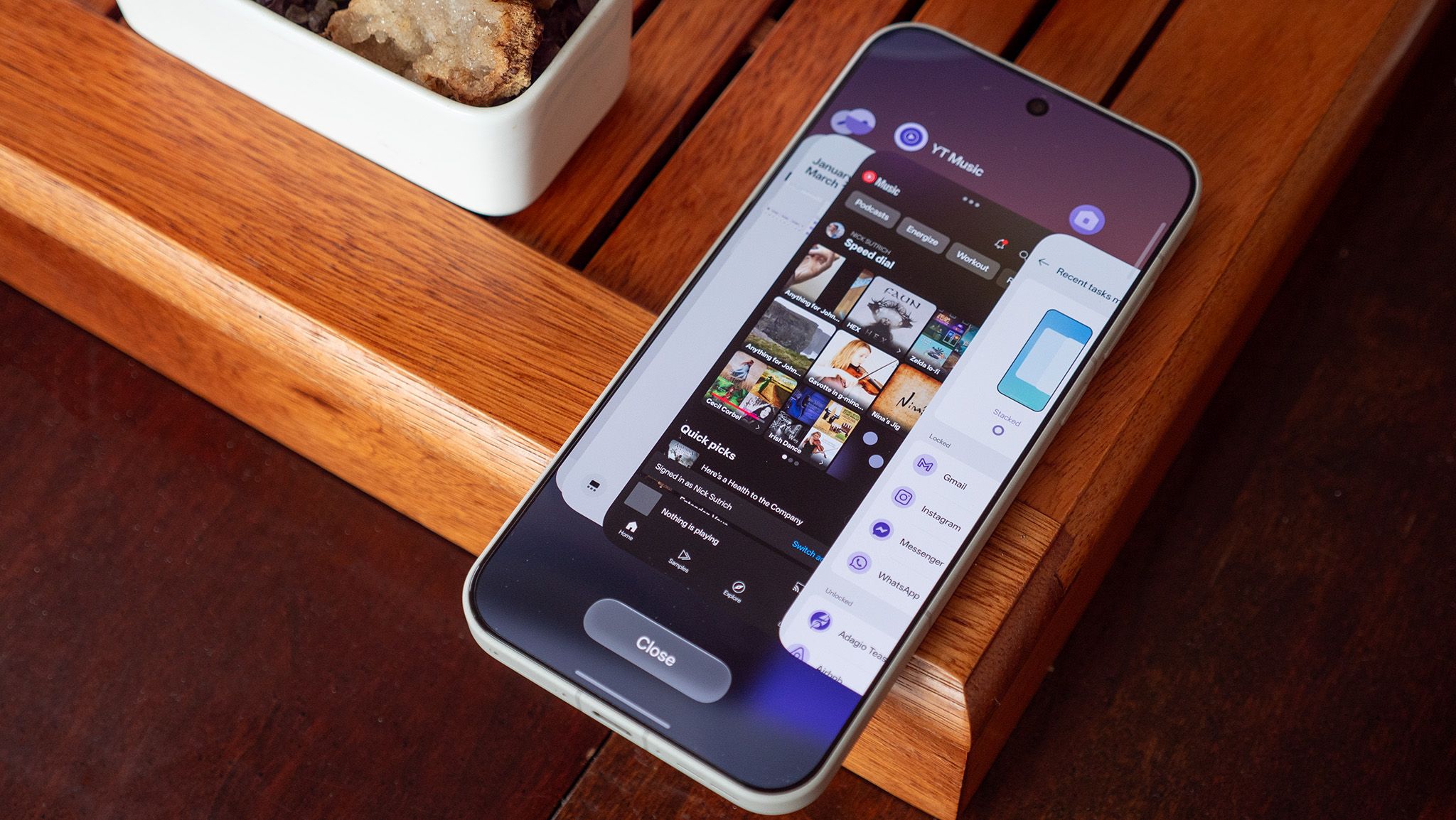
I just got my OnePlus 15 back from a co-worker who was testing the phone, and after setting it up, I was horrified by the new Recents multitasking UI. Not only was it a blatant iOS ripoff, but it was a worse design than what OnePlus has employed for years. I wanted the old look back, but I couldn’t find it anywhere in the settings menu, even after searching for everything I thought it might be called.
Turns out, the option to change it back to the “flat” look is still there, but it’s hidden for some absolutely bizarre reason. Most companies adopted the stacked tile look for Recents last year, a design that’s a massive improvement over the garbage stock Android Recents UI, but one that’s far worse than OnePlus’s design, which I’ve long called the best multitasking UI on any phone.
Get the good task switcher back on any OnePlus phone running OxygenOS 16:
1. Open up the Recents UI by tapping the Recents key on your navigation bar or by swiping up on the home bar without taking your finger off the screen for a second.
Article continues below
You may like
2. Press and hold on the Close button.
3. Select Flat from the options up top.
(Image credit: Nicholas Sutrich / Android Central)
After a bit more digging, I found out that this same settings menu can be found by pinching on the home screen, selecting home screen settings, then selecting Manage Apps at the bottom.
Either way, you get the job done; this setting re-enables the classic, blazing-fast OnePlus multitasking UI. If you ever want to “lock” an app in memory, you can also do it from this screen. That’ll keep apps readily available in memory even if you have a bunch of stuff going on at once.
OnePlus’s classic UI is best
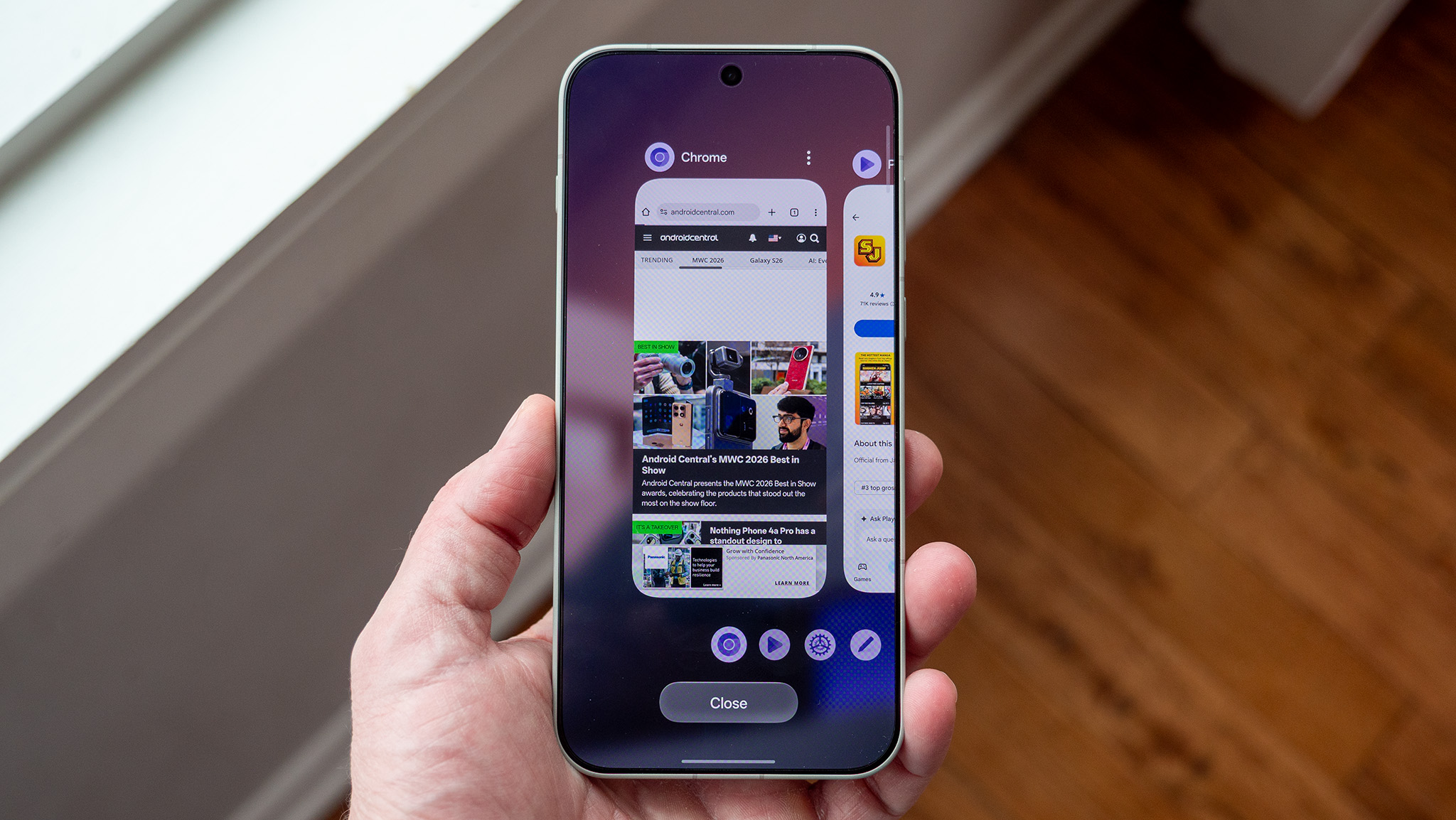
(Image credit: Nicholas Sutrich / Android Central)
For some reason, 2025 was the year that most Android manufacturers decided to adopt a split notification shade and…

![Gemini overlay rolls out Dynamic Color, integrates ‘Screen content’ [U]](https://i0.wp.com/9to5google.com/wp-content/uploads/sites/4/2026/05/gemini-overlay-3.jpg?resize=1200%2C628&quality=82&strip=all&ssl=1 "Gemini overlay rolls out Dynamic Color, integrates ‘Screen content’ [U]")