Android Phones Gain AirDrop Compatibility On Pixel 10

Android Phones Gain AirDrop Compatibility On Pixel 10
https://www.findarticles.com/android-phones-gain-airdrop-compatibility-on-pixel-10/
Publish Date: 2026-03-21 23:02:00
Source Domain: www.findarticles.com
Android users have long envied the tap-and-go convenience of AirDrop. Now, in a notable interoperability move, Google’s Quick Share can hand off files directly to AirDrop — but only on a small club of devices. If you’re holding a Pixel 10 series phone, you can beam photos, videos, and documents to an iPhone or Mac almost as seamlessly as iPhone-to-iPhone transfers. Here’s what changed, which models work, and exactly how to do it.
What Changed in Quick Share and Why It Matters Now
Quick Share, Google’s built-in proximity sharing tool, now discovers nearby Apple devices and completes the transfer through AirDrop on the receiving side. The handshake happens locally using Bluetooth for discovery and Wi‑Fi for the actual transfer, mirroring how both ecosystems already move files at high speed without a data connection.
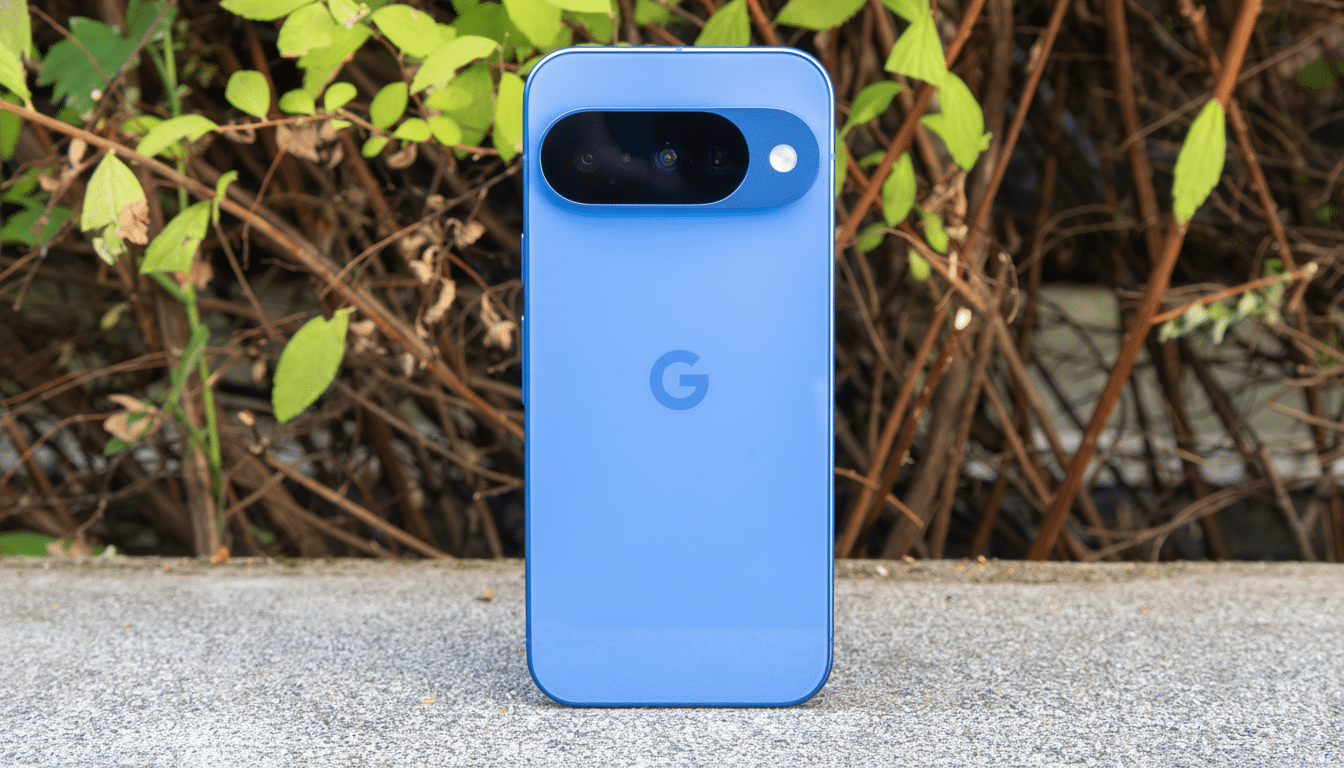
This matters because mixed households and workplaces are the norm. Analysts at Counterpoint Research estimate Android powers roughly 70% of smartphones worldwide, meaning cross‑platform sharing is no longer a fringe need. By letting Quick Share and AirDrop speak to each other, Google and Apple lower one of the most frustrating walls between platforms.
Which Android Phones Actually Support It
Only Google’s Pixel 10 series currently supports Quick Share‑to‑AirDrop transfers. If you have an earlier Pixel or a non‑Pixel Android phone, you won’t see nearby iPhones or Macs in Quick Share yet.
On the Apple side, any recent iPhone, iPad, or Mac with AirDrop enabled can receive. The recipient must have Bluetooth and Wi‑Fi on and AirDrop set to either Contacts Only or Everyone for 10 Minutes. If AirDrop is set to Contacts Only and you’re not in the recipient’s contacts with a matching email or number, the iPhone won’t appear — switch to Everyone for 10 Minutes in Control Center when in doubt.
How To Use Quick Share To Send To AirDrop
- On your Pixel 10, open Quick Settings and make sure Quick Share is toggled…

![Gemini overlay rolls out Dynamic Color, integrates ‘Screen content’ [U]](https://i0.wp.com/9to5google.com/wp-content/uploads/sites/4/2026/05/gemini-overlay-3.jpg?resize=1200%2C628&quality=82&strip=all&ssl=1 "Gemini overlay rolls out Dynamic Color, integrates ‘Screen content’ [U]")