Here’s how I turned my old Android phone into a PC performance dashboard
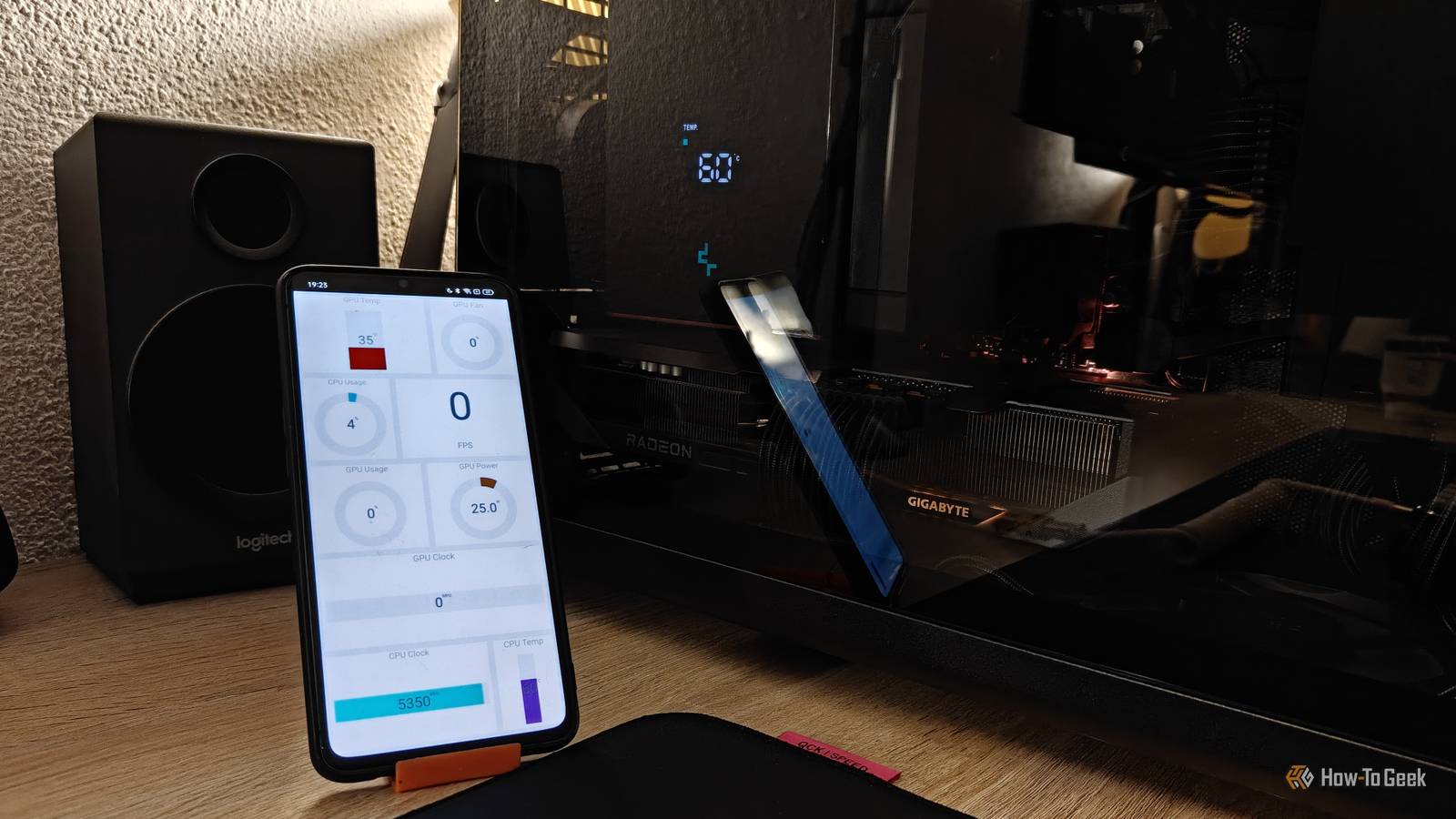
Here’s how I turned my old Android phone into a PC performance dashboard
https://www.howtogeek.com/heres-how-i-turned-my-old-android-phone-into-a-pc-performance-dashboard/
Publish Date: 2026-03-15 13:00:00
Source Domain: www.howtogeek.com
PC gamers love keeping an eye on their CPU, GPU, and other resource usage and temperatures during intense gaming sessions. While a secondary monitor can handle this easily, I prefer to turn mine off completely so it doesn’t distract me while I game.
Since I still wanted to monitor my resources without relying on in-game overlay menus, I considered buying an aftermarket display—and that’s when it hit me: I could just repurpose my old phone instead.
An old phone can be a better PC dashboard than anything you’d buy
For starters, it’s probably got an awesome display
There’s no shortage of dedicated PC performance monitors on the market. Many can be used both inside and outside your case, and they can draw power from a standard USB port on the back of your PC or from your motherboard’s internal USB headers.
Regardless of which type you choose, you’ll have to spend money to get one (shocker).
For reference, nicer performance displays like the 8.8-inch model from Lian Li can set you back a pretty penny—it costs a whopping $85. It’s a large, attractive display, but for that kind of money, I could just buy a powerful 360 mm liquid cooler with a built-in screen instead.
Cheaper alternatives, like this $35 3.5-inch ASHATA model, do exist, but they often require installing half-baked third-party software that you need to grant with deep system access just to monitor your hardware. Not to mention the display itself is rather tiny and offers some truly hideous layouts for showing metrics.
…
Source