iOS 26 adds new ‘Preview’ app on iPhone, here’s how I’m using it

iOS 26 adds new ‘Preview’ app on iPhone, here’s how I’m using it
Publish Date: 2026-03-03 17:00:00
Source Domain: 9to5mac.com
iOS 26 brought two brand new apps to the iPhone’s Home Screen, here’s how I’m using one of them: the Preview app.
Preview app expands beyond the Mac with iOS 26 and iPadOS 26
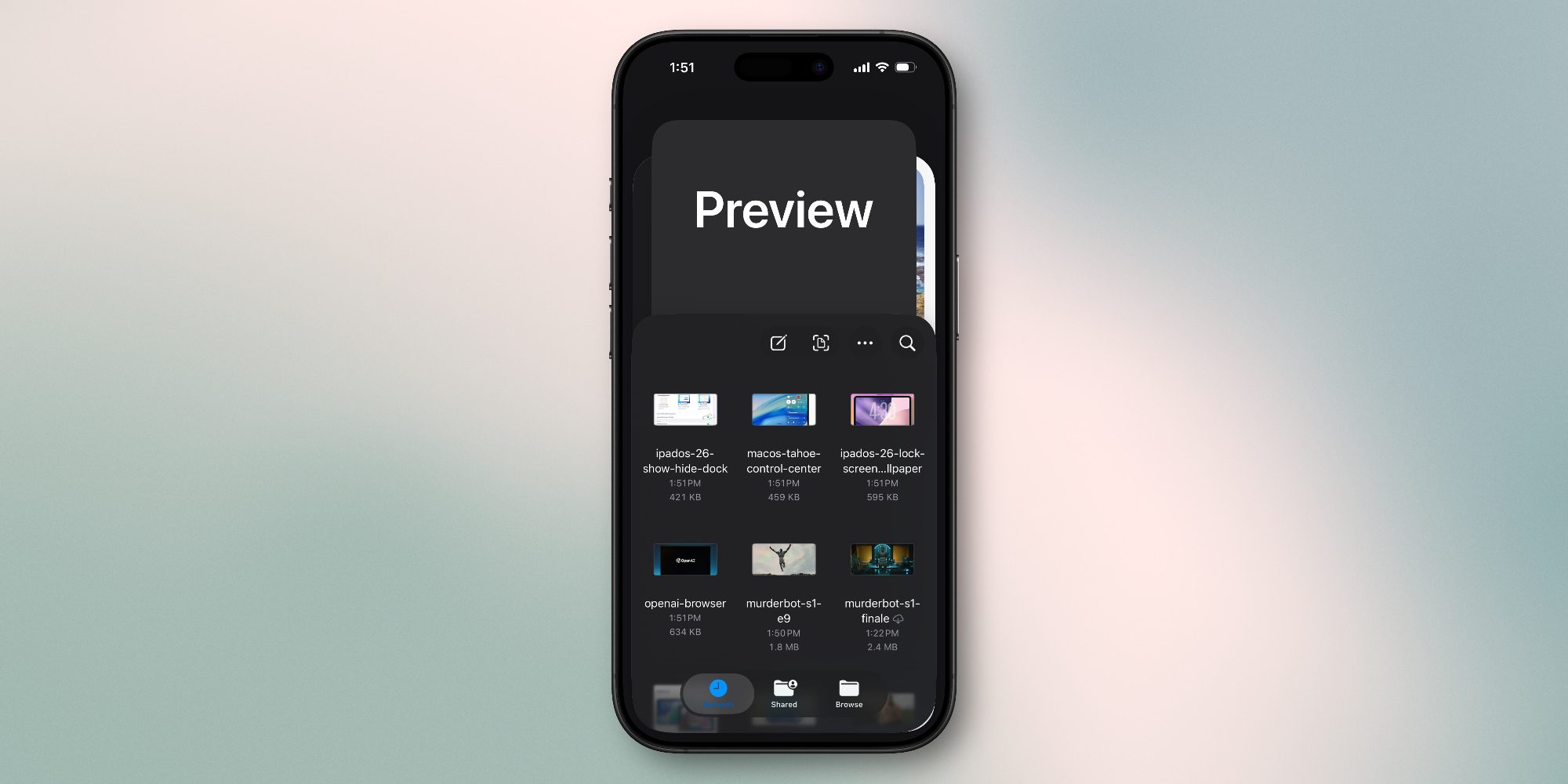
Apple adds new features to iOS all the time, but it’s not as common that we get brand new system apps. In iOS 26 though, there are two: Preview and Apple Games.
The Preview app is inspired by Preview on the Mac, offering a dedicated hub for PDF and image viewing and edits. It’s now available on both iPhone and iPad via iOS 26 and iPadOS 26.
Here’s how Apple describes the new app:
Preview comes to iPad, giving users a dedicated app for creating a quick sketch, as well as viewing, editing, and marking up PDFs and images with Apple Pencil or by touch. Users can access all of their PDFs and images in the Files app right from Preview, create an empty page, use Apple Pencil to draw and write on it, and use AutoFill to quickly fill out PDF forms.
I’ve been using Preview since the first iOS and iPadOS 26 betas last June. I initially wasn’t sure how much value could be added to what the Files app already offered, but I’ve grown to appreciate having Preview available as a standalone app.
What I’m using Preview for today
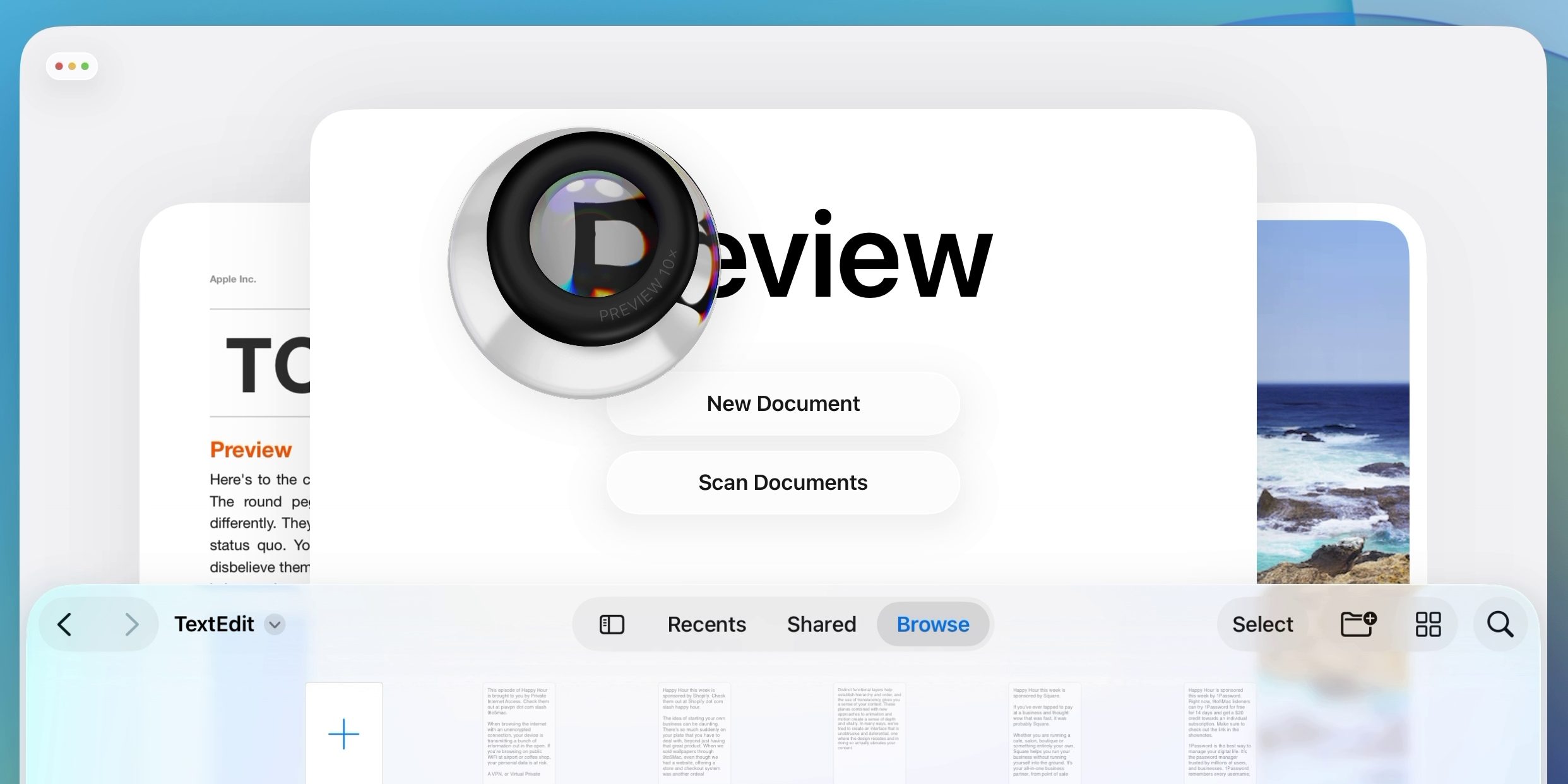
Before iOS 26, PDFs and images saved inside the Files app would launch right in that same app. Most other file types, however, open in separate dedicated apps. For example, documents for Pages, Keynote, and Numbers are all saved inside Files, but launch inside those separate apps.
I’ve found several advantages to using the separate Preview app in iOS 26.
One is that it makes it easier to manage multiple documents on your iPhone and iPad.
I’ve had to deal with a lot more documents than usual lately as part of a home buying process. And in iOS 26, it’s been easier to access and view those various PDFs right on my iPhone.
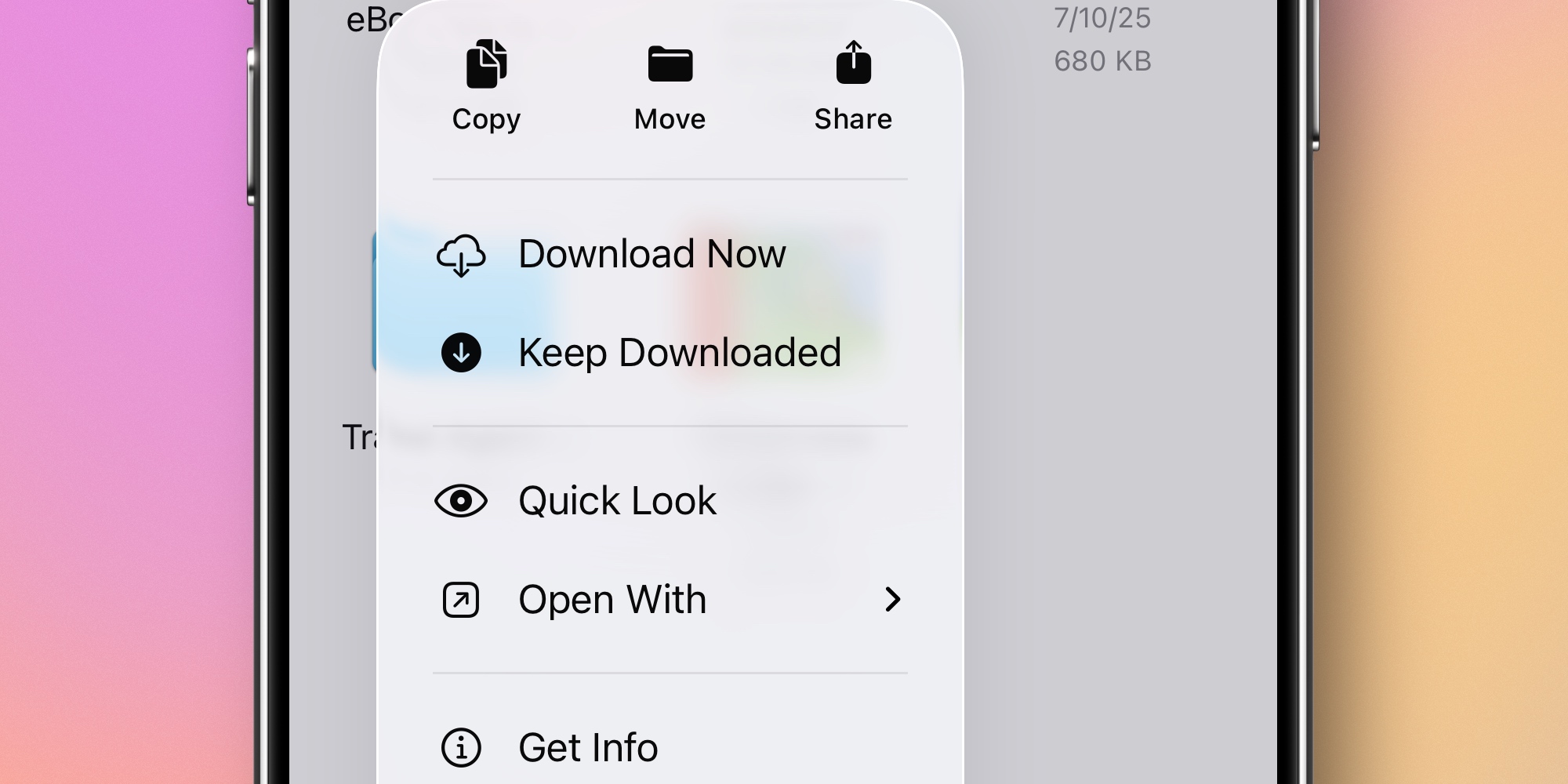
This is partly due to the Files app’s ‘Quick Look’ function.
Even…